
Safari 27 ships an MCP server that lets coding agents drive the browser
Safari 27.0 includes a Model Context Protocol server, so an agent can read the DOM, network requests and console output from a real Safari window.
Safari 27.0 includes a Model Context Protocol server that lets an external coding agent control a Safari window, Apple confirmed in a WebKit blog post on 17 September.
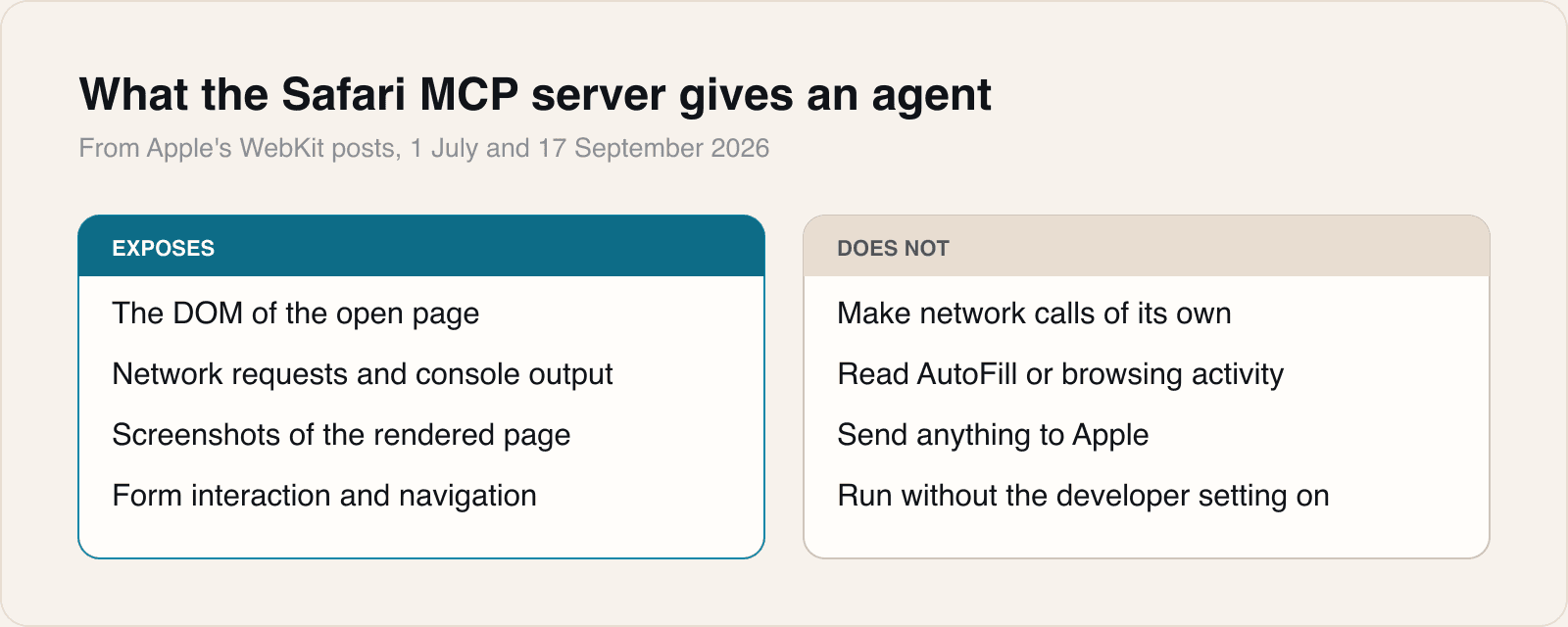
The server exposes what a developer would otherwise copy by hand: the page's DOM, network requests, console output and screenshots of the rendered page, along with tools for navigating, filling forms, evaluating JavaScript and checking accessibility. Apple's July post introducing the feature lists fifteen tools and names Claude Code and Codex as examples, while saying any MCP-compatible client can connect. It is switched on through Safari's settings: tick Show features for web developers under Advanced, then Allow remote automation and external agents under Developer. The agent is connected by pointing it at safaridriver with an mcp flag.
Apple is specific about the boundaries. The server, in its words, runs entirely on your local machine, makes no network calls of its own, and has no access to AutoFill or other browsing activity. Captured data goes to the agent being run rather than to Apple.
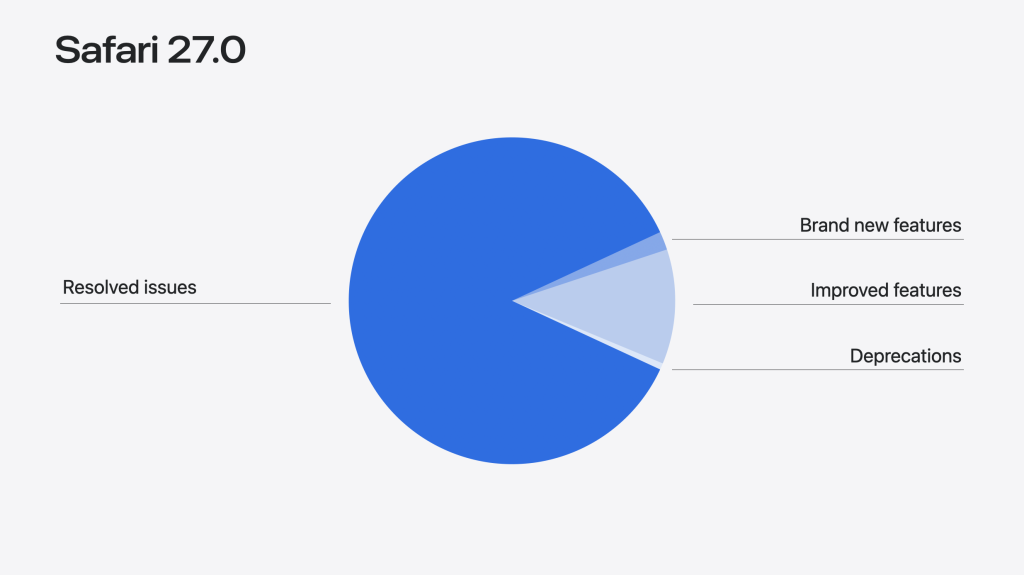
The same post puts the MCP server in a larger release. Apple counts 83 new features and 844 resolved issues in Safari 27.0, against the 58 features and 525 fixes announced at WWDC in June, and says quality work makes up 86 per cent of the release. Other additions include the HTML model element arriving on iOS, iPadOS and macOS after being limited to visionOS, immersive environments for visionOS, scroll anchoring to stop pages jumping when something loads above the viewport, and Web Inspector changes such as colour contrast readouts and visible redirect chains.
What the server exposes
Our take
Browser automation for agents is not new, and that is rather the point. Until now an agent checking how a page rendered was almost certainly checking it in Chrome, because that is what the available tooling drove. Safari has been the browser people test last and debug least, and a real WebKit rendering has been the awkward thing to obtain. A first-party server changes the cost of looking.
It matters most for the bugs that only appear in WebKit. Safari on iOS is the only engine on that platform, so a layout that breaks there breaks for every iPhone user regardless of which browser they installed. Those are exactly the bugs that survive a Chrome-only workflow, and now an agent can be pointed at the engine where they live.
We would treat the setting itself with more care than Apple's post implies. Allow remote automation and external agents is the same door WebDriver uses, and it means any local process that can reach safaridriver can drive the browser. Apple's assurances are about what its server does, not about what the agent on the other end does with what it sees. A page open in that window shows its rendered contents, and on a developer's machine that can include a staging environment behind a login.
Our own rule is to switch it on in a separate Safari profile for development, keep signed-in sessions out of it, and turn it off afterwards. That takes a minute and removes the only real objection to using it.
For anyone who does not write web code, the interesting part is smaller and still real. An engine that fixes 844 issues in one cycle, and spends 86 per cent of a release on quality, is being maintained rather than merely shipped. Scroll anchoring in particular is the sort of fix a reader notices without ever knowing its name: the page stops jumping while an image loads above what you are reading.
Sources
 WebKit Features for Safari 27.0WebKit, 2026-09-17
 Introducing the Safari MCP server for web developersWebKit, 2026-07-01
 WebKit blog breaks down what's new with Safari 27 for developers, including MCP support9to5Mac, 2026-09-18
Reporting and images linked above belong to their respective publishers and are shown from their own servers. The analysis here is our own.