watchOS 27 moves discovery into the Smart Stack
The Smart Stack now suggests widgets contextually and opens them with a one-handed tap. On the watch, that is where your app gets found.
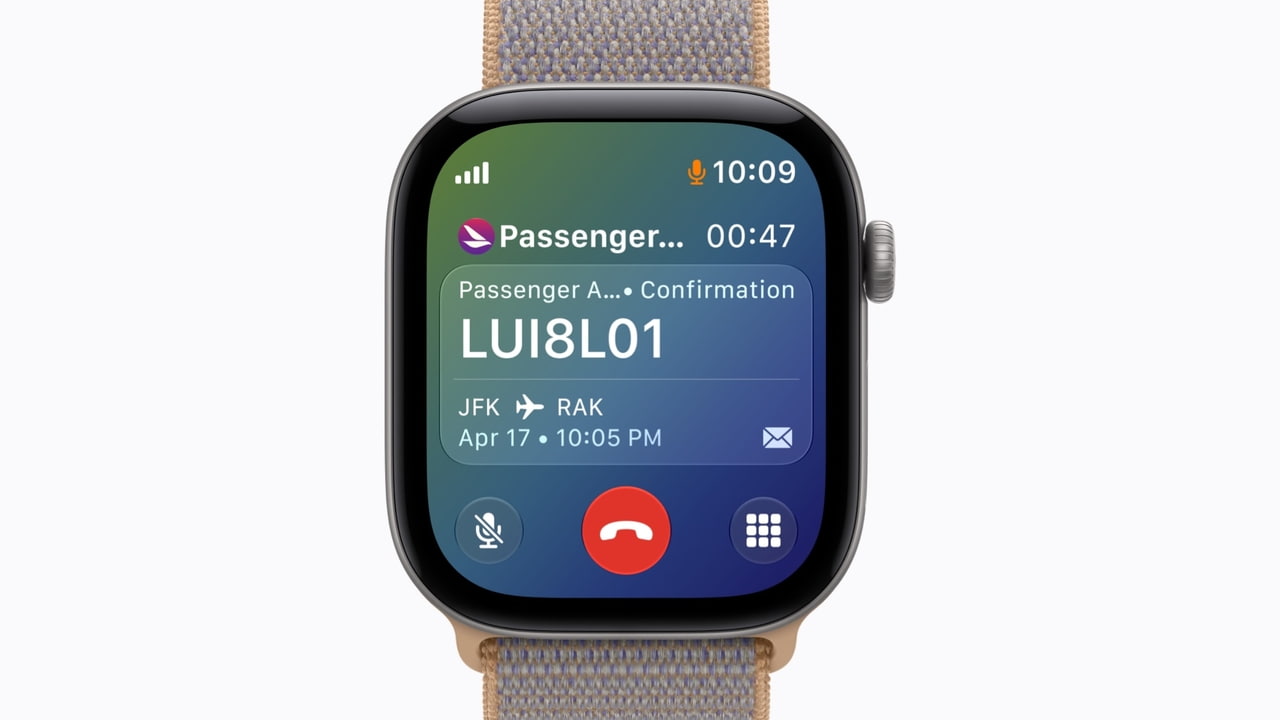
watchOS 27 arrived on 14 September for Apple Watch Series 9 and later, Ultra 2 and later, and the SE 3 when paired with an Apple Intelligence capable iPhone. The Smart Stack now suggests widgets based on context and opens a suggested widget with a new single-handed tap gesture. Workout Buddy works without the iPhone nearby and has added Spanish, and there is a dedicated Siri app with conversations synced through iCloud.
The Smart Stack change is the one that should affect how you build, because it moves the watch further away from being a place where people launch apps.
Nobody browses an app grid on a watch
The honest description of watch usage is a few seconds, one hand, often while moving. Navigating a grid of small circular icons does not fit that, and never has.
What fits is the thing that is already on screen when you raise your wrist. The Smart Stack has been drifting toward being that surface for several releases. Contextual suggestion plus a one-handed open is the point where it becomes the primary route to most watch functionality.
What this means for a watch build
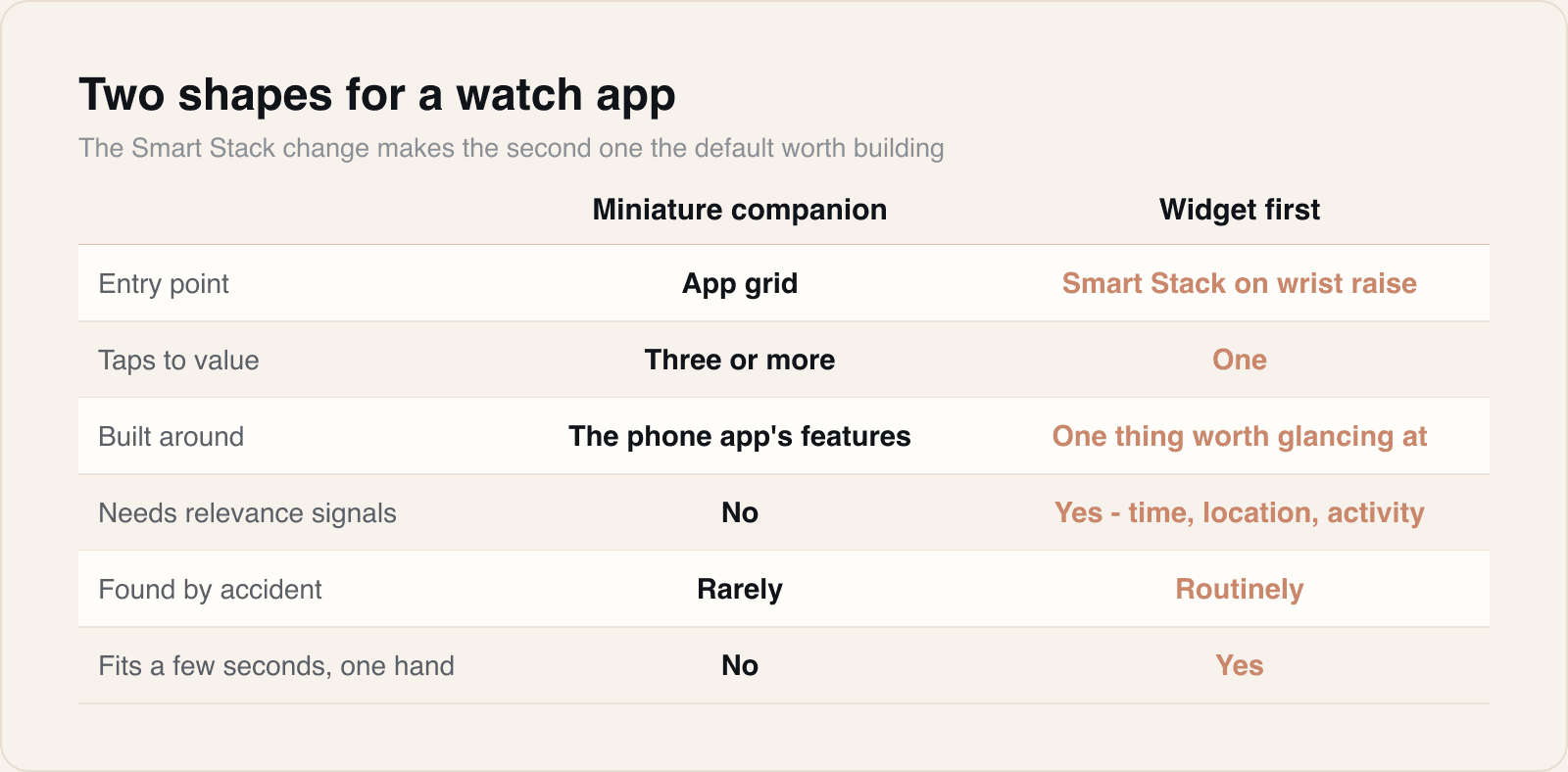
For years the default scope for a watch companion has been a miniature version of the phone app. That was never good, and it is now actively the wrong shape.
- Lead with the widget. Decide the single most valuable thing your app can show in the Smart Stack and build that first.
- Make relevance explicit. Contextual suggestion depends on your app declaring when it matters, so time, location and activity signals stop being optional.
- Keep the tap target honest. A one-handed tap should land on the thing the widget is about, not on a launcher screen.
- Design for glance duration. If the widget needs reading rather than scanning, it is doing too much.
On the watch, the widget is the app. The app is the settings screen.
It changes the estimate too
This is worth raising in scoping, because it usually makes the work smaller. A well-chosen widget plus one focused detail view is less effort than a faithful port of a phone interface, and it produces something people actually use.
The harder part is not engineering. It is getting agreement on what the single most valuable glance is, which is a product conversation that tends to reveal the client has never asked it about the phone app either.
Sources
Reporting and images linked above belong to their respective publishers and are shown from their own servers. The analysis here is our own.