Motiva: Motivation & Quotes
Daily quotes, wallpapers and widgets for iPhone
Motiva is our own iPhone app: a daily motivation quote, a gallery of HD and 4K wallpapers, a quote designer and home and lock screen widgets.
Get Motiva on the App StoreSpecifications
- Price
- Free
- Category
- Health & Fitness
- Latest version
- 2.4
- Requires
- iOS 26.0 or later
- Size
- 29.7 MB
- Languages
- English
- Age rating
- 4+
- Updated
- 10 June 2026
Inside the app
What you get, screen by screen
Features
Eight things it does, and what each is for
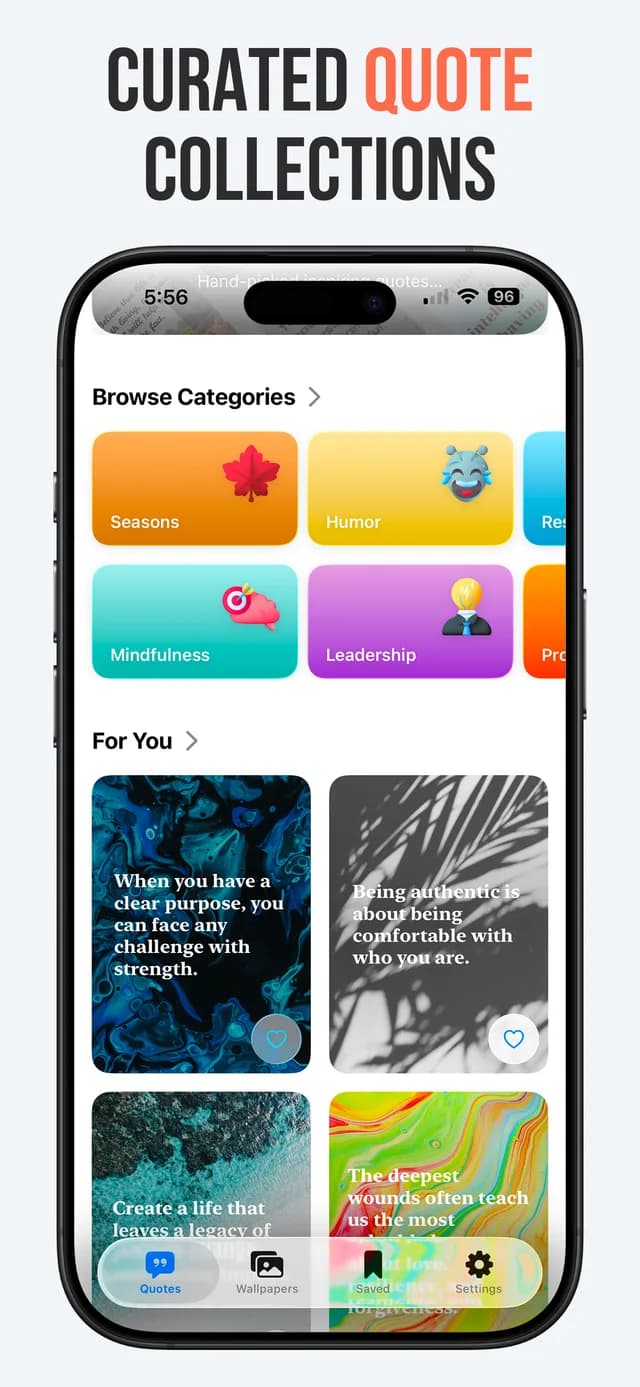
A quote a day, by category
Thousands of quotes grouped by what you are actually trying to do: self-growth, success, love, focus, calm and productivity. You pick the categories, and the app draws from those rather than from everything at once.
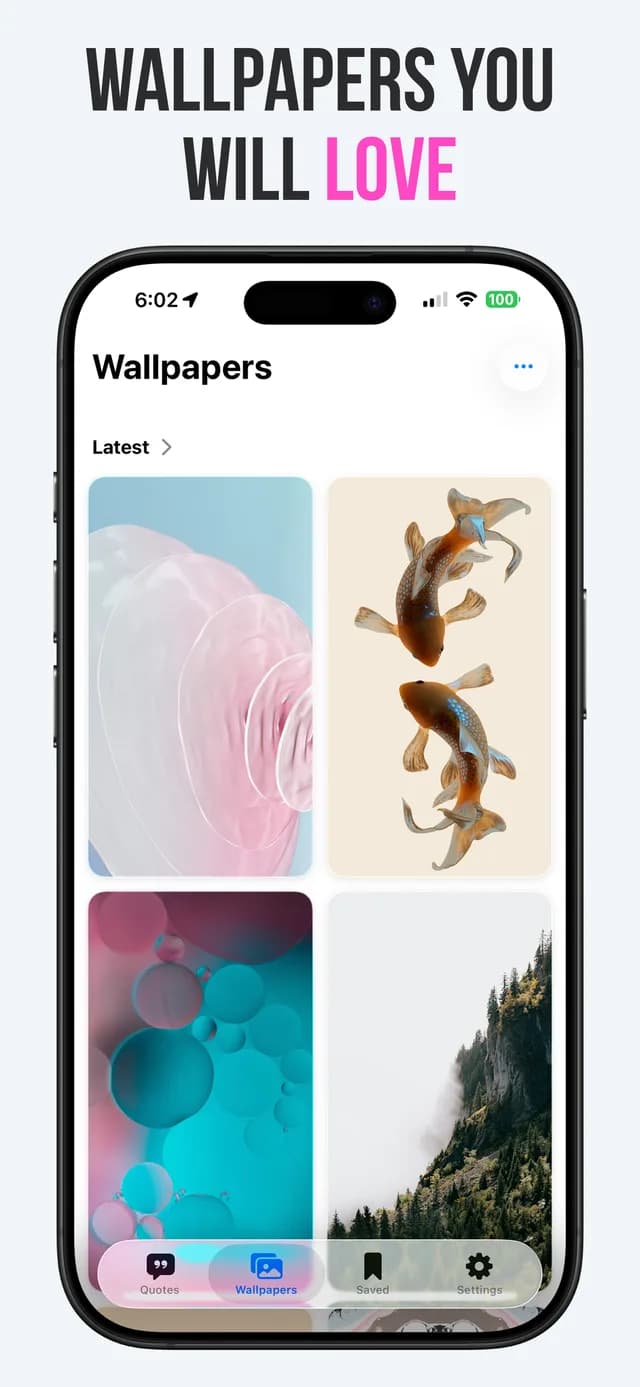
Wallpapers built for the lock screen
A gallery of HD and 4K wallpapers composed for where the clock and the widgets sit, so the subject is not hidden behind the time. Like, bookmark, download or share any of them.
A quote designer, not a template picker
Write your own text, then choose the typeface, the colours and the background. The result is an image you can set as a wallpaper or send to someone, and it does not carry a watermark.
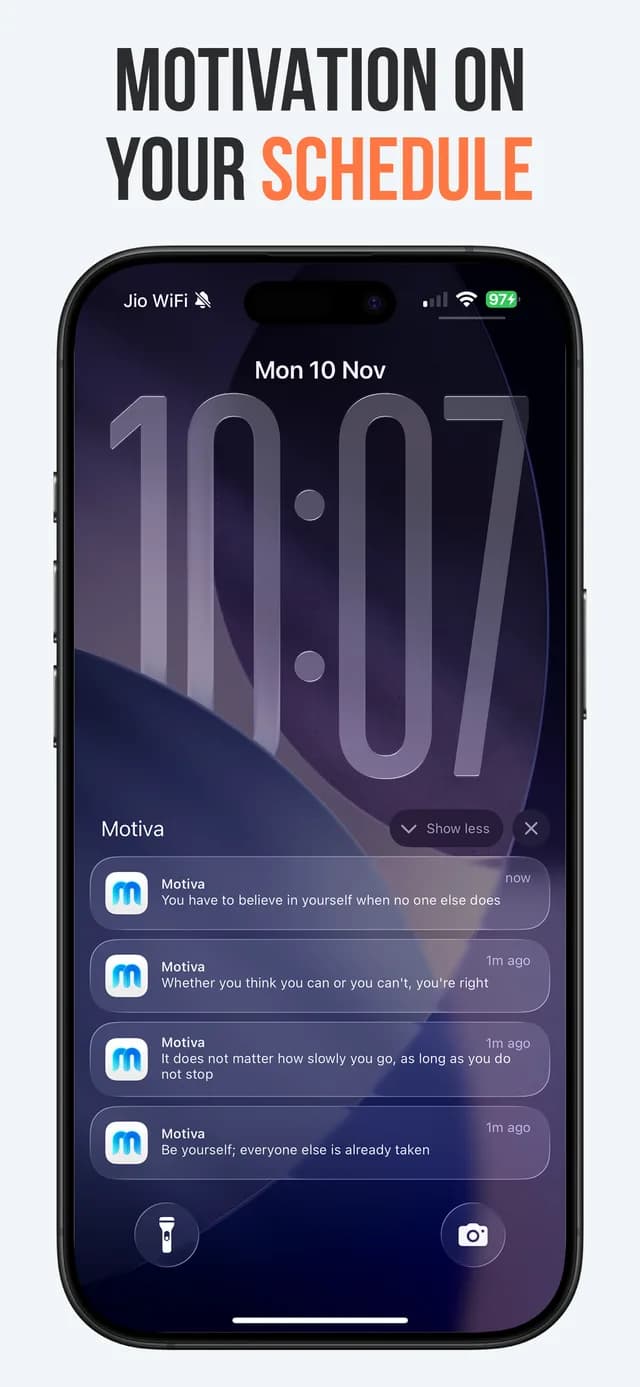
Reminders you can actually live with
One, three or five notifications a day, inside a window you choose: Work Hours, Full Day, Extended or Focused. The point of the window is that a motivation app should not wake you at 3am.
Home and lock screen widgets
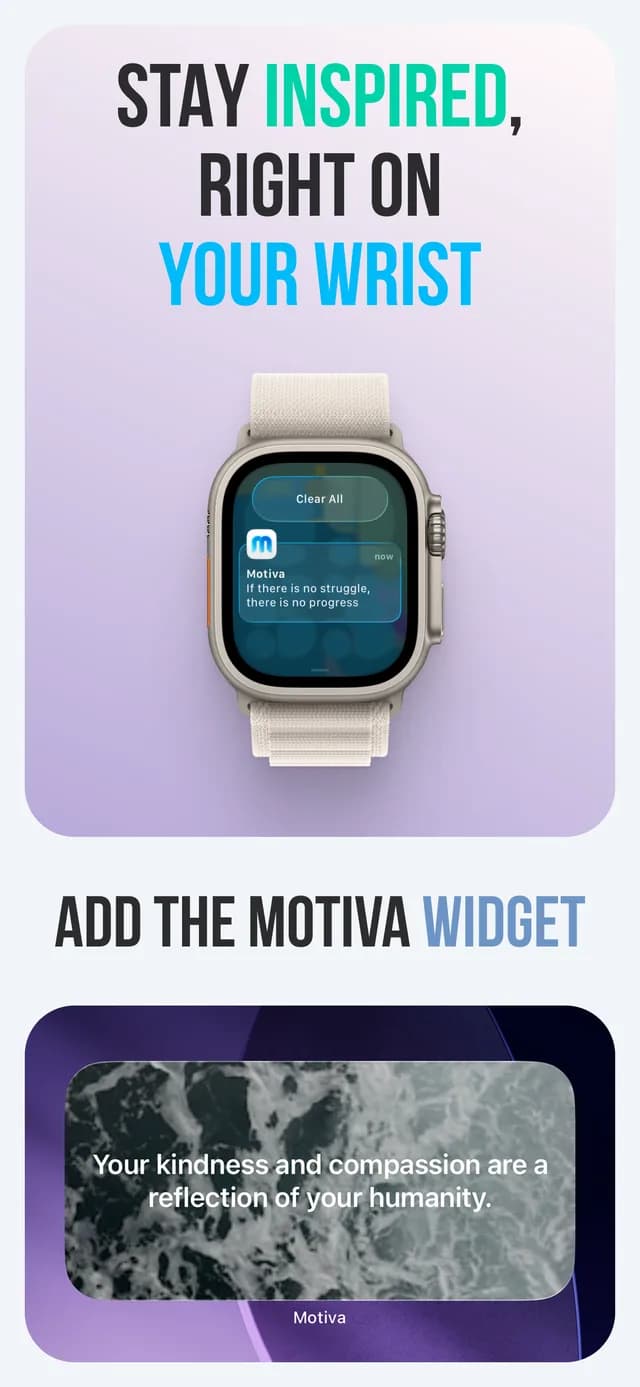
Several sizes for both screens, so the quote is on the phone rather than inside an app you have to remember to open. This is the feature most people end up using every day.
Stories written on device
Apple Intelligence turns a quote into a short piece of writing around it. It runs on the device, and it needs the hardware Apple Intelligence needs: an iPhone 15 Pro or later, or a Mac with an M1 chip or later.
Collections that stay yours
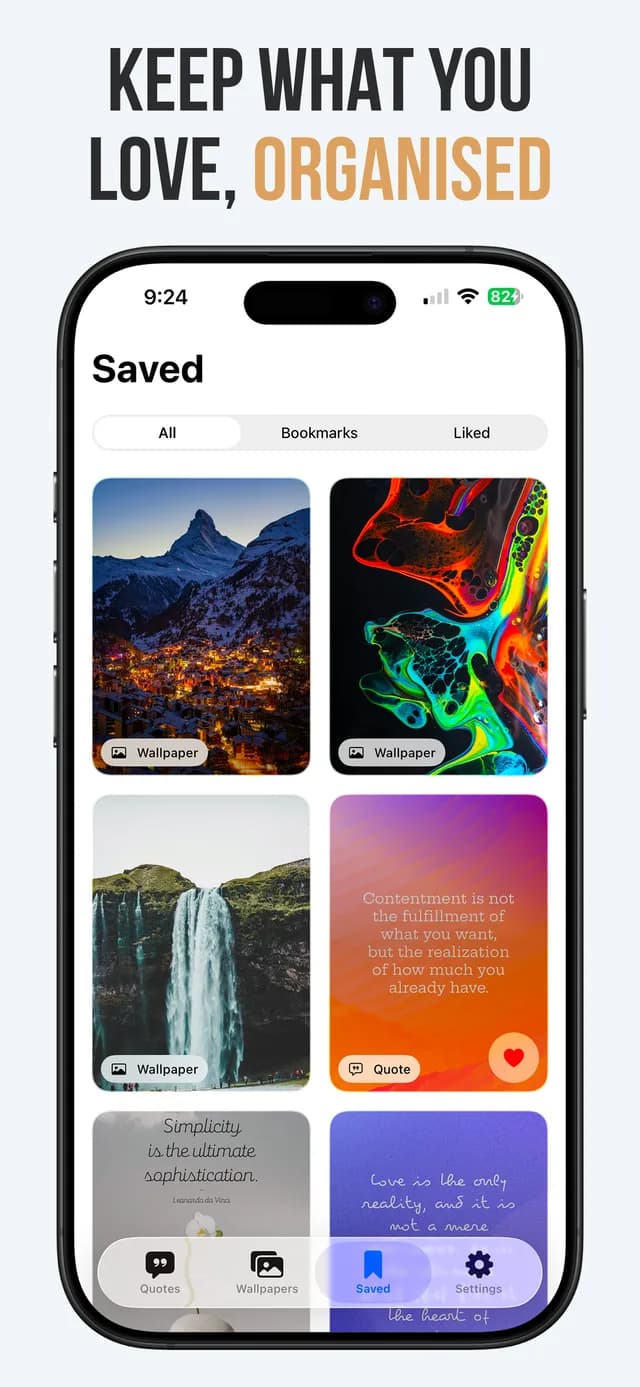
Everything you keep lands under All, Bookmarks or Liked. There is no account to create and nothing to sign in to before the app is useful.
VoiceOver and a dark interface
The app is navigable with VoiceOver and reads quotes aloud, and the dark interface is a real theme rather than an inverted screen.
Questions
Before you download
- Is Motiva free?
- Yes. Motiva is a free download on the App Store and there is no account to create before you can use it.
- Which iPhones can run Motiva?
- Any iPhone running iOS 26 or later. Motiva also runs on a Mac with an M1 chip or later, and on Apple Vision Pro with visionOS 26 or later.
- Do I need Apple Intelligence to use Motiva?
- No. Quotes, wallpapers, the quote designer, reminders and widgets all work without it. Only the generated stories need Apple Intelligence, which means an iPhone 15 Pro or later, or a Mac with an M1 chip or later.
- Can I put a quote on my lock screen?
- Yes, two ways. Add a Motiva widget to the lock screen, or download a wallpaper and set it in the Settings app as you would any other picture.
- How many notifications does Motiva send?
- As many as you ask it to: one, three or five a day. You also choose the window they arrive in, from Work Hours through to a Focused window.
- Who makes Motiva?
- AppDook, a software studio in Surat, India. Motiva is our own app rather than client work, which is why it sits here and not under our case studies.
Start a project
Tell us what you are trying to build
Send a short description of the problem. We will reply within two working days with questions and an honest view of the approach - not a pitch deck.