
Ask to Browse changes how child accounts use your app
New parental controls landed with iOS 27. If your app opens web pages or lets users share media, its behaviour on a child account just changed.
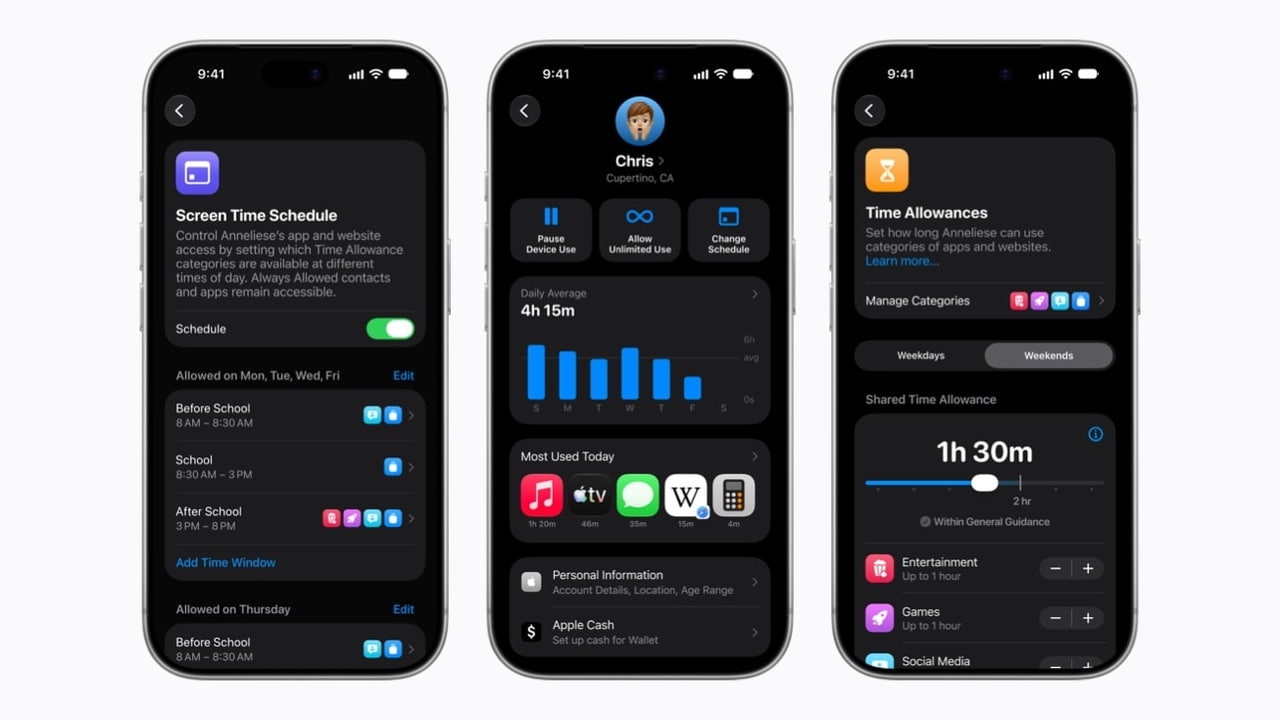
Alongside the 14 September releases, Apple shipped a set of child account changes across iOS 27, iPadOS 27 and macOS 27. Child account setup is simplified, Communication Safety now covers gore and violent content in shared photos, videos and FaceTime, Screen Time gained Time Allowances tailored by age across Social Media, Entertainment and Games, and a feature called Ask to Browse requires a parent to approve new websites before a child can open them. The work was informed by outside experts including the American Academy of Pediatrics.
The reporting does not name any new developer API, and we are not going to invent one. What follows is our own reading of what changes for an app already in the store.
Ask to Browse is the one to test
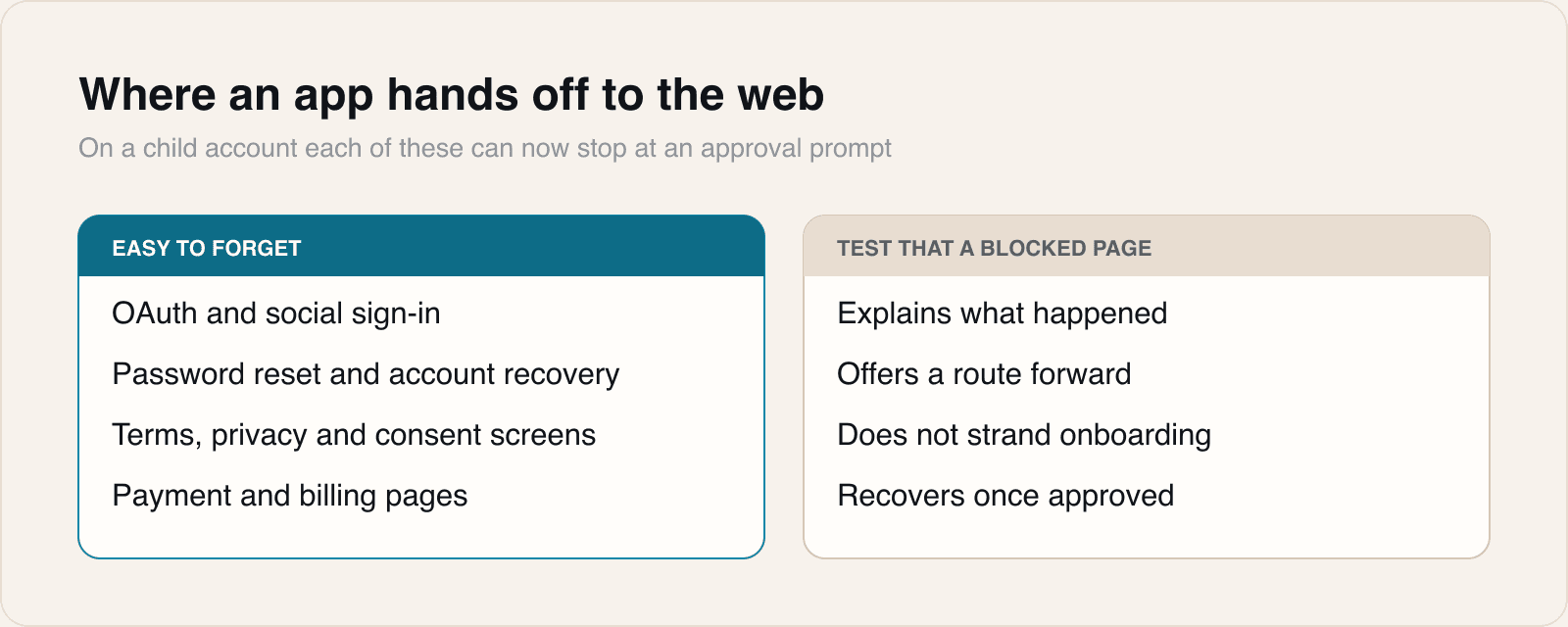
Plenty of apps open the web without thinking of themselves as browsers. A help link, a terms page, a password reset, an OAuth sign-in, a payment page, a support chat widget, a link in user-generated content.
On a child account where a parent must approve new sites, any of those can now stop at an approval prompt. The failure mode we would expect is not a crash. It is a user stuck partway through onboarding, on a screen your designers never drew, with no route forward and no explanation.
That is worth an afternoon of testing rather than a guess.
How to test it properly
- Create a real child account in a Family Sharing group. Every device in that group needs to be on OS 27 for the new Screen Time behaviour, which is itself worth knowing before you start.
- Walk the full first-run flow, including sign-in and any legal or consent screens, and note every point the app hands off to the web.
- Check that a blocked or pending page leaves the user somewhere they can act, not on a dead end.
- Repeat for account recovery, which is usually the least tested path and the most likely to be entirely web-based.
Shared media is the second area
If your app lets people send each other photos or video, Communication Safety now inspects more categories of content on child accounts. Expect some media to be intercepted before your app sees any interaction with it, and make sure your UI treats that as a normal outcome rather than a failed upload.
The platform is now a participant in your content flow, not a passive pipe.
Why this is worth a client conversation
Most of our clients do not think of themselves as having child users. Many of them do anyway, because a family shares a device or a teenager meets the definition.
The reason to raise it is not compliance theatre. It is that these paths fail quietly, they fail for the users least able to report the problem clearly, and they are cheap to check now while the release is new.
Sources
 Apple Releases New Child Safety and Screen Time FeaturesiClarified, 2026-09-14
 Apple Officially Releases macOS 27 Golden GateiClarified, 2026-09-14
Reporting and images linked above belong to their respective publishers and are shown from their own servers. The analysis here is our own.