
watchOS 27 removes the Digital Crown double-click app switch, on every Apple Watch
Double-clicking the Digital Crown no longer jumps to the last app in watchOS 27. The gesture now belongs to Live Rewind, which only two new watches get.
watchOS 27 has removed the shortcut that let Apple Watch owners double-click the Digital Crown to jump back to the previous app.
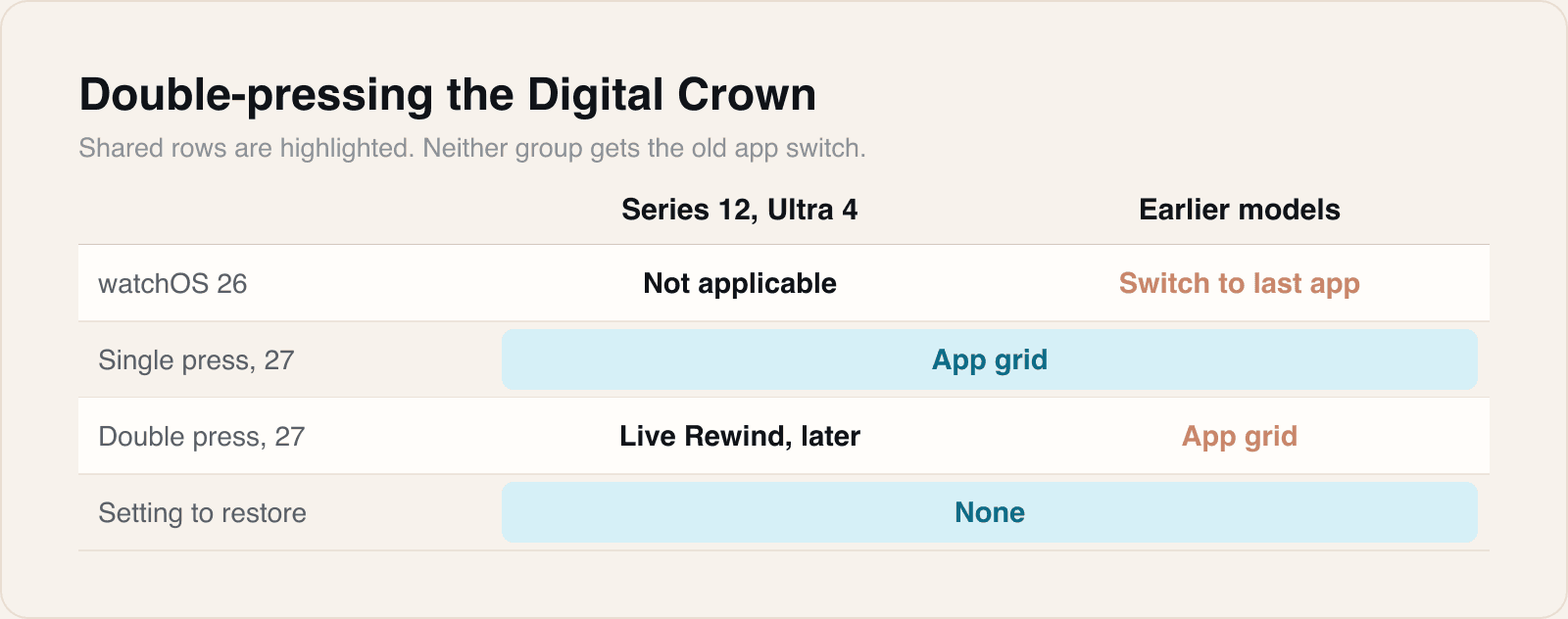
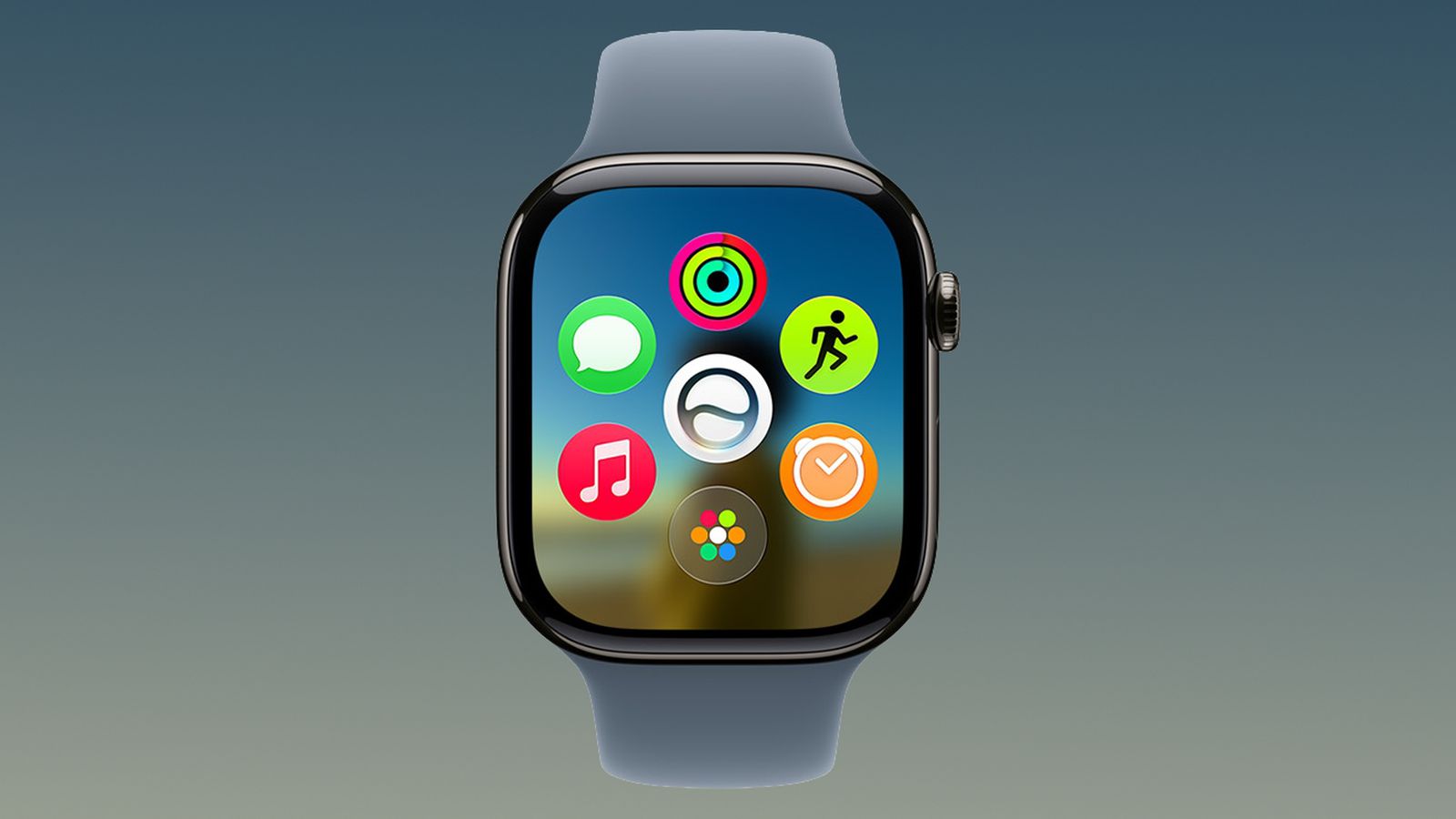
In watchOS 26, a quick double-click switched between the current app and the one used before it, or between the watch face and the last app. MacRumors and 9to5Mac both report that after updating to watchOS 27, released on 14 September, the double-click opens the new dynamic app grid, which is exactly what a single press does. Both say there is no setting to bring the old behaviour back.
The gesture has been reassigned to Live Rewind, part of a new group of Audio Intelligence features. According to Apple's support document, Live Rewind shows a text snippet of the last 15 seconds of speech the watch heard. It works only on Apple Watch Series 12 and Apple Watch Ultra 4 paired with an iPhone 16 or later, and arrives as a beta later this year, in English first. The new watches go on sale on 18 September, so Live Rewind will not be there on day one.
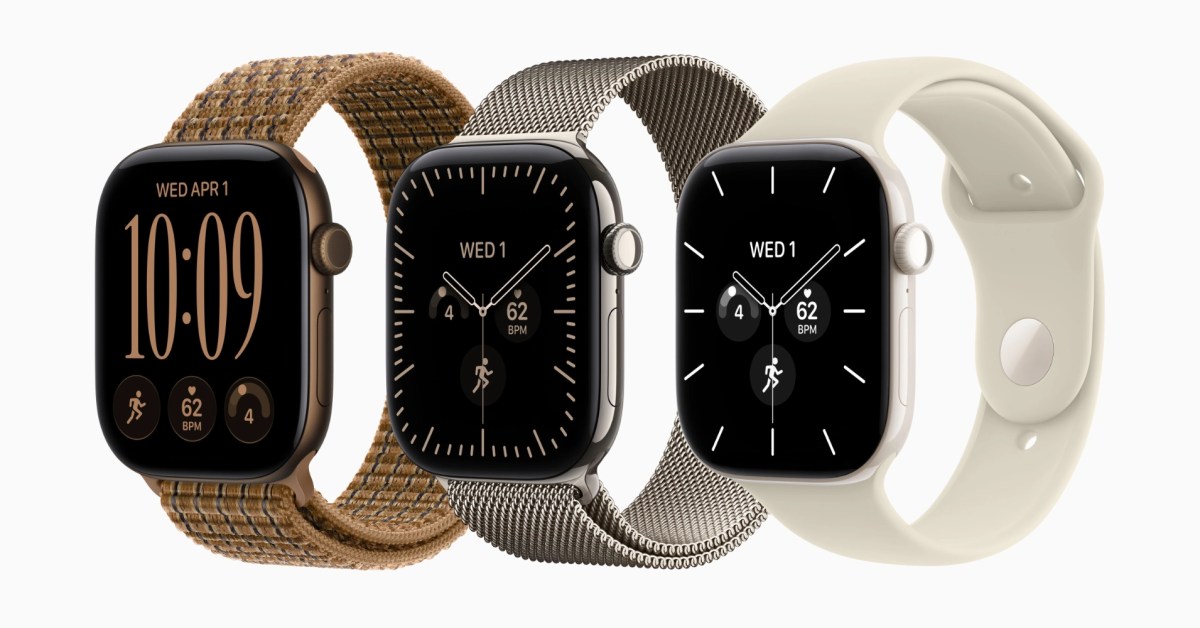
Apple's document describes the double-press as deliberately distinct. Activating Live Rewind plays a chime from the watch speaker, even in silent mode, and shows a full-screen animation and a microphone indicator, so people nearby know it is running. Owners can turn the feature off in the Watch app or in Control Center. It is not available to users under 13. 9to5Mac notes that the Series 11, Ultra 3, SE 3 and earlier models will not get Live Rewind at all.
What the double-click does now
Our take
Taking a gesture for a new feature is ordinary. Taking it from watches that cannot run that feature is harder to defend. On an older watch the double-click now does nothing a single press did not already do, so the shortcut has been removed rather than replaced. That is the part owners will notice, probably while pausing a workout to check a message.
Apple's reasoning is easier to see in its privacy wording than in any feature list. A feature that transcribes what people around you just said needs a trigger nobody fires by accident, and one that people nearby learn to recognise. A double-press that did something else on older watches, or that could be remapped, weakens that signal. We think that explains the choice. It does not explain why the old watches could not keep their shortcut, since none of them will ever run Live Rewind.
Two things remain unknown. Apple's document says Live Rewind can be switched off but does not say what the double-press does on a Series 12 once it is. Neither report says whether Apple plans a setting in a later watchOS 27 update, and both suggest sending feedback. If Apple does add one, the natural shape is a choice between Live Rewind and the app switch on new watches, and the old behaviour back on the rest.
For people who build watch apps, the lesson is small but real. Any flow that assumed users would hop between your app and another one with a flick of the wrist, such as a workout and a music player, now takes more steps. 9to5Mac suggests relying on the app grid's suggestions in the meantime. Until that settles, keep the most common action on the first screen, and do not assume a user can get back quickly.
Sources
- About Audio Intelligence features on Apple Watch Series 12 and Apple Watch Ultra 4Apple Support, 2026-09-10
 Why watchOS 27 removes the useful multitasking feature on Apple Watch9to5Mac, 2026-09-15
 PSA: watchOS 27 Removes This Useful Feature From Your Apple WatchMacRumors, 2026-09-17
Reporting and images linked above belong to their respective publishers and are shown from their own servers. The analysis here is our own.