
AirPods Pro 3 or AirPods Pro 2: what the upgrade gets you, and what you give up
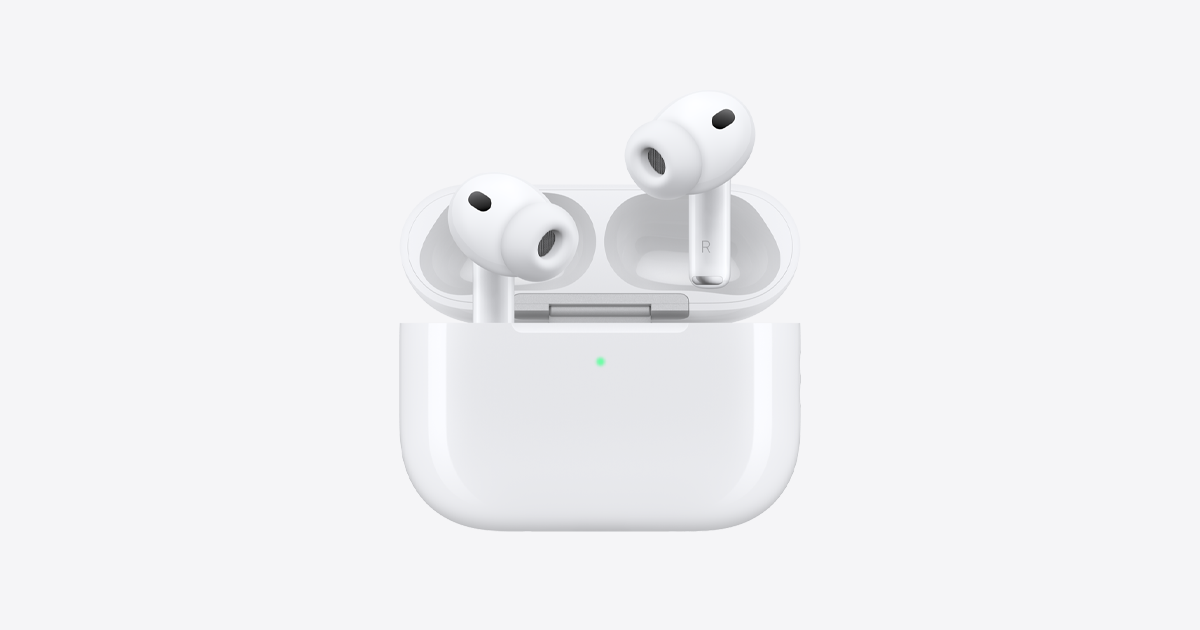
AirPods Pro 3 against AirPods Pro 2, from Apple's own spec sheets: longer earbud battery, heart rate and IP57, but a smaller case total and no cable.
AirPods Pro 3 cost 249 dollars at Apple's US store on 6 October, and AirPods Pro 2 are no longer listed there, so this guide is for people who already own the older pair.
It is built from Apple's technical specifications for AirPods Pro 3 and for AirPods Pro 2 with the USB-C MagSafe case, the last version of the Pro 2 Apple sold. Both use Apple's H2 chip, and both support Hearing Test, the Hearing Aid feature and Hearing Protection. The differences are below.
AirPods Pro 3 | AirPods Pro 2 (USB-C) | |
|---|---|---|
Listening per charge, ANC on | Up to 8 hours | Up to 6 hours |
Total with the case | Up to 24 hours, ANC on | Up to 30 hours |
Heart rate sensing | Yes, during workouts | No |
Dust and water rating | IP57 | IP54 |
Ear tip sizes | Five, XXS to L | Four, XS to L |
Each earbud | 5.55 g | 5.3 g |
Case weight | 43.99 g | 50.8 g |
Case locating chip | Second-generation Ultra Wideband | U1 |
USB-C cable in the box | No, sold separately | Yes |
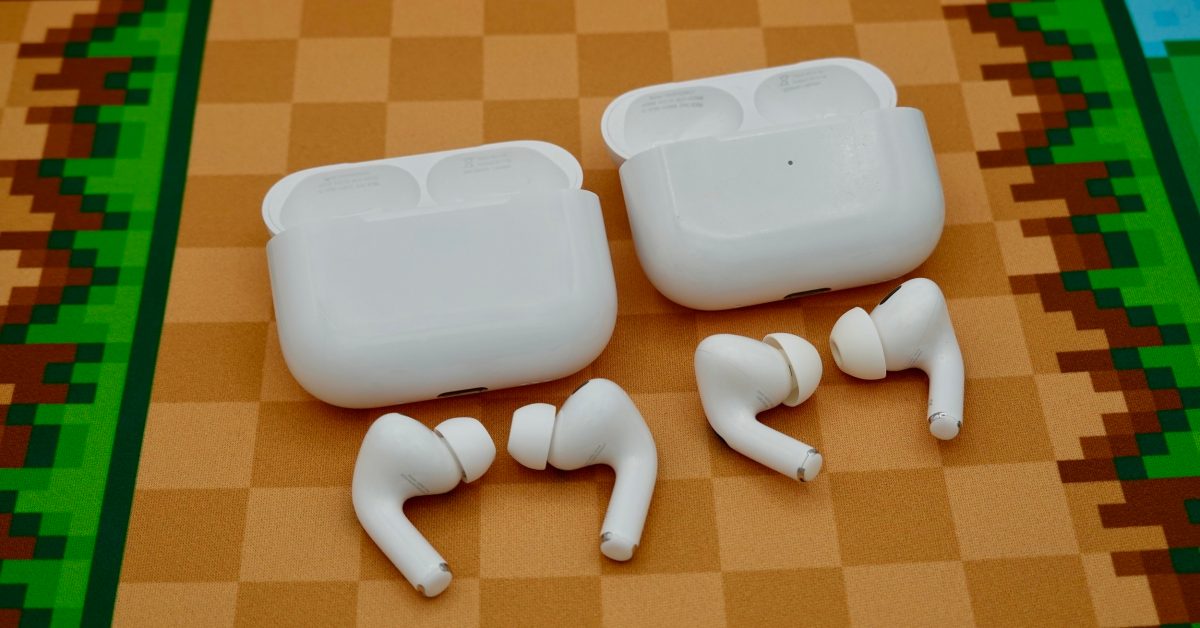
Apple also says AirPods Pro 3 cancel up to twice as much noise as AirPods Pro 2, a claim 9to5Mac repeats and says matched its own use. Apple lists Pro 3 at up to 6.5 hours per charge with heart rate sensing running during a workout.
Who should upgrade?
- People who exercise without an Apple Watch. Heart rate in the earbuds is the one feature the Pro 2 cannot get by software, and it now feeds GymKit from an iPhone.
- People with small ears. The XXS tip is new, and fit decides how well noise cancellation works at all.
- Long-haul listeners. Two more hours per charge matters on a flight more than six extra hours in the case.
Who should keep their AirPods Pro 2?
Anyone whose current pair fits well and holds a charge. The Pro 2 already has the hearing health features and the H2 chip, and its case holds more in total. 9to5Mac also warns that the Pro 3's earbud shape changed, and that some people find them less comfortable.
Our take
The table shows a trade rather than a straight improvement. Apple moved battery from the case into the earbuds: two more hours in the ear, six fewer in total. For most people that is the right way round, because the moment a battery runs out is with the earbuds in, not with the case in a bag. But someone who travels for days without a charger will notice the smaller total, and the missing cable is a small cost Apple does not mention on the price.
The case has the quieter upgrade. A lighter case with Apple's newer Ultra Wideband chip should be easier to find with Precision Finding, though Apple does not publish a range figure for either. Heart rate is the reason the Pro 3 is a different product rather than a refresh: we reported that GymKit now runs from an iPhone with AirPods Pro 3 supplying the heart rate, which turns the earbuds into a workout sensor for people without a watch.
APPDOOK's verdict: if your AirPods Pro 2 battery has faded, buy the Pro 3, ideally trying them on first. If it has not, the Pro 2 remain good earbuds, and the strongest reason to change is heart rate, not sound. Battery wear is the usual end of AirPods, and AirPods only recently scored above zero for repairability, so a pair that still lasts a day is worth keeping.
Sources
 AirPods Pro 3 - Technical SpecificationsApple, 2026-10-06
- AirPods Pro 2 with MagSafe Charging Case (USB-C) - Tech SpecsApple Support, 2026-10-06
Buy AirPods Pro 3Apple, 2026-10-06
 AirPods Pro 3 vs AirPods Pro 2: Three reasons to upgrade9to5Mac, 2026-10-05
Reporting and images linked above belong to their respective publishers and are shown from their own servers. The analysis here is our own.