
iPhone Mirroring in macOS 27: a resizable window, Control Center and streaming video, but not for every iPhone
macOS 27 lets the iPhone Mirroring window be resized and opens Control Center with Command-4. Resizing needs iOS 27 and skips iPhone 11, 12 and 13.
macOS 27 changes iPhone Mirroring, the Mac app that shows and controls a nearby iPhone, in three ways: the window can be resized, Control Center is available, and protected video can play.
Apple's support article on the feature, updated on 14 September when macOS 27 shipped, documents the first two. MacRumors described all three during the beta in June, and 9to5Mac's Chance Miller repeated them on 11 October in a piece first published in the summer. Apple's Mac User Guide adds a device limit that neither outlet mentions.
What changes in macOS 27?
- Resizing: drag a corner of the window. Before, there were three fixed sizes. Apple says some apps, such as Mail, Messages and Calendar, show more when the window is wider.
- Control Center: press Command-4, or use the View menu. It was not available at all before.
- Protected video: 9to5Mac and MacRumors say video that used to show a black screen now plays. Apple's own wording is more careful: streaming providers may have policies that restrict it.
9to5Mac says the wider layouts work only in apps updated for iOS 27, which for now mostly means Apple's own. It also notes a new app icon.
Which iPhones can use the resizable window?
Apple's Mac User Guide says resizing requires iOS 27 or later and is not supported on iPhone 11, 12 or 13, any model, or iPhone SE of the second or third generation. On those phones, dragging the corner scales the window rather than reflowing the app. All of them run iOS 27, so an owner can update and still not get the feature.
What do you need for iPhone Mirroring?
Apple's requirements for the feature as a whole:
- A Mac with Apple silicon or a T2 chip on macOS Sequoia 15 or later. The macOS 27 changes need macOS 27, which only runs on Apple silicon Macs.
- An iPhone on iOS 18 or later with a passcode, locked and near the Mac. It can be charging or in StandBy.
- The same Apple Account on both, with two-factor authentication, and Wi-Fi and Bluetooth on.
- A Mac that is not sharing its internet connection or using AirPlay or Sidecar.
The mirrored iPhone cannot use its camera or microphone, so there are no phone calls and no Face ID through the window. Apple also says the feature is still unavailable in the European Union.
Our take
Resizing is the change that turns iPhone Mirroring from a novelty into a tool. A phone-shaped window in the corner of a large display is useful for a notification or a code; a window that shows Mail or Messages in a wider layout is something you can work in. Control Center fills the most obvious gap, because things like Focus or a Bluetooth device often need changing while the phone is in a bag.
The device limit is the part people will trip over. iPhone 13 owners will update to iOS 27, read that the window resizes, and find that it does not. Apple does not say why. APPDOOK's guess is memory and display handling on older chips, but it is a guess, and Apple's guide is the only place the limit appears.
The European gap is now more than two years old, and it is part of a pattern of features held back there, as with Siri AI, which could stay off EU iPhones for five months or more. For anyone outside the EU with an iPhone 14 or later and an Apple silicon Mac, these are free improvements worth trying today. For app makers, a wider mirroring window is one more reason to make an iPhone layout handle width properly.
Sources
- iPhone Mirroring: Use your iPhone from your MacApple Support, 2026-09-14
- Control your iPhone from your MacApple Mac User Guide, 2026-10-12
 macOS 27 brings three key upgrades to my favorite feature9to5Mac, Chance Miller, 2026-10-11
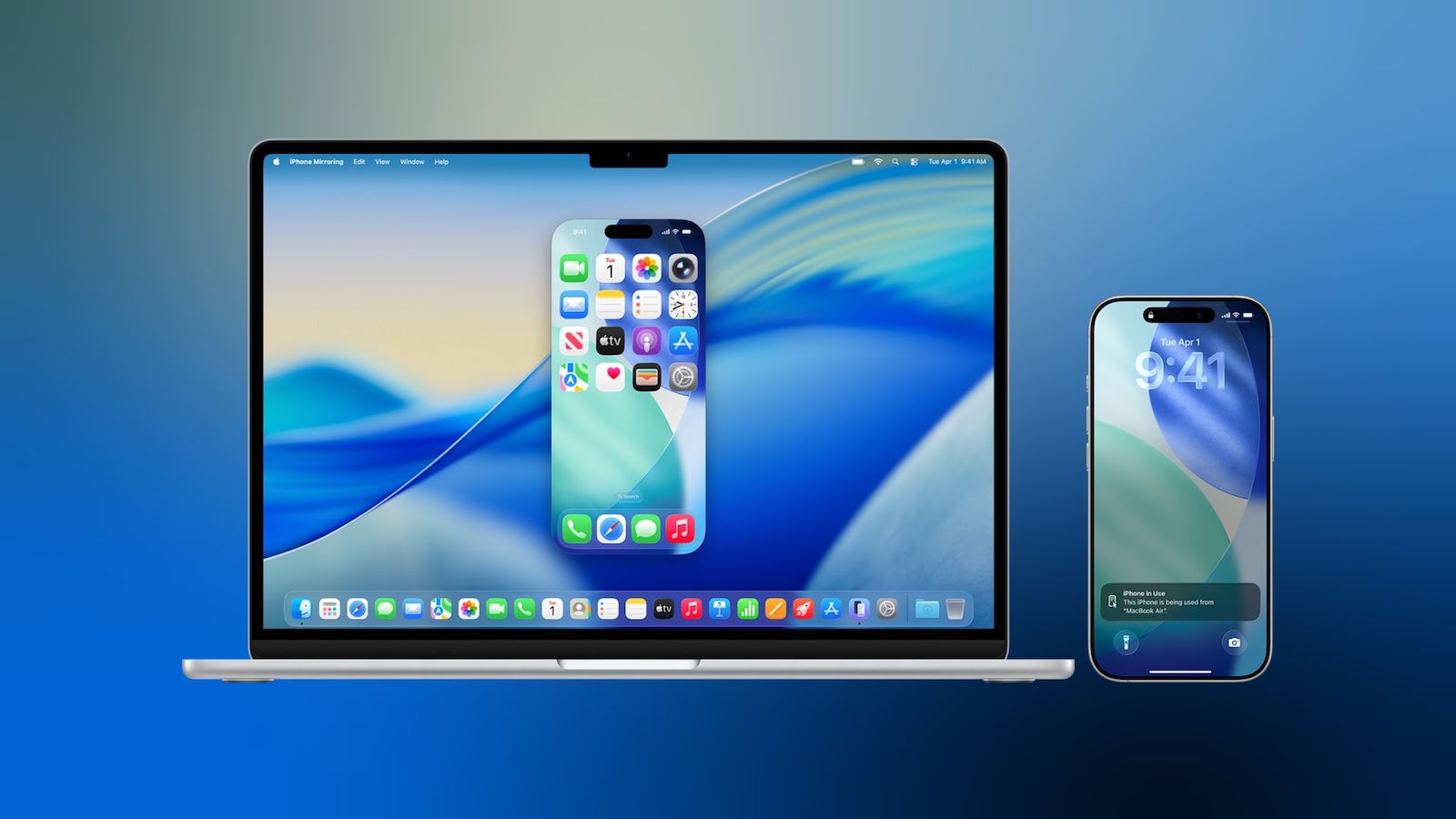 Three Ways macOS 27 Improves iPhone MirroringMacRumors, Tim Hardwick, 2026-06-18
Reporting and images linked above belong to their respective publishers and are shown from their own servers. The analysis here is our own.