How to forward calls on iPhone in iOS 27, and the carrier codes for when the setting is missing
Call forwarding is in Settings, Apps, Phone on iOS 27, but only on some carriers. Where it is missing or you need conditional forwarding, carrier codes do it.
iPhone can forward every incoming call to another number from the Settings app, on carriers that support it.
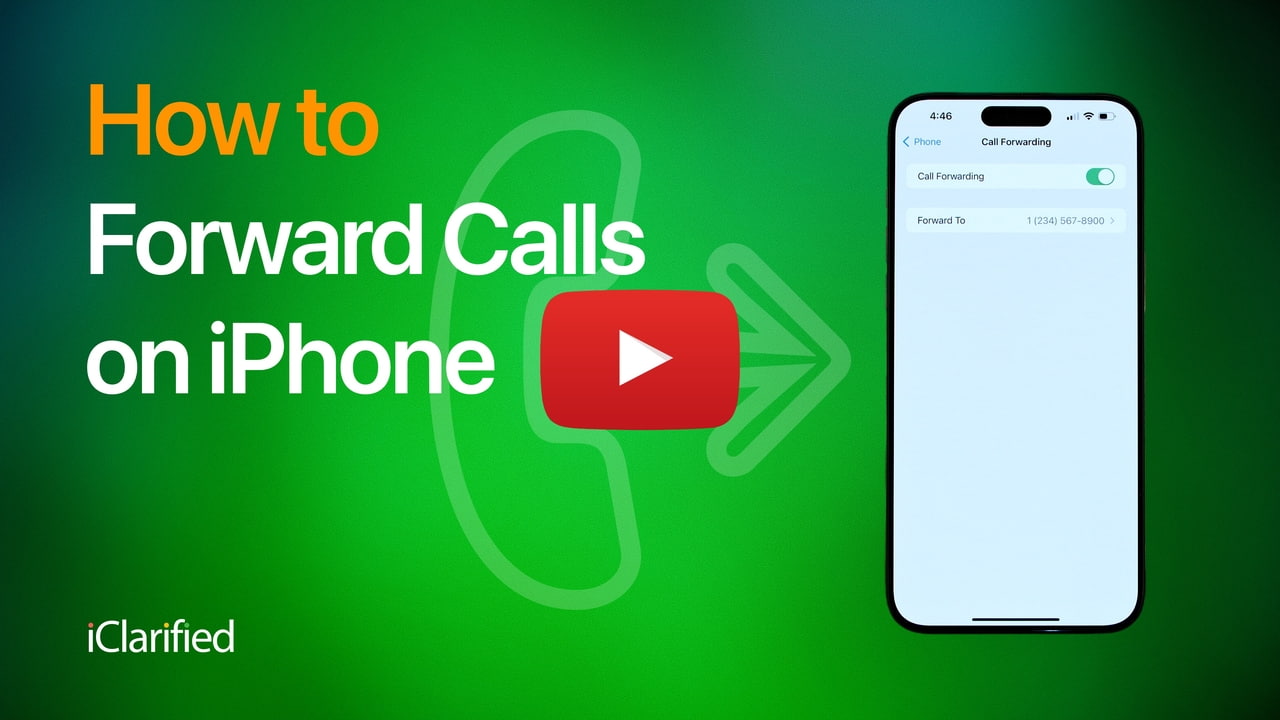
Apple's iPhone User Guide for iOS 27 gives the steps, and they are the same as in iOS 26. iClarified republished its video guide on 12 October, tested on iOS 27. What neither the setting nor most guides make clear is that it forwards all calls or none, and that some carriers do not show it at all.
How do you turn on call forwarding?
- Open Settings, tap Apps, then Phone.
- Tap Call Forwarding and turn it on.
- Tap Forward To, enter the number, then tap Back.
A call forwarding icon appears in the status bar while it is on. On an iPhone with two lines, Apple says to choose the line first. You also need to be in range of the mobile network when you set it, or calls are not forwarded. To stop, turn the switch off.
Why is Call Forwarding missing from Settings?
Apple says the setting is for carriers on GSM networks, and that on others you should contact your carrier. In the US the clearest case is Verizon, which handles forwarding with dial codes:
- Verizon, all calls: dial *72 followed by the 10-digit number.
- Verizon, unanswered or busy calls only: *71 followed by the number.
- Verizon, turn off: *73.
Verizon says the number must be a US line, and texts are not forwarded. AT&T says forwarding can only be changed from the phone, overrides your voicemail, and cannot go to an international number.
How do you forward only missed or busy calls?
The iPhone switch is all or nothing. Conditional forwarding uses standard network codes, dialled in the Phone app. Vodafone UK documents them:
Forward when | Turn on | Turn off |
|---|---|---|
Always | **21*number# | ##21# |
Not answered | **61*number# | ##61# |
Busy | **67*number# | ##67# |
Phone off or no signal | **62*number# | ##62# |
Cancel every divert | ##002# |
Vodafone says to replace the leading 0 with +44, and that pay as you go customers can only divert to voicemail. Other GSM carriers use the same codes, but check your own carrier's page, because support and charges differ.
Our take
Conditional forwarding is the version most people actually want, and it is the one iPhone does not offer in Settings. Forwarding everything means your phone never rings. Forwarding only the calls you miss sends them to a colleague or a landline while you still answer the rest. That it takes a string of asterisks in 2026 is the carriers' design, not Apple's, but Apple could surface it.
The bigger reason to know where this setting is is security. Apple's guide says iPhone now alerts you and blocks links that ask you to turn on call forwarding, because it is a common fraud trick: a scammer who forwards your calls receives your bank's verification calls. It belongs on the list of iPhone settings that make a scam harder for older relatives. APPDOOK's advice is to check the status bar now and then for the forwarding icon, and to treat any message asking you to dial a code with the same suspicion as a link.
Carriers decide a surprising amount of what an iPhone can do with calls, as with AT&T declining to commit to iPhone Handoff. Forwarding is one more case. If the switch is missing, the phone is fine; the codes are where your carrier put the feature.
Sources
- Set up call forwarding on iPhoneApple iPhone User Guide, 2026-10-12
- Using Dual SIM with an eSIMApple Support, 2026-09-17
 How To Forward Calls on iPhoneiClarified, Shalom Levytam, 2026-10-12
- Call Forwarding FAQsVerizon, 2026-10-12
 Call Forwarding for WirelessAT&T, 2025-04-02
 Manage Call Diverts and Call ForwardingVodafone UK, 2026-10-12
Reporting and images linked above belong to their respective publishers and are shown from their own servers. The analysis here is our own.