
Safari's Notify Me will watch a web page for you, inside an Apple Intelligence budget Apple has not published
Safari in iOS 27 and macOS 27 can watch a single web page and tell you when it changes. Apple's own guide says the feature has a daily budget.
Safari in iOS 27 and macOS 27 can monitor a single web page and send a notification when the thing you asked about changes, a feature Apple calls Notify Me and documents in its Safari user guide.
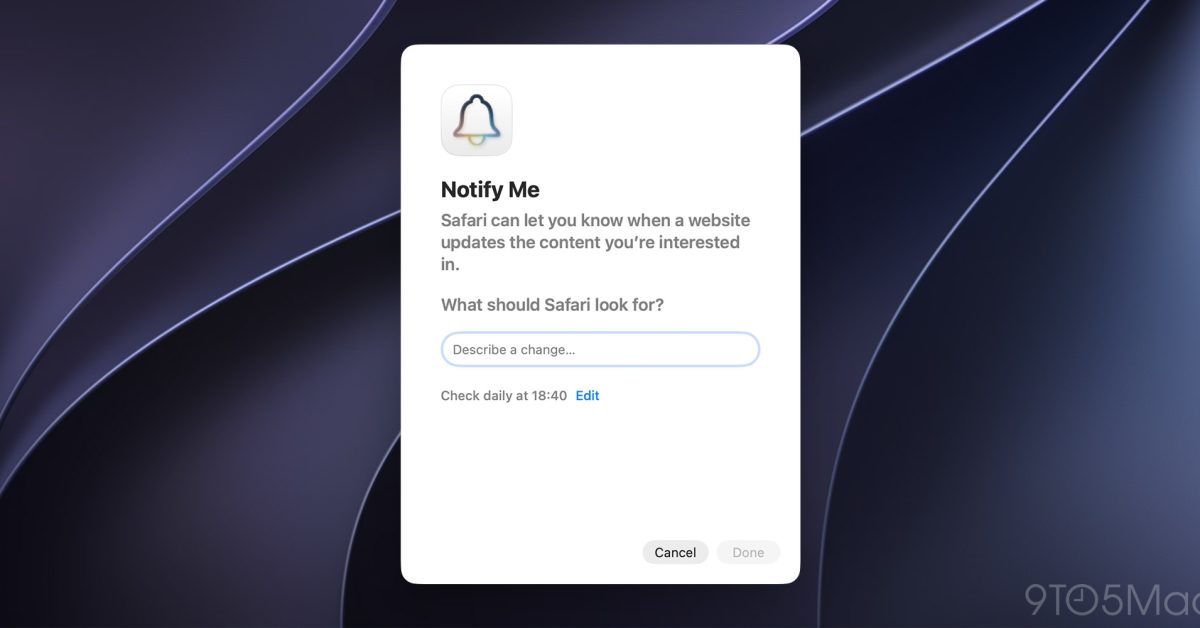
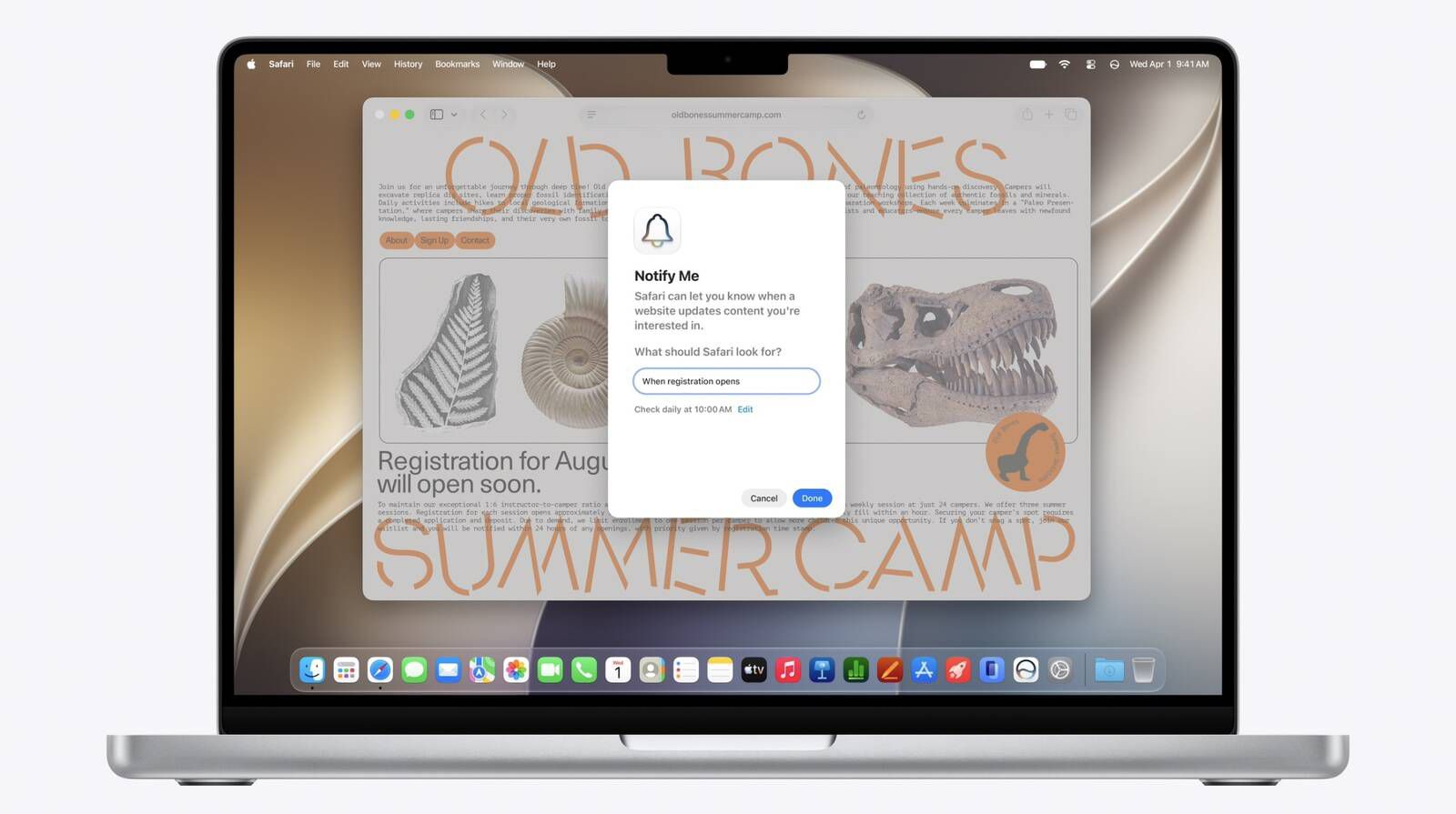
On a Mac you open the page, click the Page menu button in the Smart Search field and choose Notify Me, then type what Safari should look for. On an iPhone the same option sits behind the settings icon to the left of the address bar. You then set a schedule: 9to5Mac reports four choices, hourly, daily, weekly and monthly, with hourly and daily letting you pick a time and weekly and monthly also letting you pick days. Safari checks on that schedule and notifies you when it finds what you described. Apple's own examples are a price drop, an item returning to stock, a change to a policy, registrations opening, and new information appearing on a page.
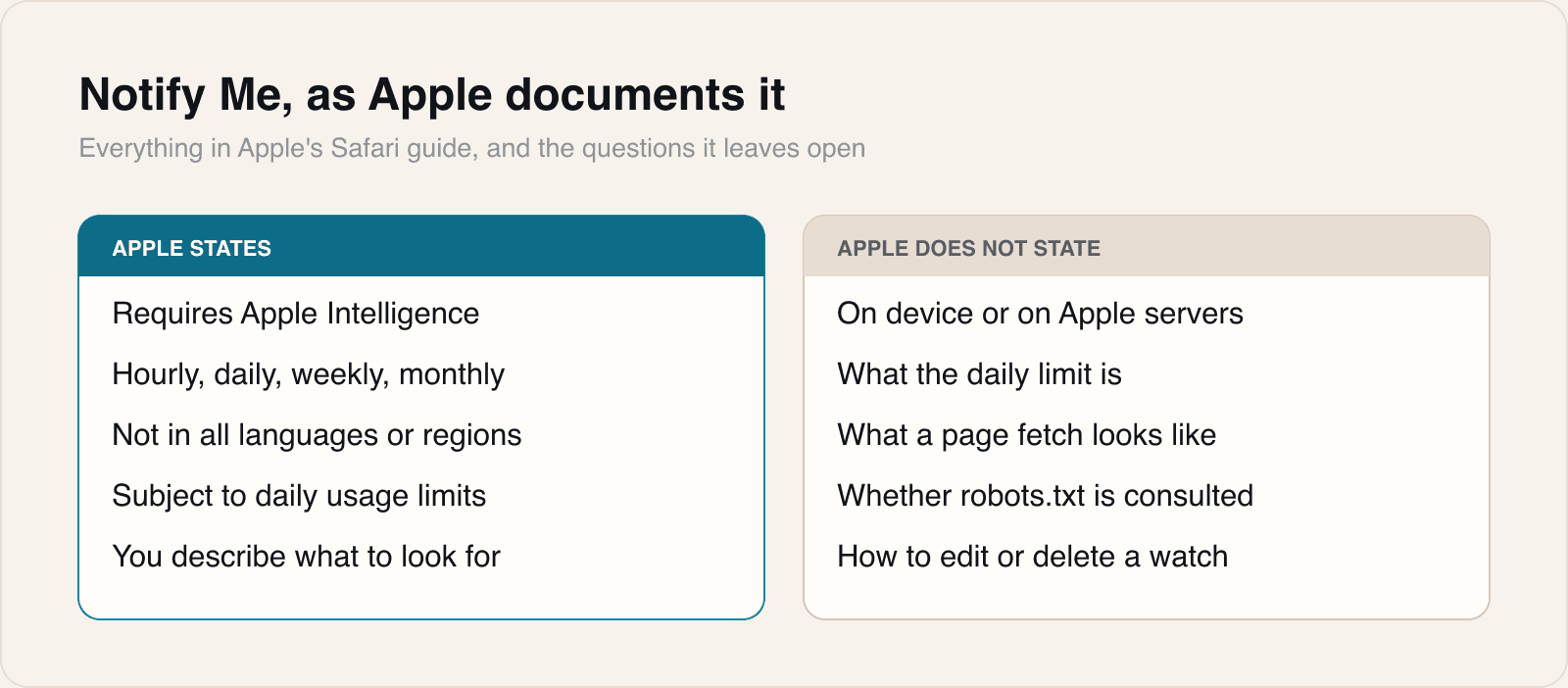
Three conditions come from Apple rather than from the coverage. The feature requires Apple Intelligence: the guide's opening clause is that with Apple Intelligence, Safari can tell you when a website updates. Apple Intelligence is not available in all languages or regions. And Apple states that certain Apple Intelligence features are subject to daily usage limits, which is a sentence attached to a feature whose entire purpose is to repeat a task without being asked.
The feature was shown in June, when MacRumors reported it for both macOS 27 and iOS 27 from the first developer builds, and it arrived with the finished releases this month. Apple's guide does not say whether the checking happens on the device or on Apple's servers, what happens when a page cannot be monitored, or how to review, edit or delete a watch you have already set.
What Apple documents, and what it does not
Our take
This is a good feature with one sentence of documentation that undercuts it. The value of asking a browser to watch a page is that it keeps watching while you get on with something else, and a daily usage limit is a cap on exactly that. We wrote earlier this month about Apple Intelligence usage limits and the near-total absence of published numbers, and this is the case where the absence bites hardest. A person setting an hourly watch is committing to twenty-four checks a day without being told how many the system will actually perform, or what happens on the twenty-fifth. Silence from a feature whose only output is a notification is indistinguishable from nothing having changed.
The schedule options make the same point from the other side. Hourly is the finest grain on offer, and two of Apple's own five examples, stock returning and registrations opening, are the scarcity cases where an hour is not a useful resolution. A ticket allocation or a restock is gone in minutes. What Notify Me is genuinely good for is the slow, unglamorous end of the list: a policy page you need to know has been rewritten, a status page, a document that gets quietly amended. Those are real and underserved, and they are worth the feature. They are also nothing like the examples Apple chose to lead with.
The question nobody has asked yet belongs to the other end of the connection. Every page a person watches becomes a page Safari fetches on a schedule, and Apple has published nothing about what that request looks like. A site operator cannot currently tell a Notify Me check from a person, cannot tell how many of them are arriving, and has no documented way to decline. There is no stated user agent, no stated crawl behaviour, and no statement about whether robots.txt is read at all. For most sites this will never register. For a small operator running a stock page that thousands of people have good reason to watch hourly, it is a traffic pattern arriving from a browser feature rather than from a crawler, and the usual controls for crawlers do not obviously apply.
There is a privacy reading too, and it is the more favourable one. A person who wants to know when a price drops has until now had to hand that interest to a third-party tracking service, along with the page, the product and an email address. Doing it in the browser keeps that interest on the person's own device and out of a service's database, which is the same argument Apple has made for on-device processing elsewhere and it holds here. Whether it holds completely depends on the fact Apple has not published: if the schedule runs on Apple's servers rather than on the device, then the list of pages a person is watching exists somewhere other than the person's phone. That is a reasonable thing to build either way, and an unreasonable thing to leave undocumented.
If you run a website, the practical item is small but worth doing now. Anything you publish that people would plausibly ask a browser to watch, a price, an availability line, a policy date, should be plain text in the page rather than a value painted in by script after load, because a description-matching check has to find it. That is the same advice as for search engines and for accessibility, and this is one more reason to have taken it.
Sources
- Get notified when a website changes in Safari on MacApple Support, 2026-09-28
 macOS 27: How to use the new 'Notify Me' feature in Safari9to5Mac, 2026-09-28
 New Safari Can Monitor a Webpage and Notify You of UpdatesMacRumors, 2026-06-08
 How to have Safari notify you of website changes and updatesiDownloadBlog, 2026-07-20
Reporting and images linked above belong to their respective publishers and are shown from their own servers. The analysis here is our own.