iOS 27 Shortcuts can run on a notification's text, and Deflector uses it to launch shortcuts from the Dynamic Island
MacStories shows iOS 27's notification automation matching a notification's title and body. Deflector, a free app, turns that into a shortcut launcher.
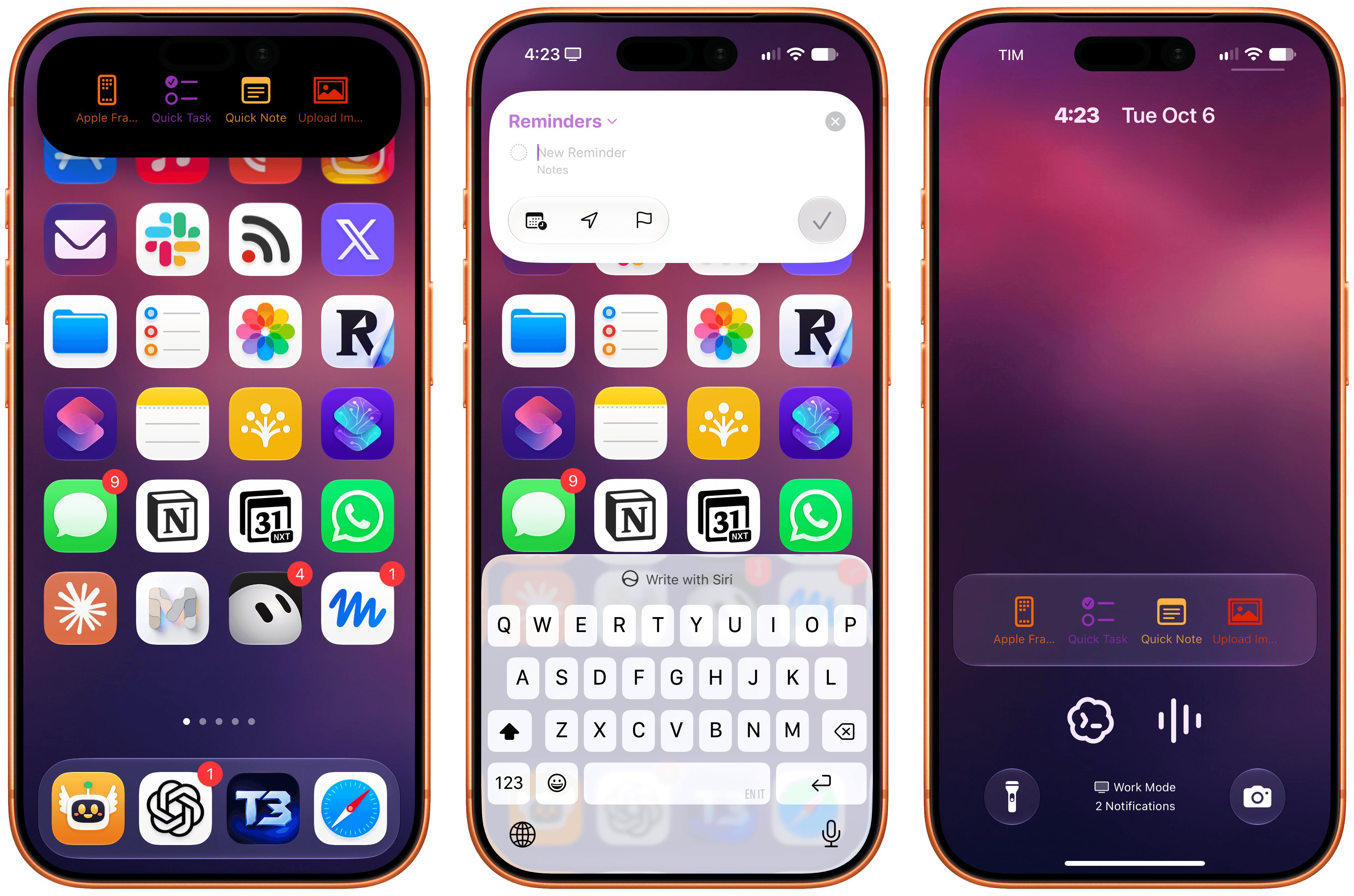
A free iPhone app called Deflector uses iOS 27's new notification automation to start shortcuts from the Dynamic Island and the Lock Screen, MacStories reported on 6 October.
The app is by independent developer Cizzuk Shihu. It shows buttons in a Live Activity, which appears in the Dynamic Island and on the Lock Screen. Tapping one makes Deflector send a silent notification to the iPhone with the name of a shortcut in it. A personal automation in the Shortcuts app, set to fire on notifications from Deflector, reads that name and passes it to the standard Run Shortcut action. No URL scheme is involved and the Shortcuts app never opens.
Can a notification automation read what the notification says?
Yes, and Deflector depends on it. MacStories describes the iOS 27 trigger as running actions when a notification arrives from a chosen app, ideally one with a specific title or body text. That means an automation can filter on what a notification says, not just on which app sent it. iGeeksBlog, testing the beta in July, listed the trigger alongside the keyboard and screenshot triggers added in iOS 27, with examples such as switching on a Focus when a work app sends an urgent alert.
MacStories found two limits. There is a delay of about a second between tapping a button and the shortcut starting. And because the match is by name, renaming a launcher in Deflector breaks it unless the shortcut in the library is renamed to match.
How to set up a notification automation
- Open Shortcuts, go to the Automation tab and create a new personal automation.
- Choose the notification trigger and pick the app whose notifications should fire it.
- Where the app's notifications vary, narrow it with the title or body text you want to match.
- Add the actions to run, and choose whether to run them immediately or after confirmation.
Our take
When we counted the 21 new actions and three new triggers in the iOS 27 Shortcuts app, we said the notification trigger was a useful signal if it only saw arrivals, and a powerful one if it could read contents, and that we would not assume the stronger reading until it was shown. Deflector shows it. An app can now drive Shortcuts simply by posting a notification with the right words in it, which is a cleaner channel than the URL schemes automators have relied on for a decade.
That cuts both ways. Any app allowed to send notifications can now, in effect, trigger an automation that a user has pointed at it. iOS only lets the user build that link, so the risk is in what people set up rather than in the system, but a careless automation matched on loose text could fire on a message nobody meant as a command. APPDOOK would match on exact titles and keep anything consequential behind a confirmation.
Deflector is also a neat use of a surface Apple controls tightly. Live Activities are meant for tracking an event, and we found that the iPhone 18 Pro's third Live Activity slot is reserved for Apple. Using one as a row of buttons is clever, and whether App Review sees it as within the rules for Live Activities is the question that decides how long it stays on the App Store.
Sources
 Deflector Turns iOS 27 Notification Triggers into a Shortcut LauncherMacStories, 2026-10-06
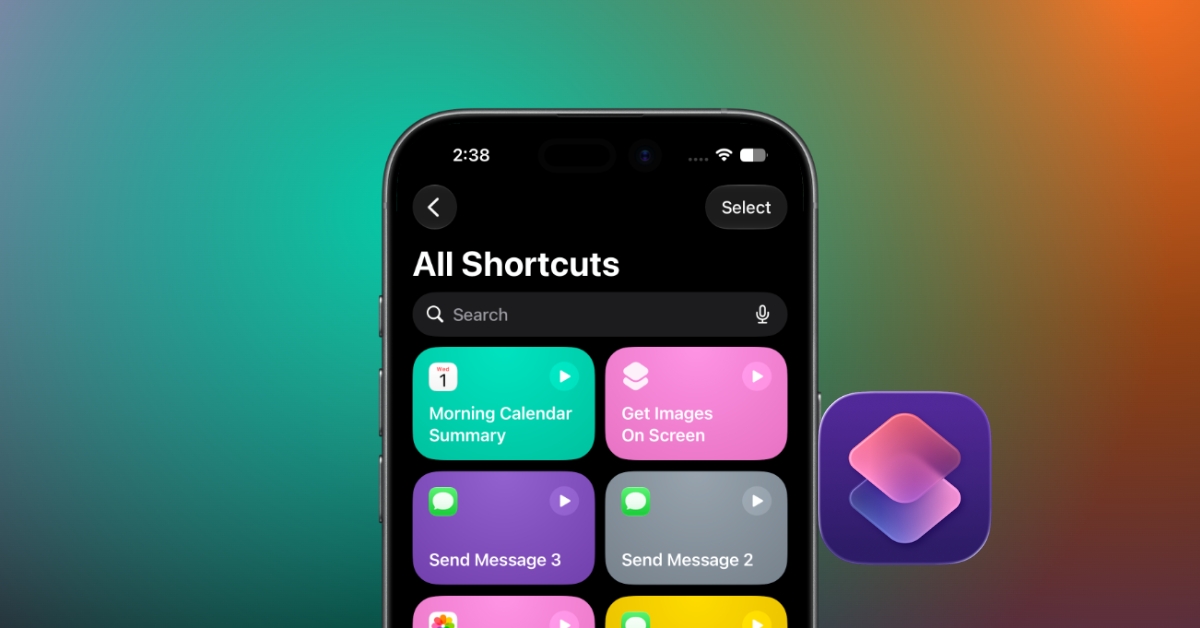 I tried the Shortcuts app in iOS 27. Apple finally made automation easyiGeeksBlog, 2026-07-01
Reporting and images linked above belong to their respective publishers and are shown from their own servers. The analysis here is our own.