With Siri AI on, iOS 27 moves Notification Center to a top-left swipe, and the centre now opens Siri
With Siri AI switched on, a swipe down from the top centre of an iPhone or iPad now opens Siri. Notification Center has moved to the top-left corner.
On iPhones and iPads with Siri AI turned on, iOS 27 and iPadOS 27 make a swipe down from the top centre of the screen open Siri instead of Notification Center.
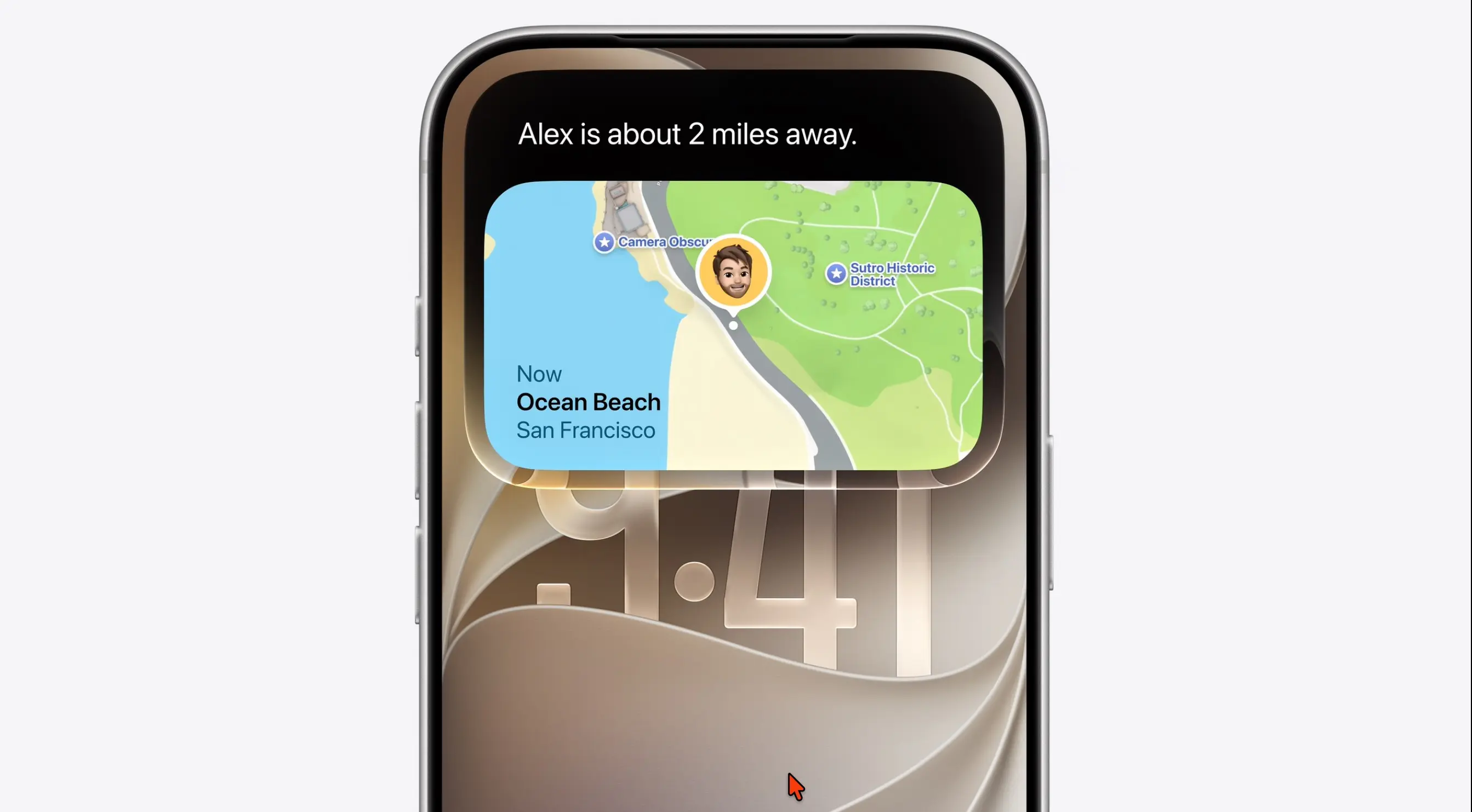
Notification Center, reached from the top of the screen since iOS 5 in 2011, now opens with a swipe down from the top-left corner, and incoming notifications animate in from that side. 9to5Mac's Zac Hall wrote on 2 October that the change has broken fifteen years of habit. Cult of Mac reported the same behaviour during the beta, and Bloomberg had reported the left-side move before Apple's developer conference in June.
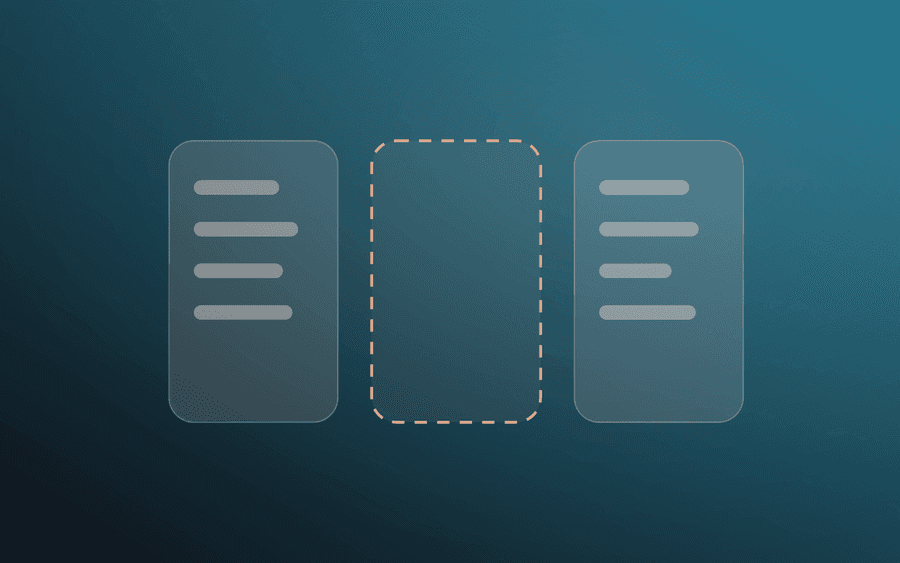
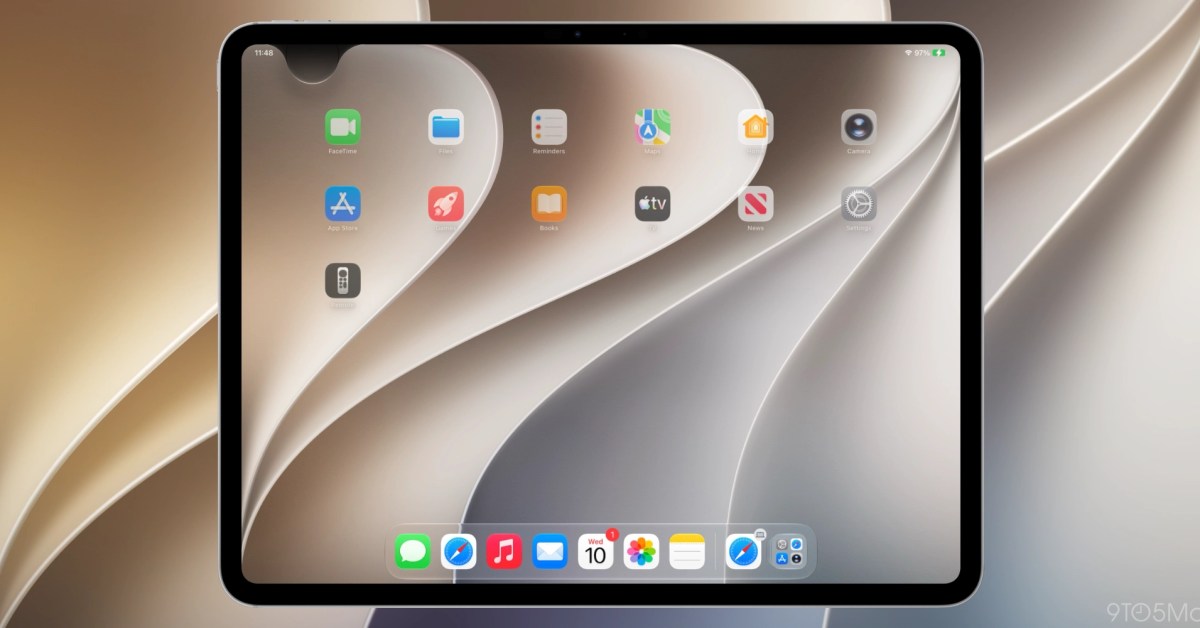
Apple's iOS 27 guide describes the new gesture for anyone with Siri AI: swipe down from the top of the screen at the Dynamic Island. On iPad, 9to5Mac reports that the first iPadOS 27 beta gave Siri most of the top edge, and the second divided it into three zones of roughly equal width: Notification Center on the left, Siri in the middle, Control Center on the right.
Which iPhones and iPads does this affect?
Only those running Siri AI, which is opt-in, in beta and in English for now. Apple's guide lists the iPhone 15 Pro and Pro Max and every iPhone 16 or later, and on iPad the A17 Pro iPad mini and models with M1 or later. Siri AI is not available on iPhone or iPad in the EU. Cult of Mac and 9to5Mac both report that with Siri AI off, the old gesture is unchanged.
One detail does not line up. Apple's updated notifications page in the iOS 27 guide now tells all users to swipe down from the top-left corner, with no mention of Siri AI.
Can you change the gesture back?
Not directly. 9to5Mac says there is no setting to stop the top-centre swipe invoking Siri. Apple's guide does describe a way back to the previous Siri: in Settings, Siri, turn Siri off, turn it on again, and choose Use Siri Classic. No source we found confirms whether that also returns Notification Center to the centre, so treat it as untested.
Our take
Apple has given the most valuable piece of screen it owns to Siri, and that is a statement of priorities. The top-centre swipe is one of the few gestures nearly every iPhone owner uses many times a day. Handing it to an assistant that is still English-only and labelled beta says Apple expects people to talk to their phones far more than they do now.
It is also a pattern. watchOS 27 removed the Digital Crown double-click app switch this year too, and in both cases a reflex built over years was reassigned with no option to keep it. APPDOOK thinks a toggle would cost Apple nothing and would let people learn Siri on their own terms. Instead the choice is all of Siri AI with the new gesture, or Siri Classic and possibly the old one, and that is not a fair trade to ask of someone who just wants their notifications.
Sources
 iOS 27 breaks 15 years of muscle memory on iPhone and iPad9to5Mac, Zac Hall, 2026-10-02
- Turn on and activate Siri on iPhoneApple Support, 2026-09-14
- Get started with Siri AI on iPhoneApple Support, 2026-09-14
 iOS 27 just broke your oldest iPhone habitCult of Mac, Anurag Chawake, 2026-07-02
Reporting and images linked above belong to their respective publishers and are shown from their own servers. The analysis here is our own.