Perplexity Computer can now run entirely on a Mac, offline, but wants 36GB of memory
Perplexity Computer can now run its AI agent entirely on a Mac. Perplexity recommends 36GB of memory, which no MacBook Air, iMac or M6 Mac mini offers.
Perplexity added a fully local mode to Computer, the AI agent in its Mac app, on 20 October, so both the model and the agent running a task now work on the Mac itself.
Until now the app offered Hybrid Compute, introduced on 1 September, which starts a task in the cloud and hands private files to a smaller model on the Mac. The new mode reverses that order. Planning, reasoning and file processing stay on the Mac, Perplexity says, and work goes to the cloud only when the user approves it. MacStories and 9to5Mac both report that tasks run whether the Mac is online or not. Perplexity's own post does not use the word offline, and anything that needs current information, a browser or a connected app still needs the cloud, so offline in practice means work on files and apps already on the Mac.
What does the local mode do?
- Models: Qwen 3.6, an open model, or PPLX Pro, which Perplexity describes as a post-trained version of Qwen and Engadget reports is tuned for Computer's tasks. Either is downloaded through the app.
- Apps and files: with permission, Computer reads local files and works in Notes, Messages, Mail and Numbers. Perplexity's example is reviewing recent messages and email, then writing an action list in Notes.
- Safety: code and tool use run in an isolated sandbox, a walled-off space with controlled access to files and apps, which Perplexity says follows the same rules as the cloud version.
- Cloud on request: when the user allows it, the local agent can call one of more than 15 frontier models, the large models that run in the cloud.
- Credits: Perplexity's help centre says work the local model handles uses no Computer credits, while steps that run in the cloud do.
It is open to Perplexity Pro, Max and Enterprise subscribers now. Setting it up means updating the Mac app, following its steps to download a local model, and choosing fully local when starting a task.
Which Macs can run Perplexity Computer locally?
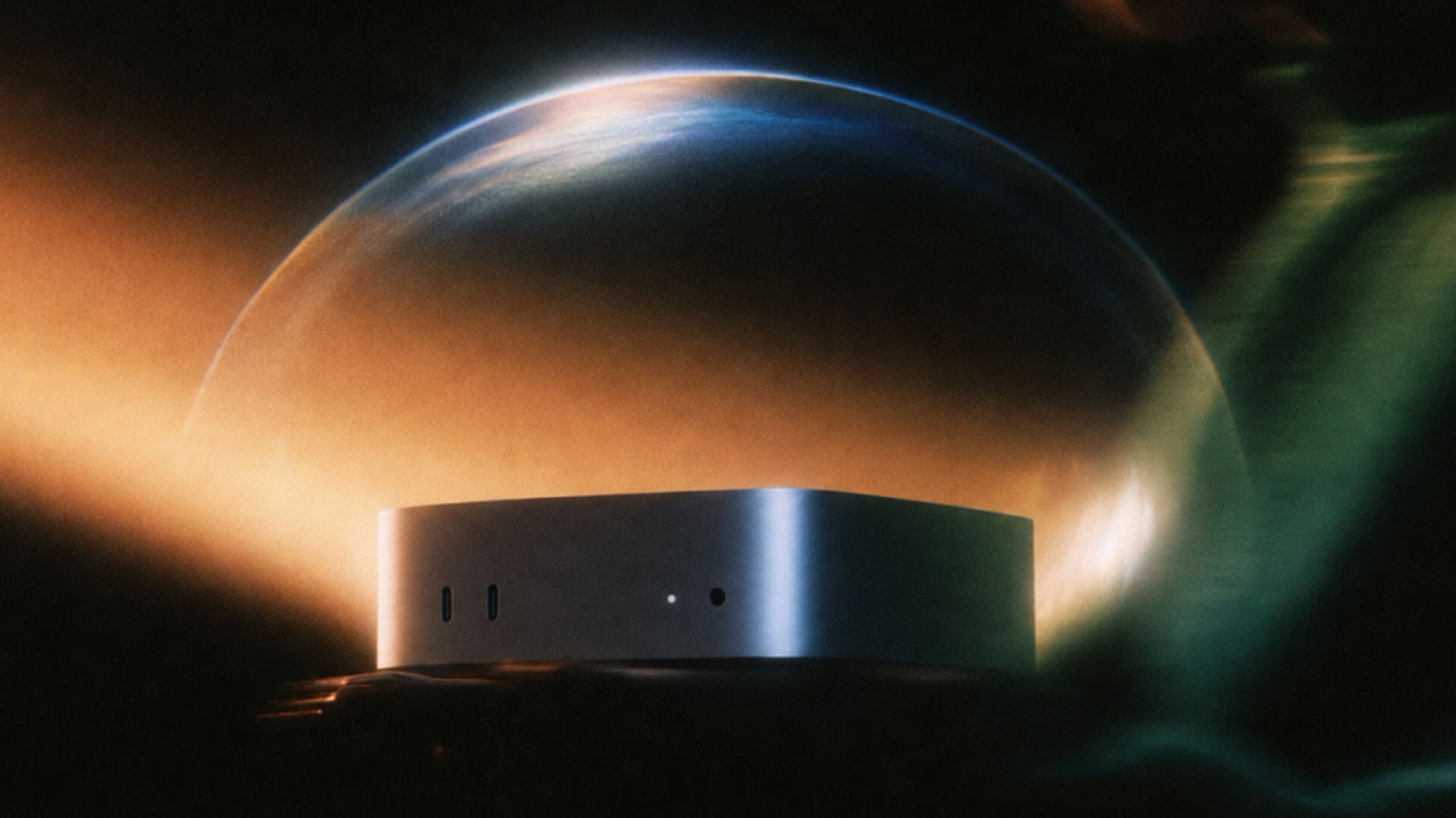
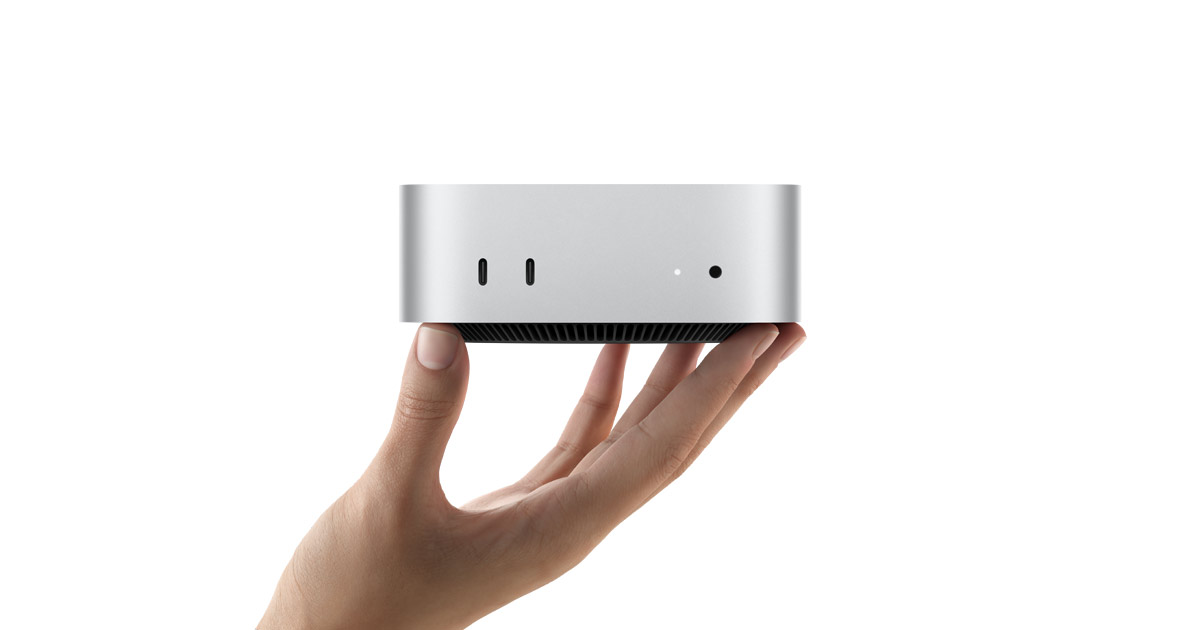
Perplexity recommends an Apple silicon Mac with at least 36GB of memory, and names the new Mac mini with M6 and M5 Pro as examples. On a Mac that memory is unified: the processor and graphics share one pool, and a local model has to sit in it while it works, alongside every open app. The help centre's 24GB requirement covers the local models in Hybrid Compute, the floor that mode launched with, and Perplexity's post calls 36GB a recommendation, so we read it as the figure for a good experience rather than a hard lock.
We checked Apple's specification pages on 20 October for every Mac on sale, to see which can be bought with that much memory.
Mac on sale | Most memory offered | Reaches 36GB? |
|---|---|---|
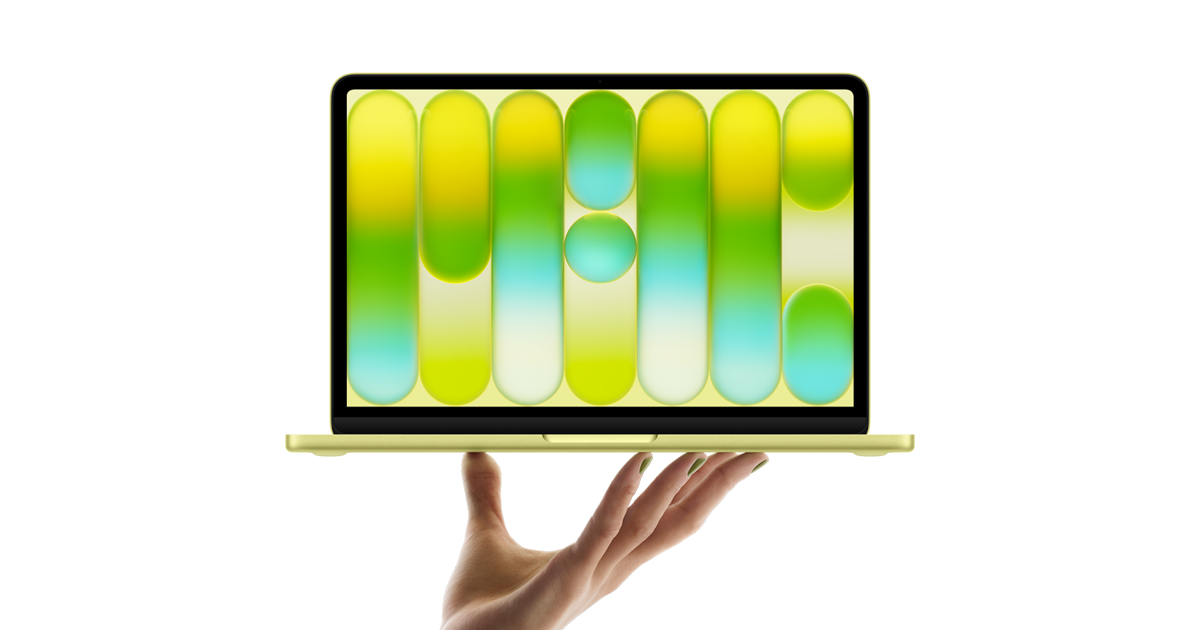
MacBook Neo (A18 Pro) | 8GB | No |
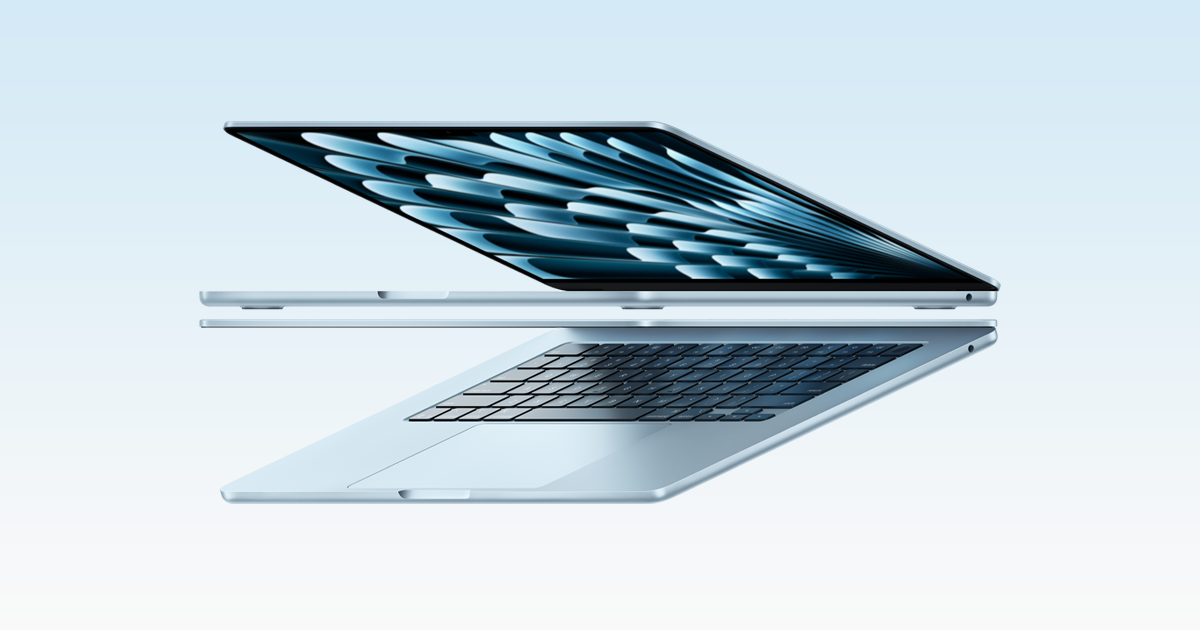
MacBook Air (M5) | 32GB | No |
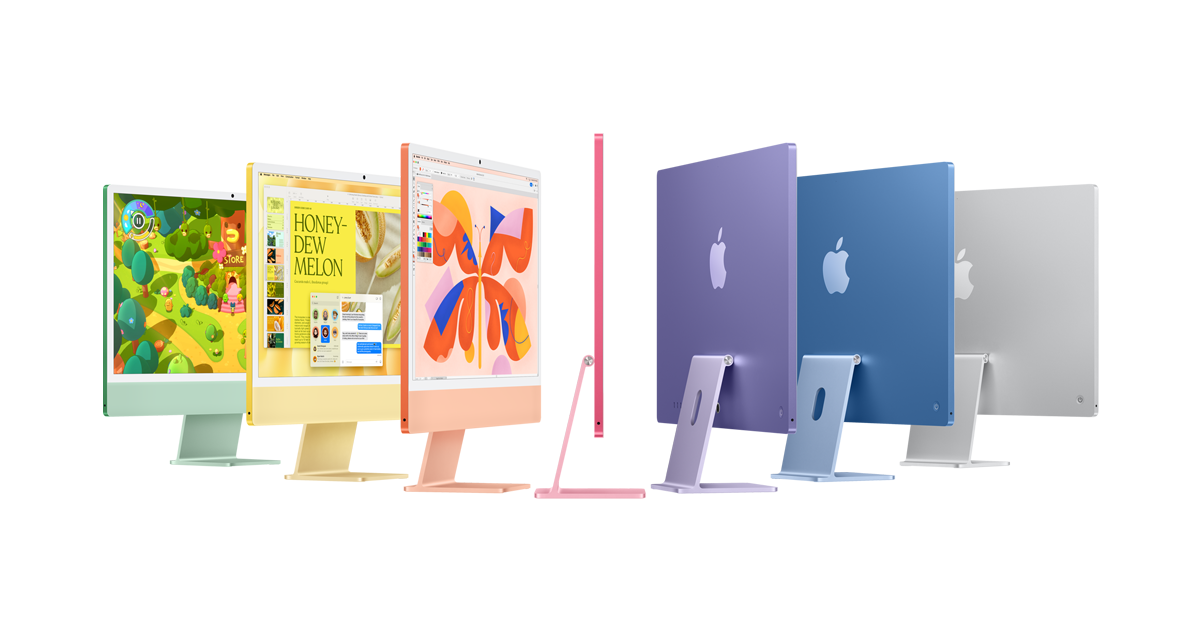
iMac (M4) | 32GB | No |
Mac mini (M6) | 32GB | No |
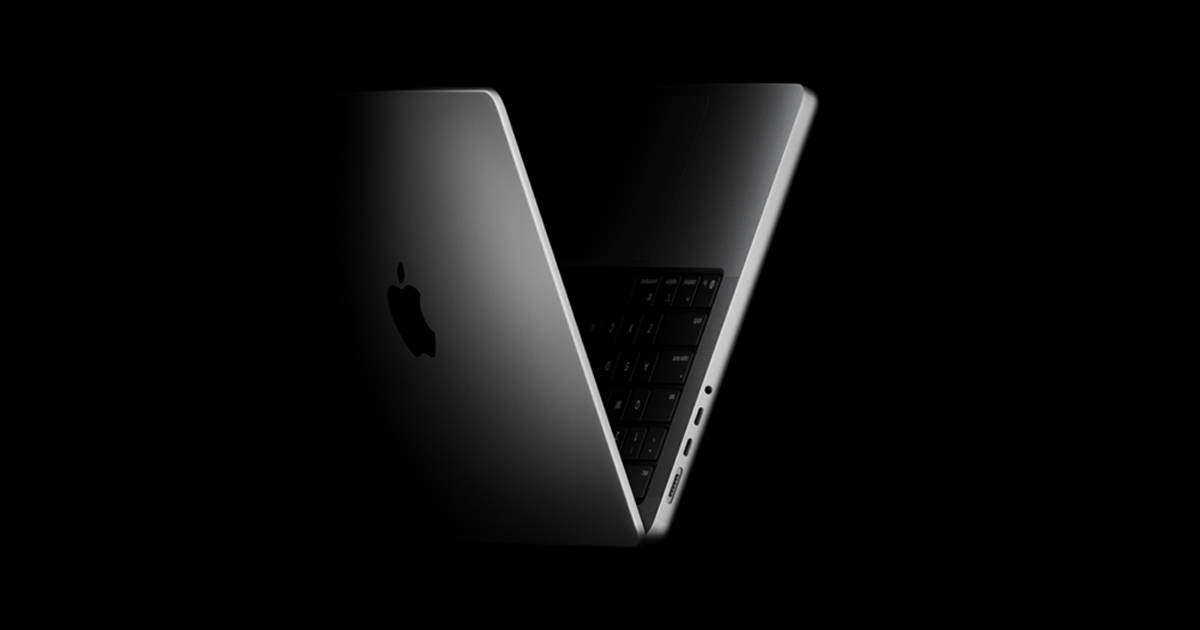
MacBook Pro (M5) | 32GB | No |
Mac mini (M5 Pro) | 64GB | Only with 48GB or 64GB |
MacBook Pro (M5 Pro) | 64GB | Only with 48GB or 64GB |
MacBook Pro (M5 Max) | 128GB | Yes, from 36GB |
Mac Studio (M5 Max or M5 Ultra) | 512GB | Yes, from 36GB |
The gap sits inside Perplexity's own example. The M6 Mac mini stops at 32GB, so only the M5 Pro model can be configured past the recommendation, even though our round-up of M5 Pro Mac mini reviews found the M6 ahead of it at AI work. Every MacBook Air, every iMac and every Mac without a Pro, Max or Ultra chip falls short.
Our take
For most people with a current Mac, Hybrid Compute remains the realistic way to use Computer. Anyone on a MacBook Air, an iMac or the M6 Mac mini that reviewers measured at its $899 starting price would be running the local mode below what Perplexity itself recommends, with less room left for everything else that is open. The local mode belongs on Macs already bought for heavy work, with 48GB or more, and APPDOOK does not see it as a reason to buy one.
Credits are the practical draw. Routine chores on files already on the Mac, such as sorting notes or drafting a to-do list from Mail, now use no Computer credits, which matters more day to day than the privacy line for anyone who spends a lot of them. The privacy gain is real but conditional: it holds only until a task is allowed to browse or reach a connected app, at which point that step runs on Perplexity's servers like before. For mail and notes you would rather keep private, the sensible habit is to leave cloud access off and judge whether the local result is good enough.
As with ToshLLM, which brought local models to Intel Macs with AMD graphics, what a Mac can run locally comes down to memory. What would change the picture for ordinary Macs is a smaller model that Perplexity says runs well in 24GB, or speed figures for the configurations most people own. Perplexity has published neither, so anyone choosing a new Mac with local AI in mind should count memory before chip speed.
Sources
 Perplexity Computer now runs fully local on MacPerplexity, 2026-10-20
 Introducing Hybrid Compute on MacPerplexity, 2026-09-01
- What is Personal Computer?Perplexity Help Center, 2026-10-20
 Perplexity Computer's Local-First Approach to AgentsMacStories, 2026-10-20
 Perplexity's Computer can now run entirely on your Mac, even offline9to5Mac, 2026-10-20
 Perplexity makes it easier to run AI workflows entirely on your own MacEngadget, Igor Bonifacic, 2026-10-20
 Mac mini - Technical SpecificationsApple, 2026-10-20
 MacBook Pro - Technical SpecificationsApple, 2026-10-20
 MacBook Air - Technical SpecificationsApple, 2026-10-20
 iMac - Technical SpecificationsApple, 2026-10-20
 Mac Studio - Technical SpecificationsApple, 2026-10-20
 MacBook Neo - Technical SpecificationsApple, 2026-10-20
Reporting and images linked above belong to their respective publishers and are shown from their own servers. The analysis here is our own.
How we report: editorial policy. Spotted an error? Report a correction.
Newsletter
Apple news, in your inbox
Get APPDOOK's Apple news by email, checked against the source like everything here.
Follow APPDOOK
New Apple stories every day, checked against Apple’s own sources.