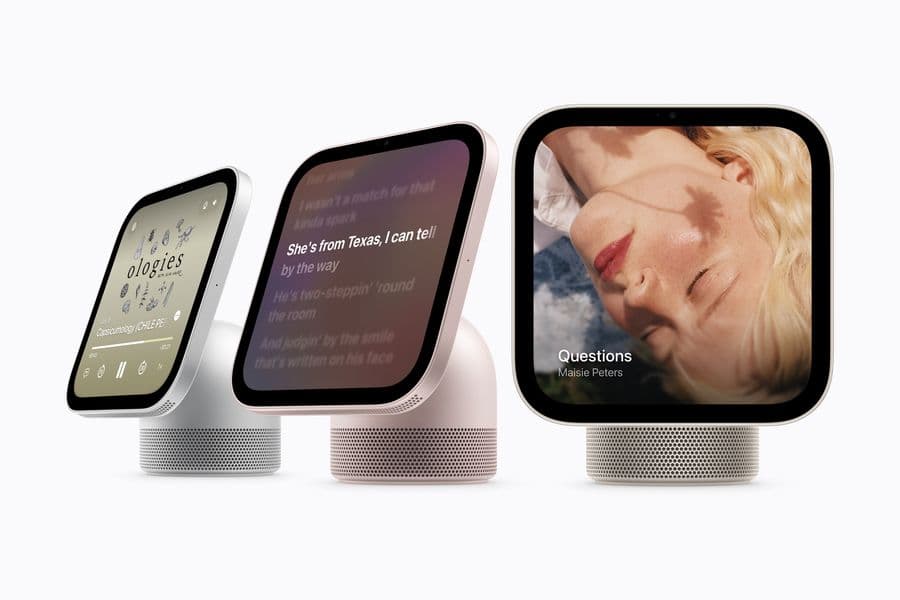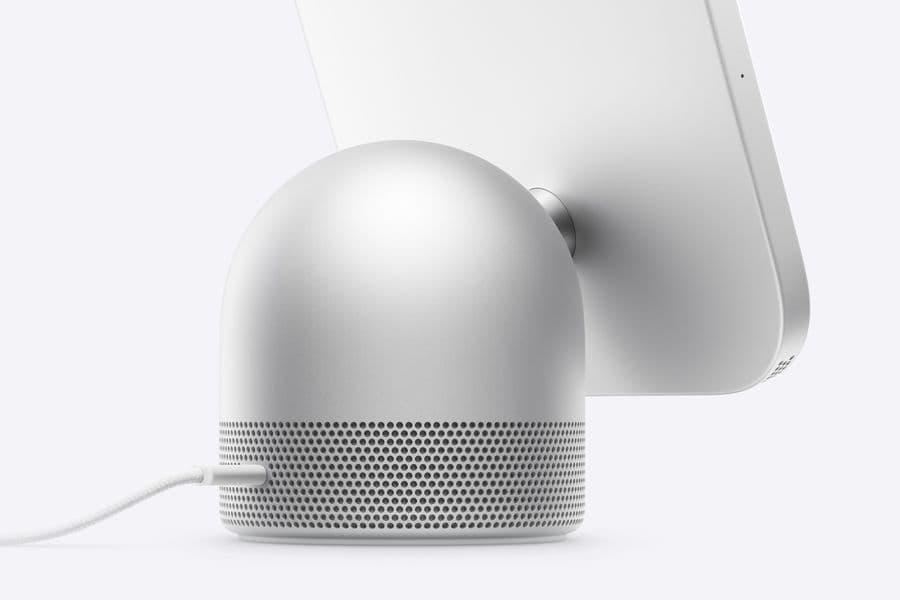
HomeView's faces: Photos, Flow, Snoopy and a home dashboard, on a screen that changes with distance
HomeView's faces turn it into a photo frame, interactive art, a Snoopy clock or a camera wall, and its interface simplifies as you step back.
Follow this story
HomeView
Show 8 earlier articlesHide earlier articles
HomeView's faces: Photos, Flow, Snoopy and a home dashboard, on a screen that changes with distance(you are reading this)
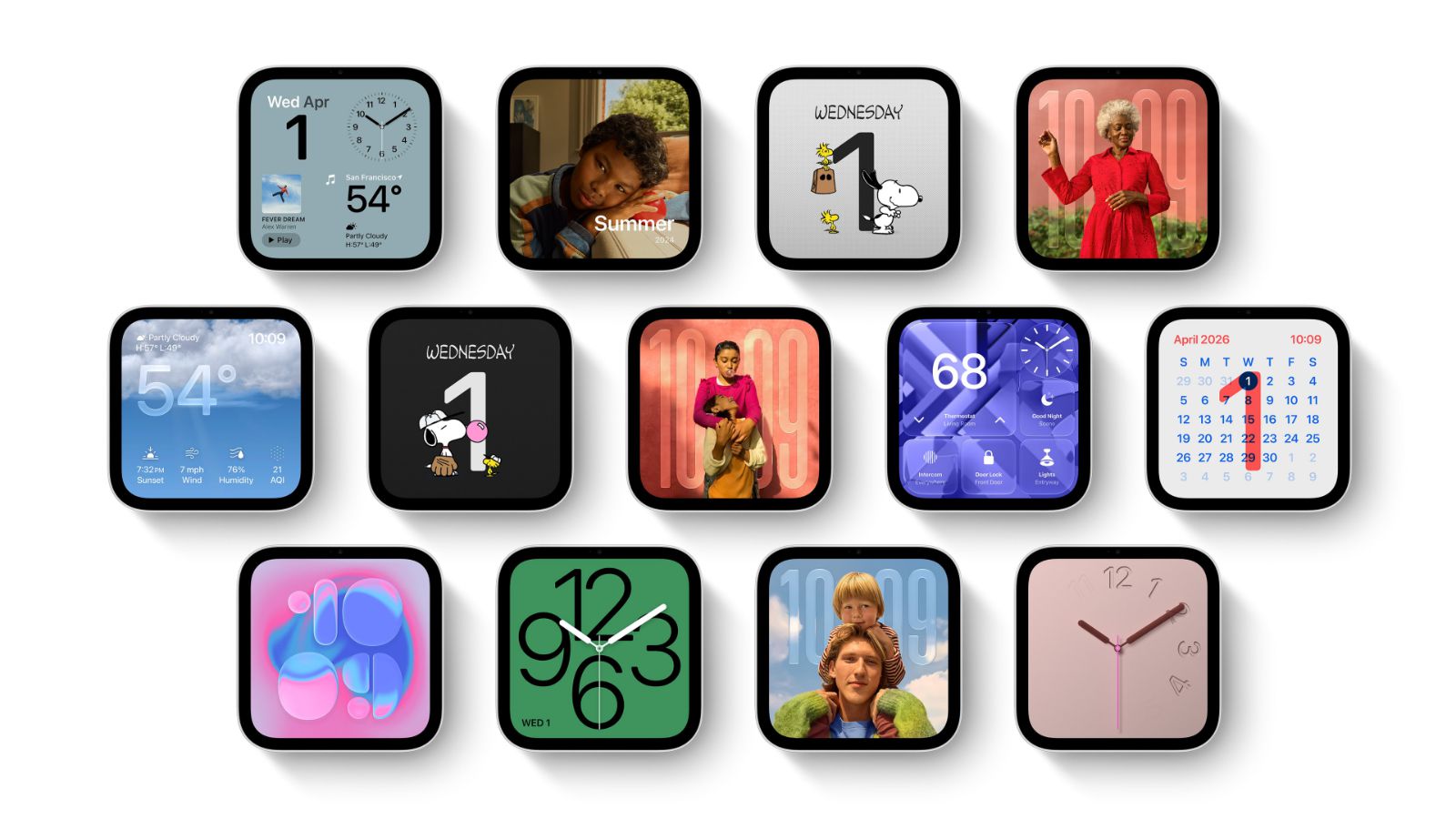
Apple's HomeView smart display uses customisable faces, full-screen layouts in the style of Apple Watch faces, as its main screen.
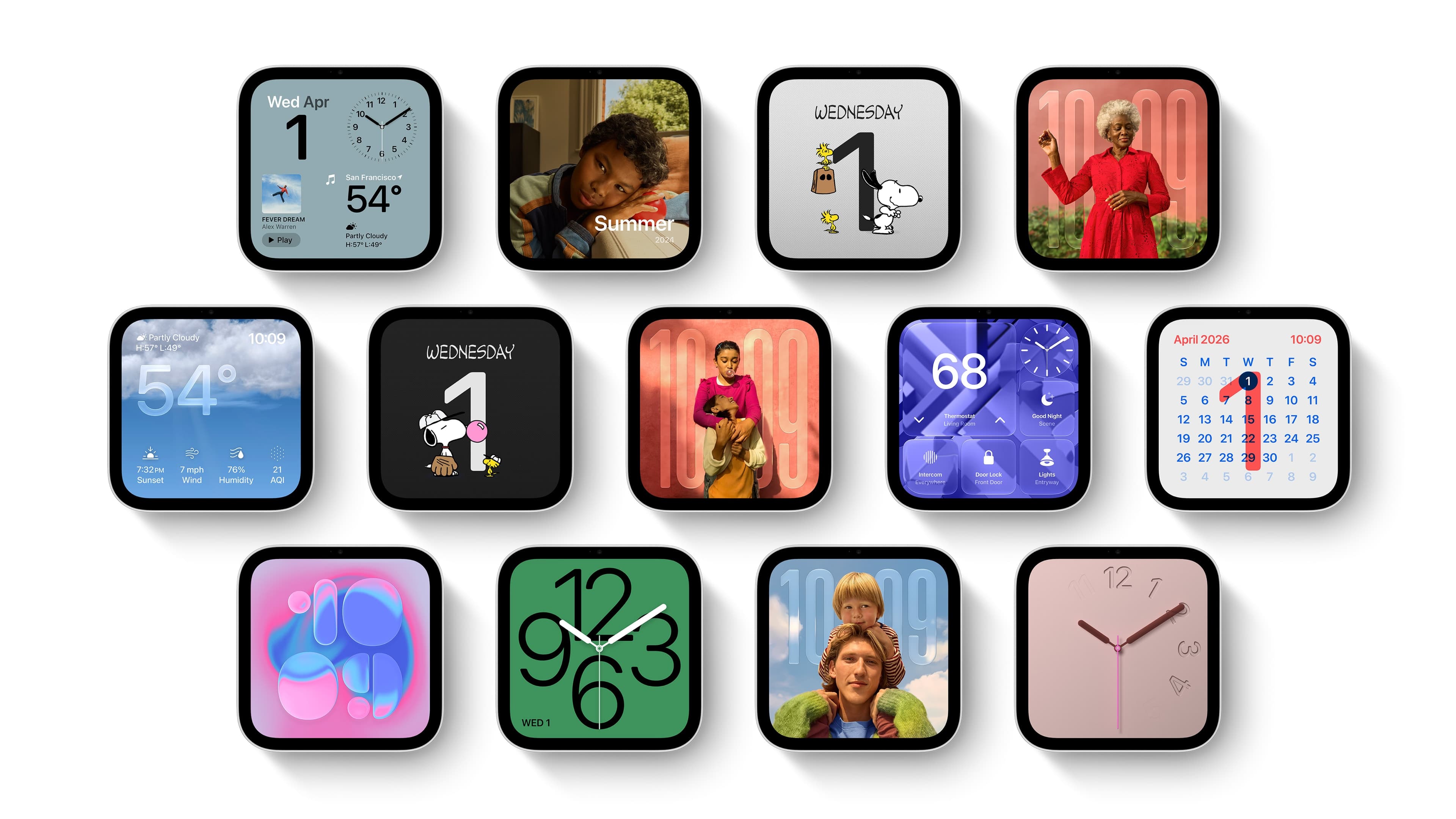
Apple's announcement on 13 October names five faces, and its media shows other clock, weather and calendar layouts it has not yet named. Some faces change through the day, with different looks for morning and evening, MacRumors reports.
Which faces does HomeView have?
Face | What it shows |
|---|---|
Photos | A single image or a rotating album, with Portrait-style depth that keeps the subject sharp and blurs the rest. A shared album lets family elsewhere add pictures. |
Flow | Colour and light that respond to people moving nearby. Apple calls it interactive art. |
Snoopy | Animations that follow the time of day, the weather, sporting events and holidays. |
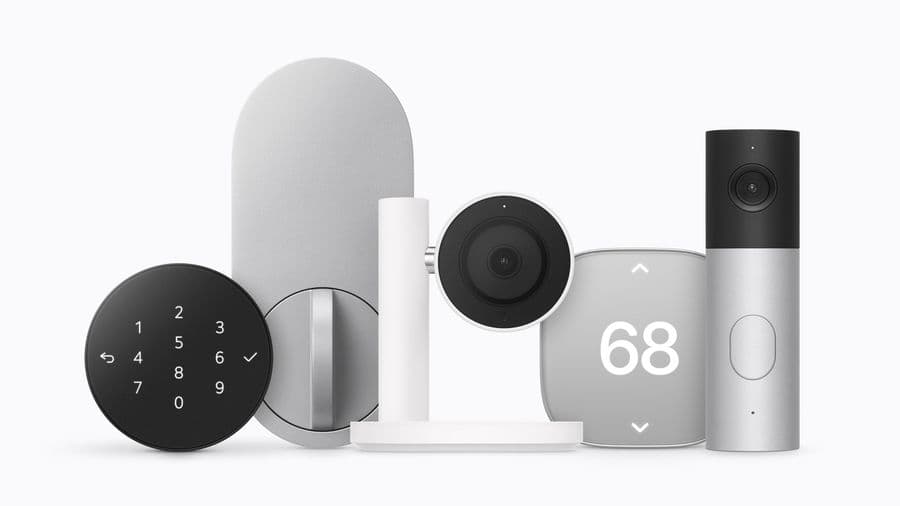
Home Modular | Quick controls for favourite smart home accessories. |
Home Camera | Up to nine live camera feeds at once. |
How does the screen adapt to distance?
Apple says the HomeView interface shows simpler information that can be read from across the room and more detail as you step closer. The 7-inch Liquid Retina display has True Tone and automatic brightness from 500 nits, for a sunlit kitchen, down to 0.3 nits for a nightstand. HomeView's camera recognises up to six people, and each gets their own Home Screen of apps and widgets alongside the shared faces.
Our take
The faces are the design decision that makes HomeView a household object rather than a small iPad. An iPad's home screen assumes one person holding it at arm's length; a face assumes several people glancing at it from across a room, most of the time without touching it. Apple has borrowed the model from the Apple Watch, where a face is the product's identity and complications carry the information, and from the Smart Stack it has been building into watchOS.
Distance-aware layouts are the genuinely new part. Responsive design normally reacts to the size of the screen; here it reacts to the size of the screen in the viewer's eye, which is the correct measure for a display in a room. From a designer's side, APPDOOK's interest is in how far Apple lets third-party widgets join in, because a widget designed for a phone held at 30 centimetres will be unreadable from three metres. Apple has said nothing yet about how widgets declare their distance behaviour.
The Photos face also confirms what leaked setup screens showed in October: the same photo face as iPhone Duo's StandBy, which suggests Apple is building one face system across its glanceable screens. The price, models and EU absence are in our launch report. HomeView ships on 13 November.
Sources
 Meet Apple HomeView, a new way to enjoy entertainment, stay connected, and manage the homeApple Newsroom, 2026-10-13
 HomeView's Faces Include Snoopy, Photos, and Interactive ArtworkMacRumors, 2026-10-14
Reporting and images linked above belong to their respective publishers and are shown from their own servers. The analysis here is our own.
How we report: editorial policy. Spotted an error? Report a correction.
Newsletter
Apple news, in your inbox
Get APPDOOK's Apple news by email, checked against the source like everything here.
Follow APPDOOK
New Apple stories every day, checked against Apple’s own sources.