
How HomeView knows who you are: no Face ID, but your face plus your recently unlocked iPhone
HomeView has no Face ID. It shows personal data only when its camera recognises you and your paired iPhone is home and was recently unlocked.
Follow this story
HomeView
Show 9 earlier articlesHide earlier articles
How HomeView knows who you are: no Face ID, but your face plus your recently unlocked iPhone(you are reading this)
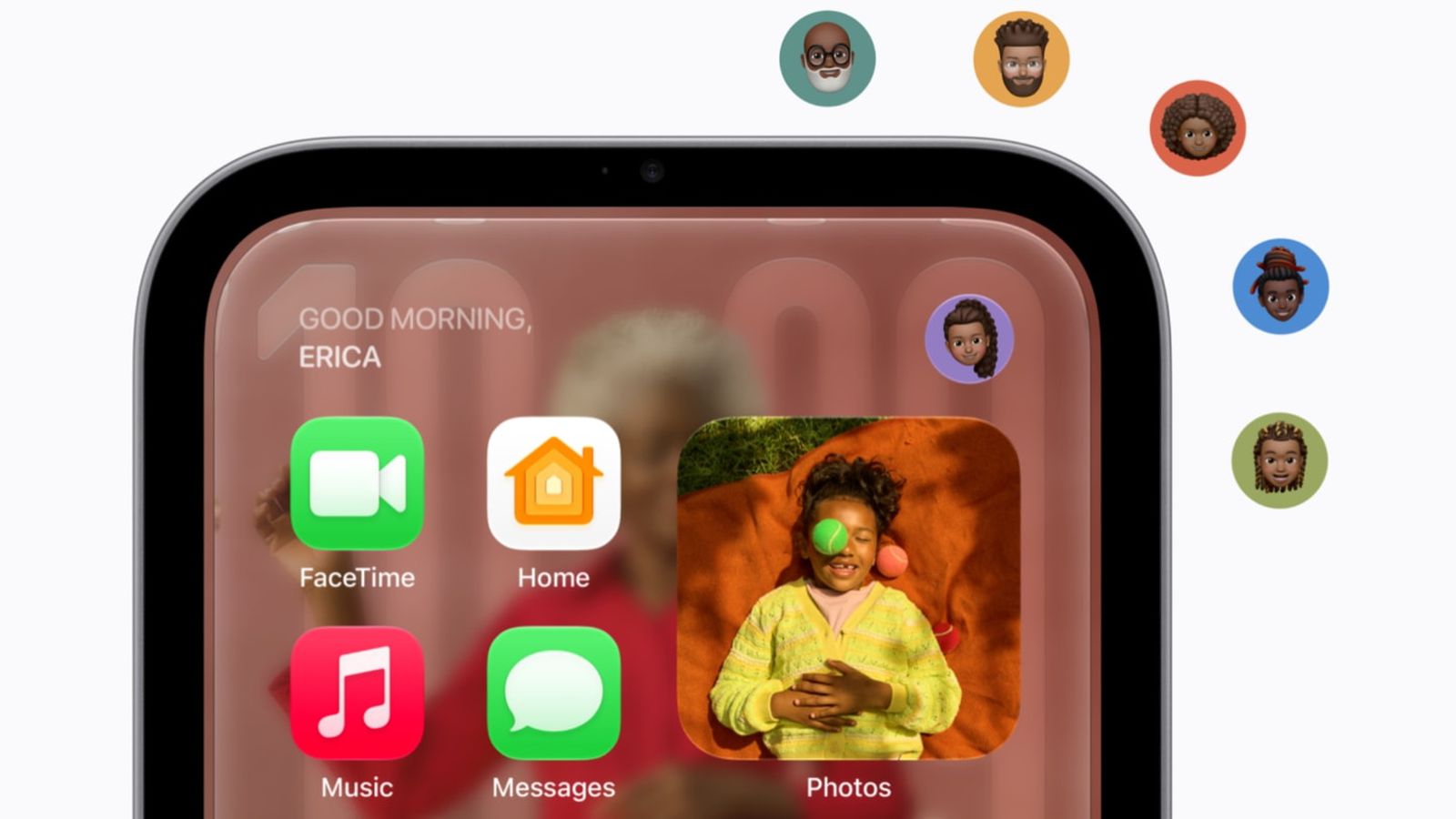
Apple's HomeView recognises up to six people, but it does not have Face ID.
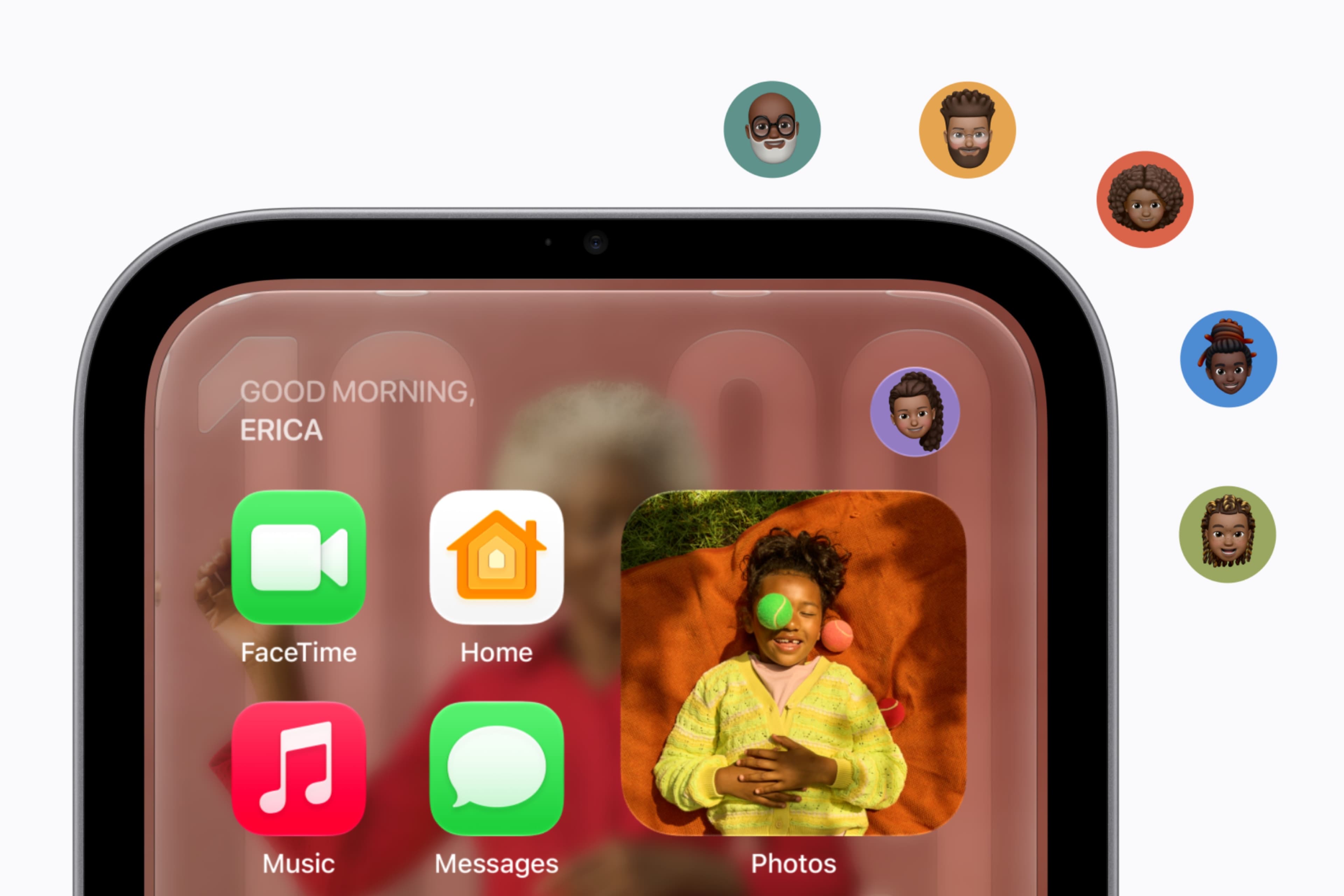
Recognition uses the front camera and voice, and on its own it is not enough to unlock anyone's personal content. Apple's press release says content in apps like Messages and Calendar appears only when the enrolled person is recognised by their face and their paired iPhone or iPad is present and has been recently unlocked.
What does HomeView check before showing personal data?
- The person is enrolled and recognised by HomeView's camera.
- Their registered personal device, an iPhone or iPad that supports Apple Intelligence and Siri AI, is on the home's Wi-Fi network.
- That device has been recently unlocked.
Daring Fireball's John Gruber, as relayed by 9to5Mac, says Apple representatives told him the home is presumed to be a reasonably safe space, and that these device conditions are what make camera-only recognition acceptable. Because the registered device must support Apple Intelligence, an Apple Watch does not count.
Is there an exception?
One, in the release's footnotes. If the paired device is disconnected from Wi-Fi, personal information may remain available provided the person is recognised by face and the device was recently on the same Wi-Fi network, has an active cellular connection, is in the same location and has been recently unlocked.
What about cameras and microphones?
HomeView's A18 chip processes camera and microphone data in Secure Exclaves, compartments Apple says the HomeView software, apps, the user and Apple itself cannot access. Siri requests are handled on the device or in Private Cloud Compute. Guests can use shared albums and music but not anyone's personal content, MacRumors reports.
Our take
This is a sensible design for the threat that matters in a home, which is a housemate or visitor reading your messages, not a stranger with a photograph. Tying access to a phone you recently unlocked with Face ID borrows that stronger check without putting Face ID hardware in a $299 display. Apple has made privacy part of the product rather than a setting before, and this is the same instinct.
The weak point is a lookalike in the same house. A sibling recognised as you, while your recently unlocked phone is on the same network, would pass all three checks, and Apple has published no false-match rate for HomeView's camera. APPDOOK's advice for households with twins or close siblings is to wait for independent testing before enrolling everyone. The face enrolment screens leaked in October show recognition is set up per person, so leaving someone unenrolled remains an option.
Sources
 Meet Apple HomeView, a new way to enjoy entertainment, stay connected, and manage the homeApple Newsroom, 2026-10-13
 Here's how HomeView's facial recognition works9to5Mac, Chance Miller, 2026-10-13
 HomeView Runs Third-Party Apps From Your iPhone or iPadMacRumors, 2026-10-13
Reporting and images linked above belong to their respective publishers and are shown from their own servers. The analysis here is our own.
How we report: editorial policy. Spotted an error? Report a correction.
Newsletter
Apple news, in your inbox
Get APPDOOK's Apple news by email, checked against the source like everything here.
Follow APPDOOK
New Apple stories every day, checked against Apple’s own sources.