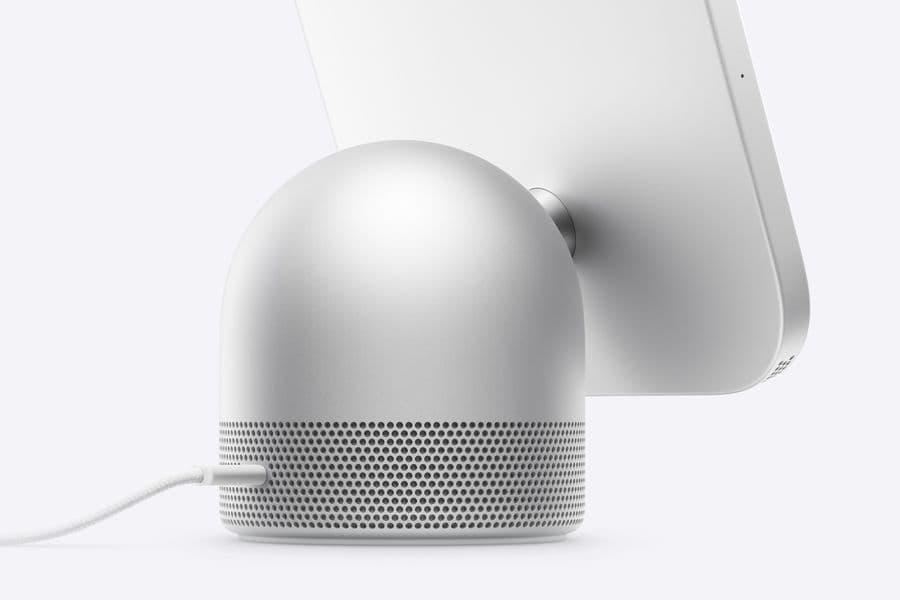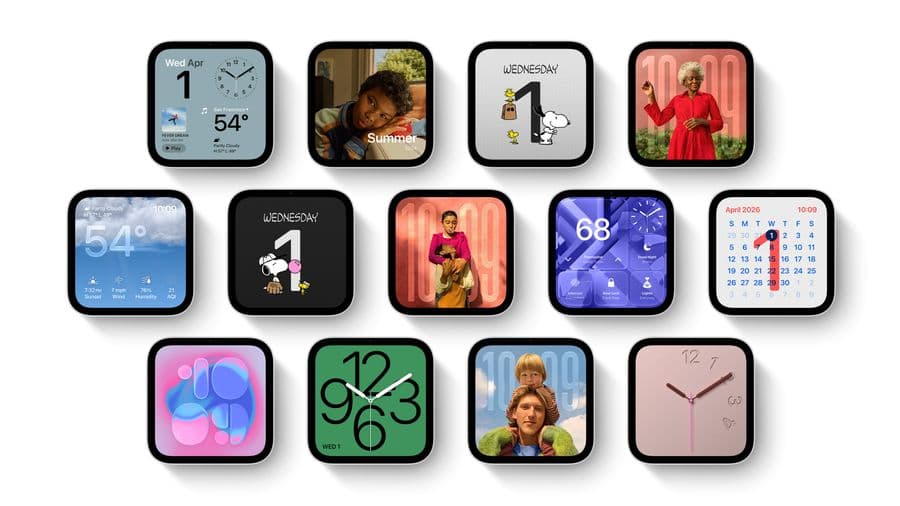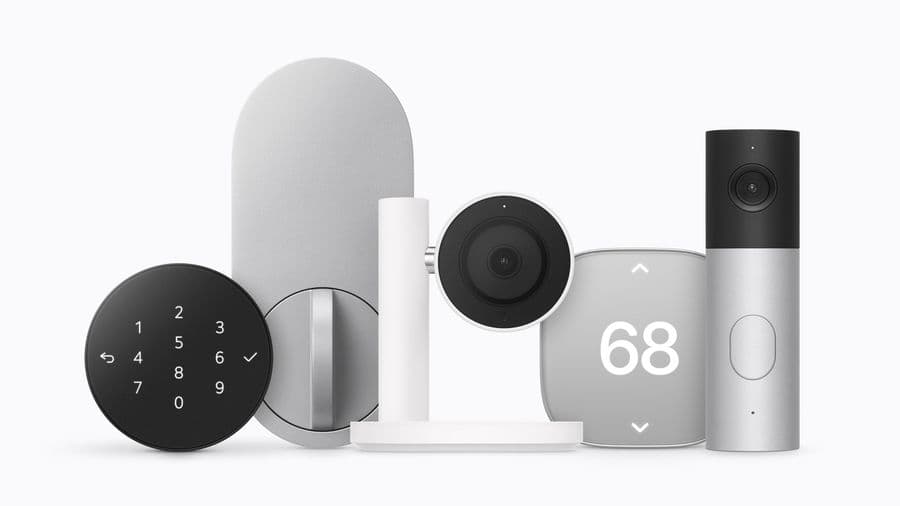
HomeView has no App Store: third-party apps run on your iPhone and appear on the display, as in CarPlay
HomeView has no App Store. Third-party audio and video apps come from a nearby iPhone or iPad, and Apple's new licence terms cover them.
Follow this story
HomeView
Show 9 earlier articlesHide earlier articles
HomeView has no App Store: third-party apps run on your iPhone and appear on the display, as in CarPlay(you are reading this)
Apple's HomeView launches without an App Store, so no apps can be downloaded onto the device itself.
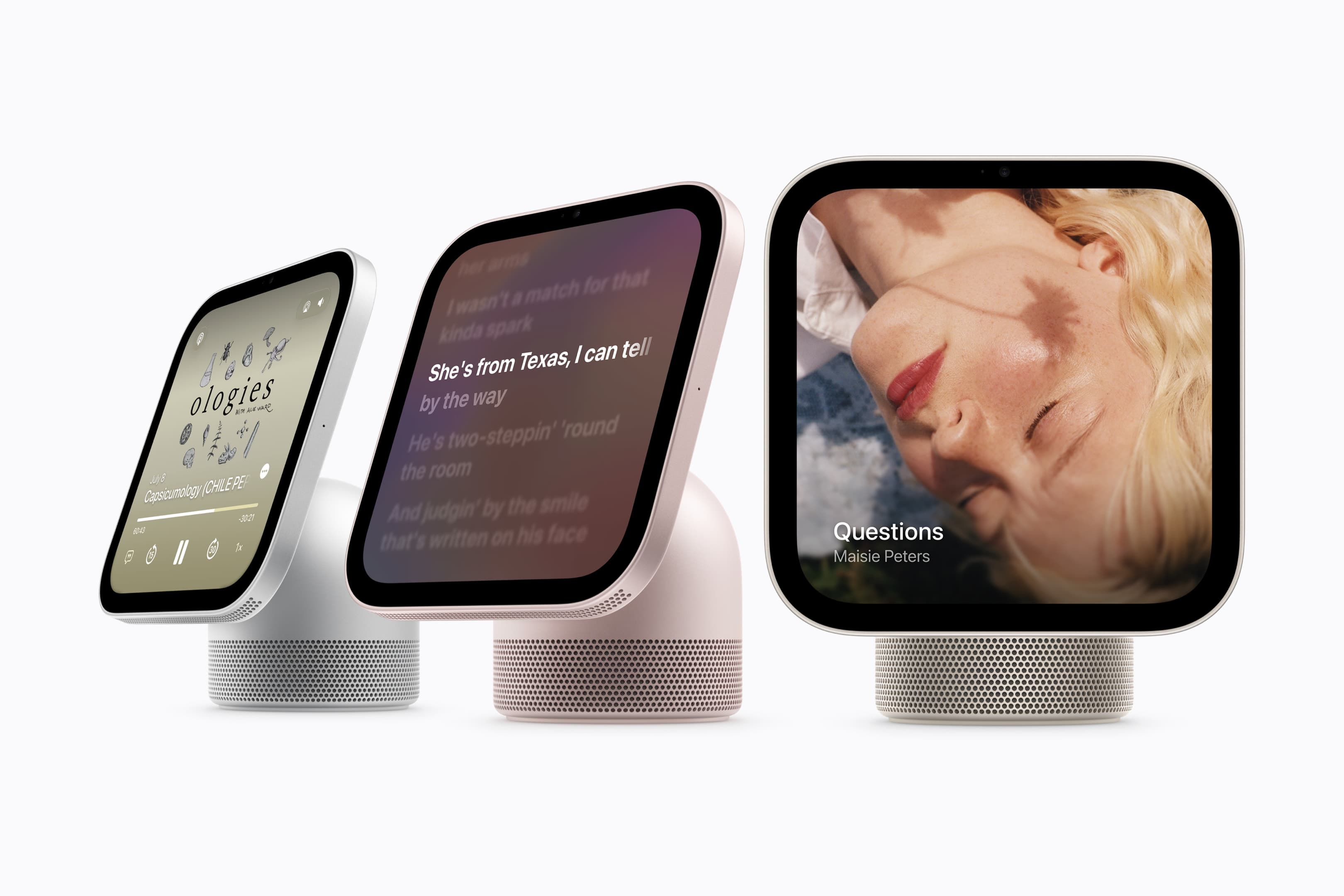
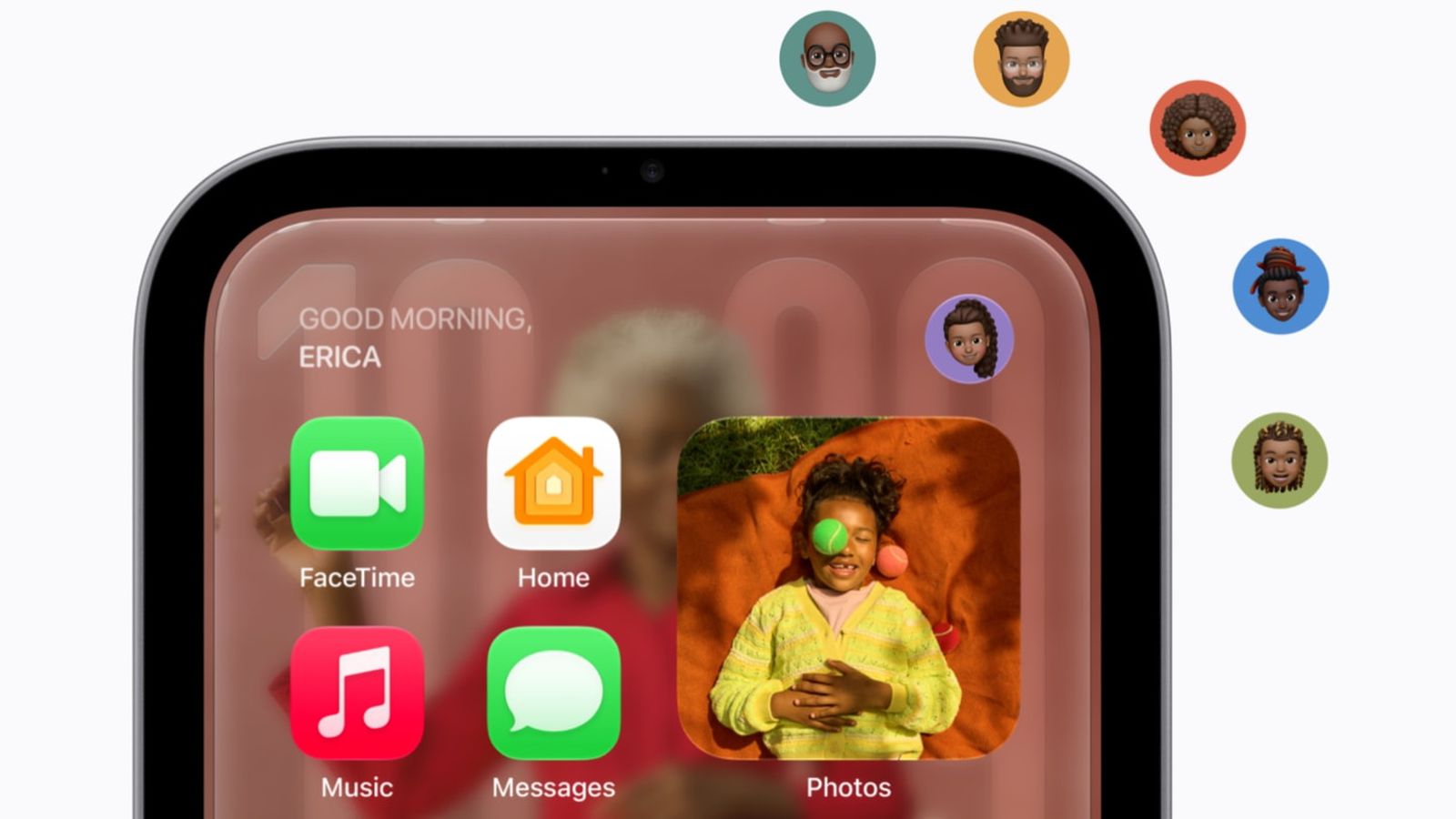
Instead, third-party audio and video apps run from a paired iPhone or iPad and appear on HomeView's screen, in a system MacRumors compares to CarPlay. HomeView ships with Apple's own apps installed, among them Music, Podcasts, News, Calendar, FaceTime, Messages and Safari.
Which apps will work on HomeView?
- Audio apps that already support CarPlay, such as Spotify and Audible, will work on HomeView, MacRumors reports from Apple's briefing.
- Developers can extend existing iOS video apps to support HomeView.
- Some of Apple's own apps also come from the iPhone rather than the device, including Audiobooks, Apple Music Classical, News and TV, 9to5Mac reports.
Apple's press release adds a line its product page leaves out, as 9to5Mac noticed: select apps require a paired and compatible iPhone nearby. Each person's third-party apps appear only when HomeView recognises them by face and their paired iPhone or iPad is nearby and recently unlocked.
What has Apple told developers?
On the same day, Apple updated the Apple Developer Program License Agreement with new terms for iOS app widgets on HomeView and for the availability of iOS CarPlay apps on HomeView, in the agreement's definitions and sections 6.4 to 6.4.2. The rest of that update covers several other features. Apple has not yet published how the iPhone-proximity requirement works for developers.
Our take
Bloomberg's Mark Gurman reported in October that HomeView would launch without an App Store, and Apple has confirmed it in the most Apple way: no store, but not no apps. Running apps on the phone and projecting them is how CarPlay handles third-party video, and it gives Apple control of what appears in a shared room while reusing work developers have already done.
The cost falls on households. A HomeView with no iPhone in reach is Apple's apps plus whatever the shared profile can see; Spotify in the kitchen depends on someone's phone being home and recently unlocked. That is defensible for privacy, since one person's account should not play on a shared screen when they are out, but it makes HomeView less of a standalone device than an iPad on a stand, which installs anything.
For app makers, APPDOOK's advice is simple: if your app already supports CarPlay audio, you are most of the way there. Video apps need Apple's extension, and widgets need the new licence terms accepted. Everyone else can wait for Apple's developer documentation, which has not yet appeared.
Sources
 HomeView Runs Third-Party Apps From Your iPhone or iPadMacRumors, 2026-10-13
 Will HomeView support third-party apps? Here's what Apple says9to5Mac, Marcus Mendes, 2026-10-13
 Meet Apple HomeView, a new way to enjoy entertainment, stay connected, and manage the homeApple Newsroom, 2026-10-13
 Updated Apple Developer Program License Agreement now availableApple Developer, 2026-10-13
Reporting and images linked above belong to their respective publishers and are shown from their own servers. The analysis here is our own.
How we report: editorial policy. Spotted an error? Report a correction.
Newsletter
Apple news, in your inbox
Get APPDOOK's Apple news by email, checked against the source like everything here.
Follow APPDOOK
New Apple stories every day, checked against Apple’s own sources.