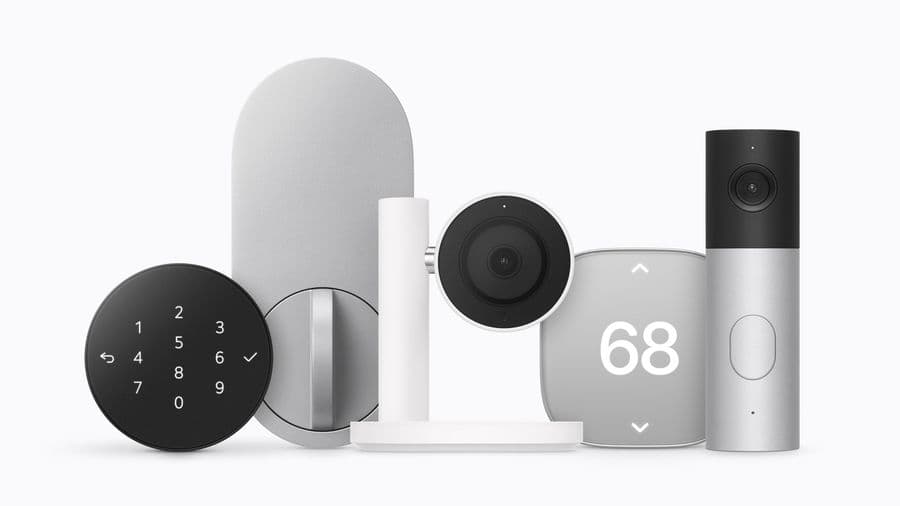
HomeView repairs cost $279 without AppleCare+, and the wall model needs a 20W adapter Apple does not include
Apple lists a $279 out-of-warranty fee for any HomeView damage, $39 with AppleCare+, and says the wall model needs at least a 20W USB-C adapter.
Follow this story
HomeView
Show 9 earlier articlesHide earlier articles
HomeView repairs cost $279 without AppleCare+, and the wall model needs a 20W adapter Apple does not include(you are reading this)
Apple has published repair prices for HomeView: $279 for any damage out of warranty, or $39 with AppleCare+.
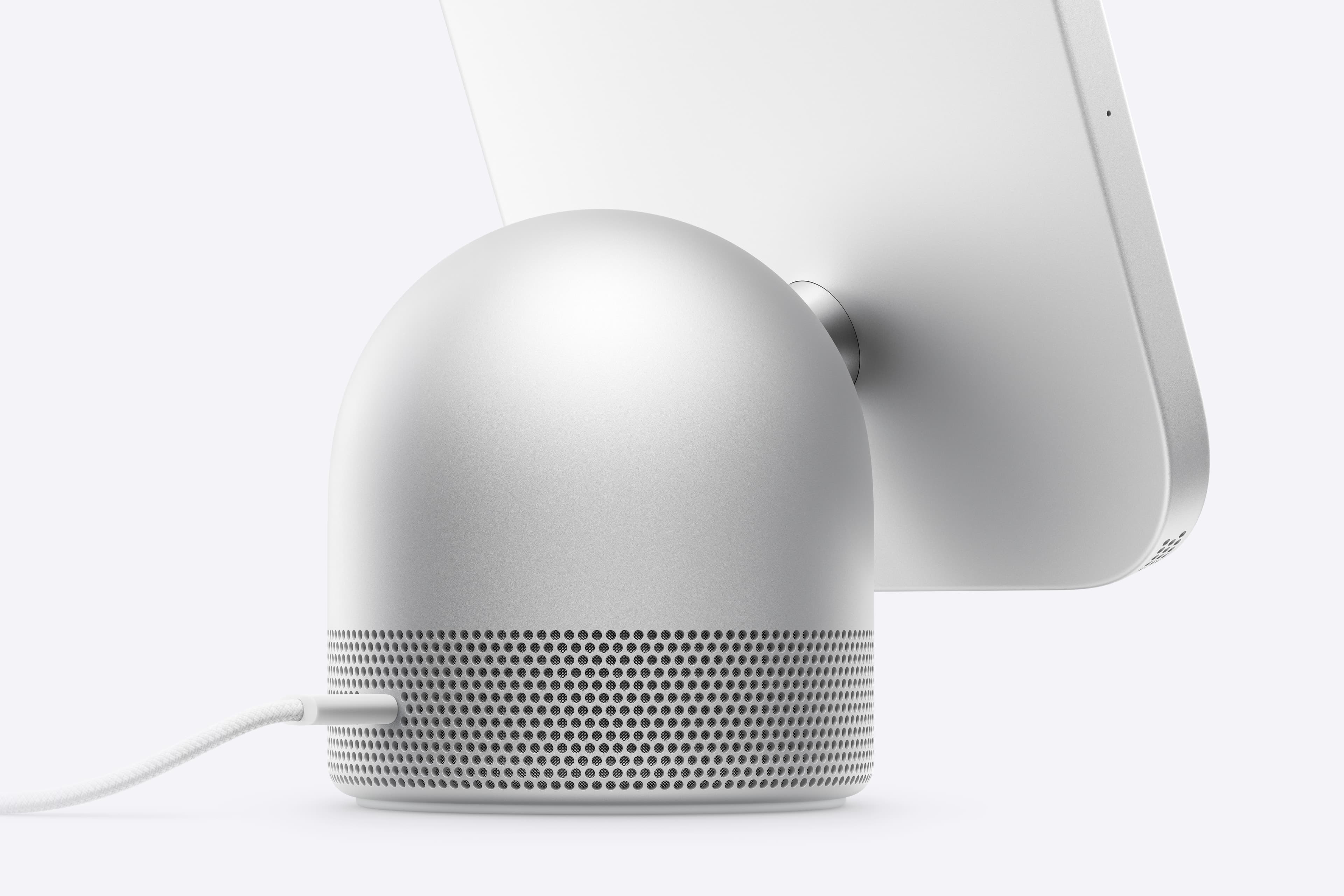
The figures come from Apple's service and repair page for HomeView, as reported by 9to5Mac and MacRumors on 13 October. Both prices apply to either model and to any kind of damage. Apple lists a single category, Other damage, with no separate price for a screen or a speaker.
How much is AppleCare+ for HomeView?
In the United States, AppleCare+ for HomeView costs $2.49 a month or $24.99 a year until cancelled, MacRumors reports, or it can be added to the AppleCare One bundle, which starts at $19.99 a month. HomeView itself costs $299.
What power adapter does the wall model need?
The tabletop HomeView comes with its cable and adapter. HomeView (Wall Mounted) comes with neither, and with no mount. Apple's support article, quoted by 9to5Mac, sets out the requirements:
Model | Adapter in the box | Minimum adapter |
|---|---|---|
HomeView | Yes | USB-C, at least 30W, supporting 15V at 2A |
HomeView (Wall Mounted) | No | USB-C, at least 20W, supporting 9V at 2.22A |
An adapter below the specification can bring up a Not Enough Power warning on the display, and Apple links to a compatible adapter from the same support article. Depending on the mount, the wall model can instead be wired to mains power. Apple's mounts come from Schneider Home: the Power Mount USB-C Wall Connector from $59.95, the Power Mount AC Wired from $79.95, and a Power Mount PoE Wired at $129.95 in early 2027.
Our take
One flat fee for every kind of damage usually means Apple swaps the whole unit rather than repairing parts, and 9to5Mac notes Apple has not said either way. At $279 against a $299 device, an out-of-warranty accident costs almost a new HomeView, so for a screen that lives on a kitchen counter or a hallway wall, $24.99 a year of AppleCare+ is cheap insurance. That is the same whole-device pattern Apple follows on the Apple Watch, which iFixit scored 4 out of 10 for repair.
The wall model is the one to cost properly. We reported at launch that its mount and adapter are sold separately; with the cheapest mount and an adapter, it is closer to $380 than $299 before installation. APPDOOK's practical advice is to check the 20W and 9V figures on any adapter you already own before buying one, and to choose the mount first, because a hardwired mount removes the adapter question entirely.
Sources
 Here's how much it costs to repair the new Apple HomeView9to5Mac, Marcus Mendes, 2026-10-14
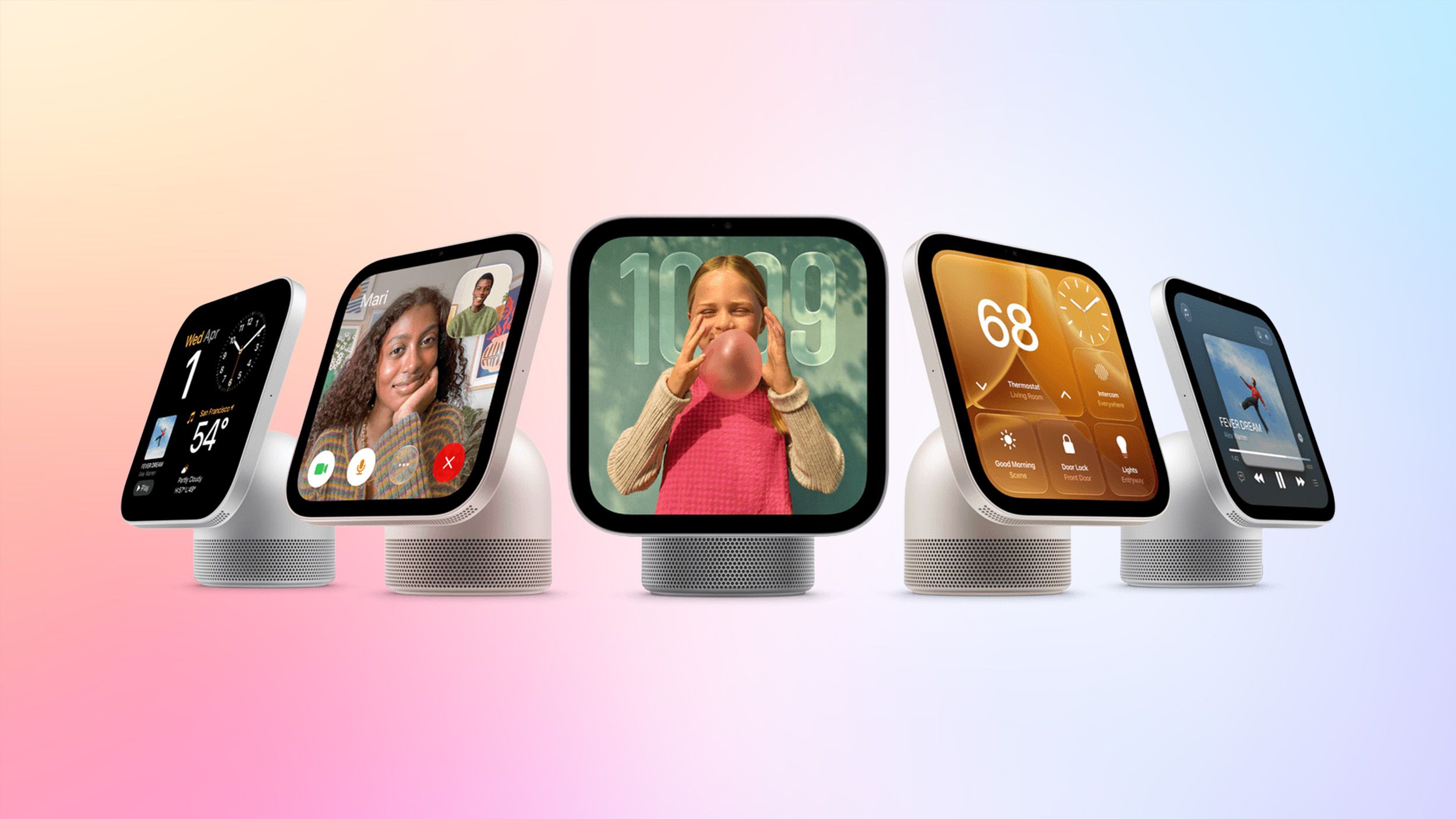 Apple's HomeView Repair Fees RevealedMacRumors, 2026-10-14
 PSA: Wall-mounted HomeView may not work if you buy the wrong power adapter9to5Mac, Marcus Mendes, 2026-10-13
 Meet Apple HomeView, a new way to enjoy entertainment, stay connected, and manage the homeApple Newsroom, 2026-10-13
Reporting and images linked above belong to their respective publishers and are shown from their own servers. The analysis here is our own.
How we report: editorial policy. Spotted an error? Report a correction.
Newsletter
Apple news, in your inbox
Get APPDOOK's Apple news by email, checked against the source like everything here.
Follow APPDOOK
New Apple stories every day, checked against Apple’s own sources.