How to find free fonts for Mac without licensing problems, and check a font's licence in Font Book
Where to get free Mac fonts you can use in paid work: Apple's own Font Book downloads, Open Font License families, and the Apple fonts that are not free to use.
The safest free fonts for a Mac are the extra families Apple lets you download inside Font Book, and fonts released under the SIL Open Font License, which covers most of Google Fonts.
Both can be used in commercial work such as client projects, posters, packaging and websites, within limits set out below. The fonts that cause trouble are the ones that look free: families on download sites marked for personal use only, and Apple's own SF Pro and New York, whose licence is far narrower than most people assume. This guide covers macOS Tahoe 26 and macOS 27, where Font Book works the same way.
Start with the fonts Apple already ships
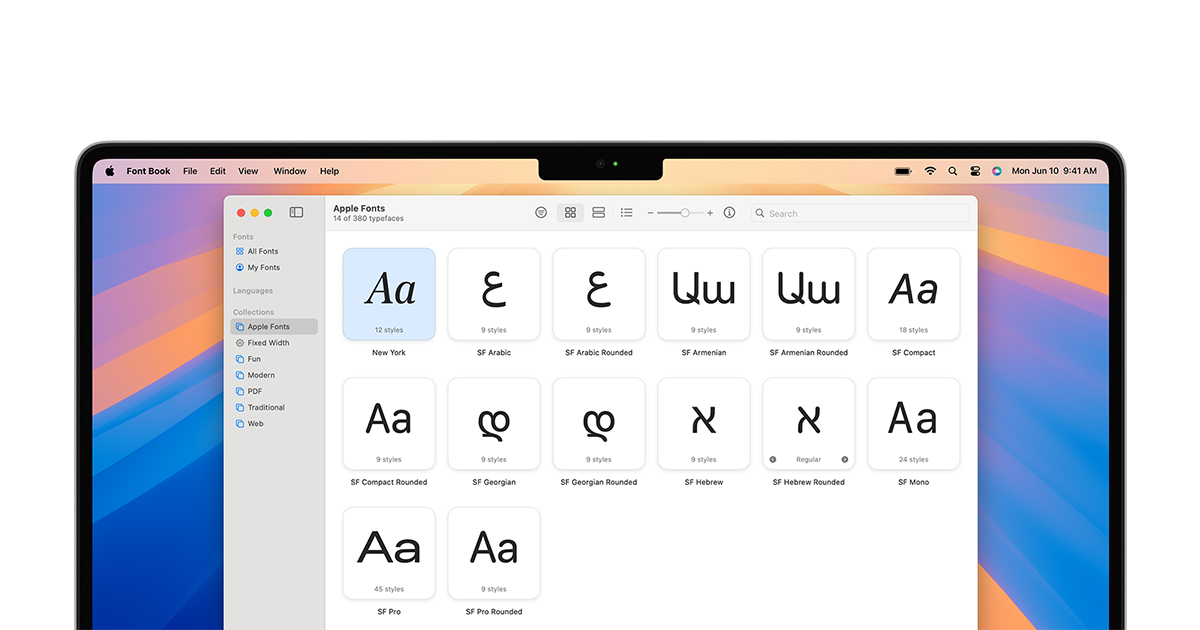
Every Mac includes several hundred font families, and not all of them are installed. Apple's list of the fonts included with macOS Tahoe says most are installed automatically, while others can be downloaded in Font Book, where they appear dimmed until you do. To get one:
- Open Font Book from the Applications folder.
- Choose All Fonts in the sidebar and scroll to a family shown in grey.
- Select it and click Download, or Control-click it and choose Download.
What you may do with them is set by the macOS software licence, not by Font Book. Section 2E of the macOS Tahoe 26 agreement lets you use the bundled fonts to "display and print content while running the Apple Software". Embedding a font in content, such as a PDF or an app, is allowed only where the font's own embedding restrictions permit it, and Apple says those are shown in Font Book and in the Show Font Info panel. Apple's list also names a third group, document-support fonts, which only open documents that already use them and are not meant for new work.
Which free font licences are safe for commercial work?
The licence travels with the font, not with the site you got it from. These are the ones a Mac user meets most often.
Font or licence | Where you find it | Commercial use | What you cannot do |
|---|---|---|---|
SIL Open Font License 1.1 | Most of Google Fonts, many open-source families | Yes, including logos and the web | Sell the font file on its own, or reuse a reserved name on a modified version |
Apache 2.0 | Some Google Fonts families | Yes | Drop the licence and copyright notice when redistributing |
ITF Free Font Licence | Fontshare, run by Indian Type Foundry | Yes, says ITF | Read the licence before redistributing or self-hosting |
macOS bundled fonts | Font Book, including dimmed downloads | Display and print on your Mac | Embed where the font forbids it |
SF Pro, SF Mono, New York | developer.apple.com/fonts | Interface mock-ups for Apple platforms only | Use in artwork, websites, documents or other products |
The Open Font License is the most generous of these. Its official text lets fonts be bundled, embedded, redistributed and sold with any software, as long as the licence and copyright notice go with them. A font may not be sold by itself, and a modified version cannot keep a reserved font name without permission. The licence does not reach documents made with the font, so a brochure set in an OFL typeface carries no obligation at all. Google's own font repository sorts every family into folders by licence: OFL for most, Apache 2.0 for some and the Ubuntu Font Licence for the Ubuntu family.
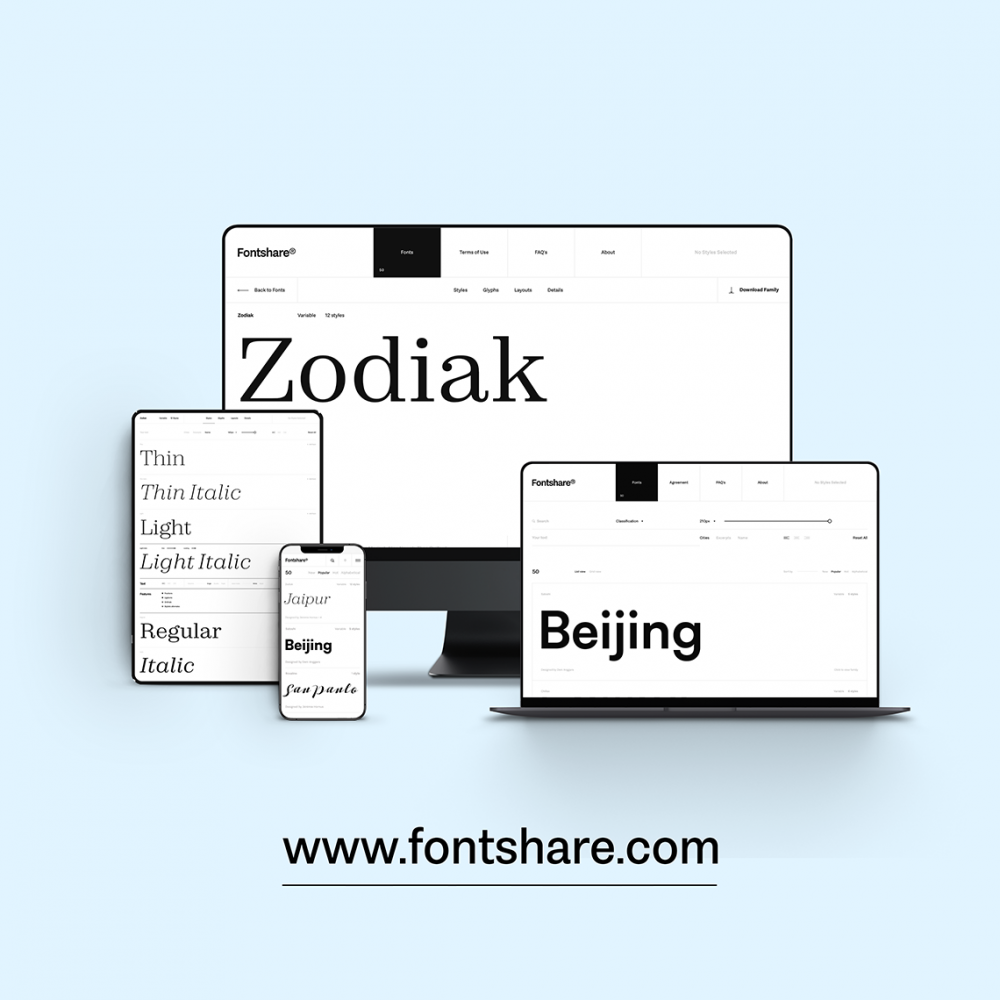
Apple's developer fonts are the opposite case. The San Francisco licence reproduced on developer.apple.com allows the fonts only for mock-ups of interfaces for Apple's platforms, by registered Apple developers. It rules out embedding the font in software or products, and making artwork, website content or other work with it. Fontshare, which Indian Type Foundry launched in March 2021, describes its own fonts as free for personal and commercial use, but they are not open source and sit under ITF's own licence, so read it before you put the files anywhere public.
How to install a downloaded font in Font Book
Apple's Font Book guide gives four ways in: double-click the file in Finder and click Install, drag it onto Font Book's window or its Dock icon, or choose File, then Add Fonts to Current User. Font Book validates the font and checks for duplicates as it installs. It accepts TrueType, variable TrueType, OpenType, OpenType-SVG and both collection formats. Apple says older suitcase and PostScript Type 1 fonts may work but are not recommended.
To check a font you already have, select it and choose File, then Validate Selection. Green means it passed, yellow is a warning and red a failure, and failed fonts can be removed from the same window.
Our take
The mistake designers make most often on a Mac is not a dodgy download site. It is SF Pro. It is on every Mac, it looks neutral and modern, and it ends up in pitch decks, posters and landing pages. Its licence allows none of that. The system font your Mac draws its menus in is licensed for that job and for interface mock-ups, not for your brand. If you want that look in marketing work, an OFL grotesque such as Inter or one of Google's sans families is the honest substitute, and at slide or poster sizes few readers will notice the difference.
The second trap is the word free. Aggregator sites list personal-use fonts next to open ones, and the badge on the card is not the licence. The test APPDOOK applies is simple: if a family has no licence file you can read, treat it as unlicensed for anything you are paid for. Google Fonts makes this easy, because every family in its repository carries its licence in its own folder.
Two habits save a lot of trouble later. Keep a copy of the licence in the project folder next to the font, so the question can be answered in five seconds when a client asks a year on. And check embedding before you export: a PDF for print, a font shipped inside an app and a web font each raise a separate rights question. The Open Font License answers all three in your favour. Apple's San Francisco licence answers no to shipping the font inside software at all, so an app that wants Apple's look should ask the system for its font in code rather than bundle the files.
For most people, the extra families waiting in Font Book plus a short list of Open Font License fonts will cover almost every job, without a single licence to pay for or worry about.
Sources
- Install and validate fonts in Font Book on MacApple Support, 2026-10-16
- Fonts included with macOS TahoeApple Support, 2025-09-15
- Software License Agreement for macOS Tahoe 26Apple, 2025-09-15
 Fonts for Apple platformsApple Developer, 2016-02-24
 SIL Open Font License, version 1.1: official textSIL International, 2007-02-26
Google Fonts repositoryGoogle on GitHub, 2026-10-16
 Introducing Fontshare, a free fonts service making high-quality fonts accessible to allIndian Type Foundry, 2021-03-22
Reporting and images linked above belong to their respective publishers and are shown from their own servers. The analysis here is our own.
How we report: editorial policy. Spotted an error? Report a correction.
Newsletter
Apple news, in your inbox
Get APPDOOK's Apple news by email, checked against the source like everything here.
Follow APPDOOK
New Apple stories every day, checked against Apple’s own sources.