How to set up iPhone Handoff to use one number on two iPhones, and who it actually suits
iPhone Handoff in iOS 27 keeps one phone number on two iPhones and moves it to whichever you unlock. Here is how to set it up, and who it is really for.
iPhone Handoff, added in iOS 27, lets one phone number stay on two iPhones and moves it to whichever one you unlock.
It is a carrier feature built on eSIM, and it is not the older Handoff that passes an open app between Apple devices. Apple's support document describes one main iPhone and one secondary iPhone sharing a number, with the number active on only one of them at a time. The Verge asked in October 2026 who exactly the feature is for. The answer depends almost entirely on Apple's requirements, so they come first.
What do you need for iPhone Handoff?
Apple lists these requirements for both iPhones:
- iOS 27 or later. Any iPhone that runs iOS 27 qualifies, not only this year's models.
- The same Apple Account on both, with Messages in iCloud turned on and FaceTime and iMessage signed in to that account.
- Both iPhones connected to Wi-Fi.
- An eSIM from a carrier that supports Handoff. A physical SIM does not work.
Carrier support is the real limit. At the time of writing it looks like this, from Apple's list and carrier pricing reported by MacRumors and TmoNews:
Carrier | Country | Status | Price |
|---|---|---|---|
T-Mobile | US | Available | $5 a month |
Telekom | Germany | Available | 6.95 euros a month on plans without multi-SIM, per MacRumors |
Verizon | US | Before the end of 2026 | Not announced |
EE | UK | Later in 2026, per MacRumors | Not announced |
AT&T | US | No commitment | - |
We covered why AT&T has not signed up and what that leaves US buyers with when the pricing was announced, and nothing in that picture has changed since.
How to set up iPhone Handoff
Apple's steps, which MacRumors and Engadget describe the same way, start on the iPhone that will join the number:
- Step 1. Open Settings, tap Cellular, then tap Set Up Cellular or Add eSIM.
- Step 2. Choose Use Number on This iPhone and Another, then tap Continue.
- Step 3. Pick which iPhone keeps the eSIM as the main device. Keeping it on your current iPhone leaves that one as main; transferring it makes the new one main.
- Step 4. Follow the carrier's prompts to finish. The eSIM for your number is then added to the second iPhone.
On a brand new iPhone the same choice appears during activation. With two new iPhones at once, Apple says to activate the eSIM on the first, skip the cellular step on the second, and finish Handoff afterwards in Settings. On Dual SIM, each supported eSIM is set up separately, one at a time, and both then switch together.
Apple advises making the main iPhone the one you use most, because some carrier settings live only there: account management, Caller ID and call forwarding. If you rely on forwarding calls through the iOS 27 setting or a carrier code, do it from the main phone.
What moves when you switch iPhones?
Unlocking an iPhone makes it the active one, and it shows a Switched to this iPhone confirmation. Apple recommends keeping a passcode on both, since the unlock is what decides where calls go. According to Apple's document:
- Calls, voicemail, messages and your Find My location follow the active iPhone.
- Anything synced through iCloud stays current on both.
- Payment cards added during setup work on both. Car keys can be shared afterwards.
- Some transit passes, IDs and corporate badges may work on only one iPhone at a time.
- Your Apple Watch stays paired to one iPhone. Handoff does not move it, so Apple says to pair it with the phone you carry most.
- Banking and some other apps may sign you out on one iPhone when you sign in on the other.
Turning it off is not done on the phone. Apple says you have to contact the carrier, and that deleting the eSIM does not end the service, so the charge can continue.
Our take
The obvious audience for a feature like this is the person who carries a work iPhone and a personal one, and iPhone Handoff is close to useless for them. Both phones must be signed in to the same Apple Account, and a company phone is normally enrolled under the employer's management, not a personal account. SlashGear reports that T-Mobile offers Handoff only to postpaid consumer and sole proprietor accounts, and other summaries say business lines are excluded at launch. We could not check that against T-Mobile's own terms, which were not reachable to us, but it points the same way. Apple's own note that corporate badges may stay on one device is the last hint.
Who it does suit is one person with two iPhones of different shapes. The Verge's question about bringing back the iPhone mini lands on the right case: a small phone for a run or a night out, a large one for the rest of the day, one number and one set of messages. The same goes for someone moving to a new iPhone who wants a week with both, or anyone keeping an older phone as a beach or travel spare. For those readers, $5 a month buys something no setting offered before.
From the design side, what APPDOOK likes is that the switch is the unlock. There is no toggle to remember, and the confirmation tells you where calls will ring. What it gives up is predictability around the edges. The Watch belongs to one phone, a driver's licence in Wallet may sit on only one, and a banking app can log you out without warning. Before paying, list the things you actually reach for on the second phone: if the Watch, an ID or a work badge is among them, Handoff will feel half finished.
Two things are still unknown. Apple has not said whether more carriers outside the US, Germany and the UK are coming, and nobody has published how Handoff behaves when both iPhones are unlocked within seconds of each other. Until then, the carrier table above is the part of this guide most likely to change.
Sources
- Set up iPhone HandoffApple Support, 2026-09-09
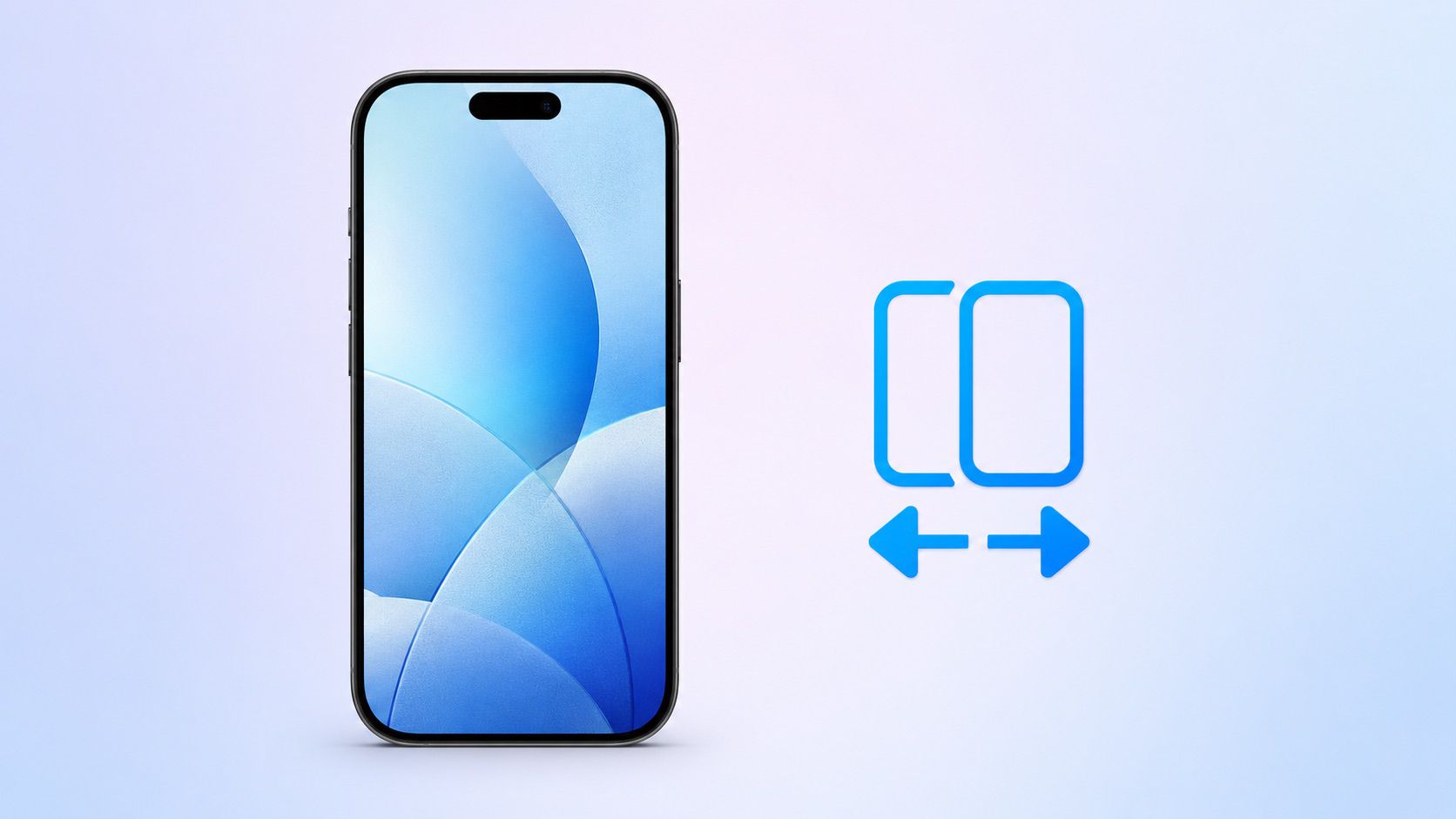 iPhone Handoff in iOS 27: How It Works, Pricing, and Carrier SupportMacRumors, Tim Hardwick, 2026-09-24
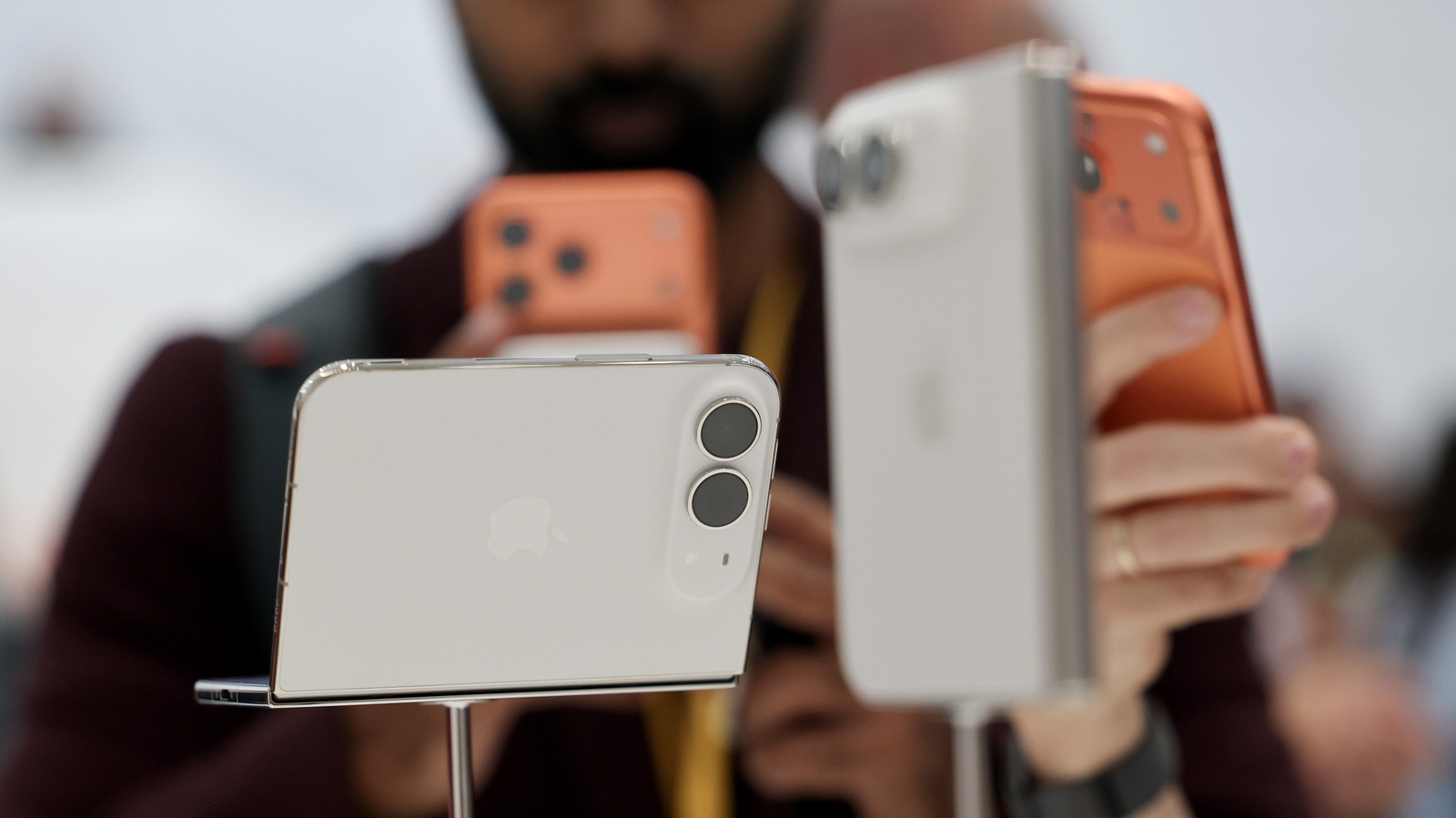 One mobile number, two phones: What is iPhone handoff and which carriers support it?Engadget, Jonny Evans, 2026-09-20
 Which Phone Carriers Support iPhone Handoff & How Does It Work?SlashGear, 2026-10-10
 Want iPhone Handoff on T-Mobile? That'll Be $5 MonthlyTmoNews, 2026-09-11
 Quick question: Who exactly is iPhone Handoff for?The Verge, 2026-10-15
Reporting and images linked above belong to their respective publishers and are shown from their own servers. The analysis here is our own.
How we report: editorial policy. Spotted an error? Report a correction.
Newsletter
Apple news, in your inbox
Get APPDOOK's Apple news by email, checked against the source like everything here.
Follow APPDOOK
New Apple stories every day, checked against Apple’s own sources.