iPhone Duo FAQ: Apple Pencil, Touch ID, apps and eSIM, answered
Which Apple Pencil works with iPhone Duo, where Touch ID lives, what apps do on the inner screen and why there is no SIM tray, from Apple's own pages.
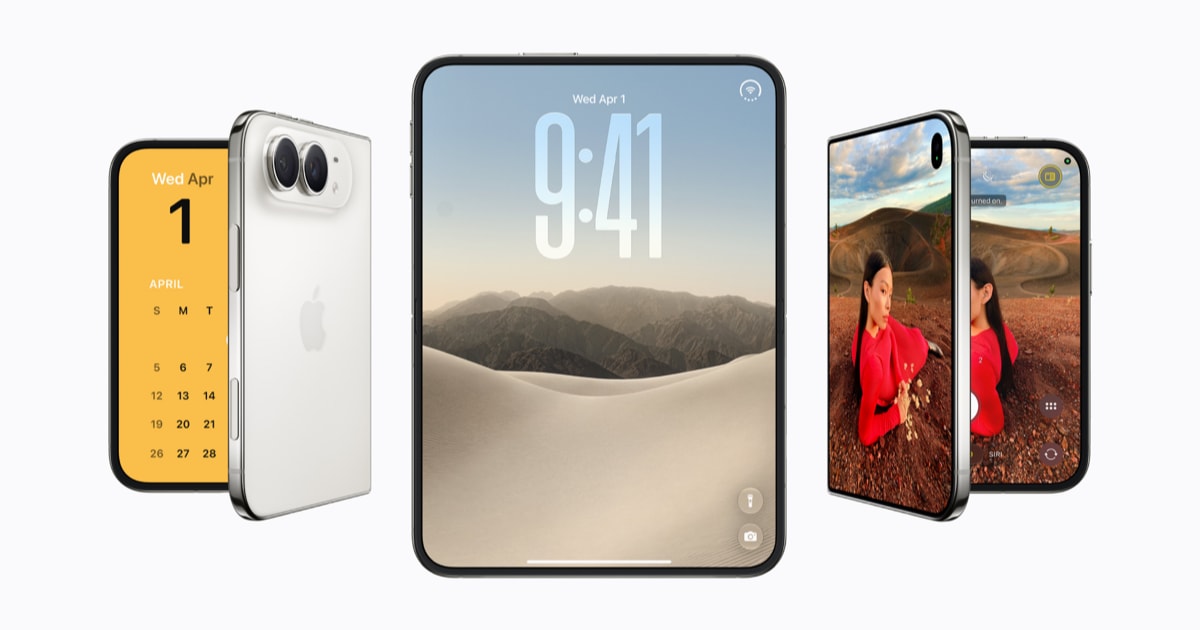
Pre-orders for iPhone Duo, Apple's first folding iPhone, opened on 16 October, and the questions buyers ask most are about the stylus, the lock, the apps and the SIM.
This guide answers them from Apple's technical specifications, its iPhone Duo product page, its Human Interface Guidelines for developers and its 15 October newsroom post, with iClarified's FAQ of 14 October and other reporting where Apple's pages are silent. Everything here applies to iPhone Duo running iOS 27.1, the release it ships with.
Does iPhone Duo work with Apple Pencil?
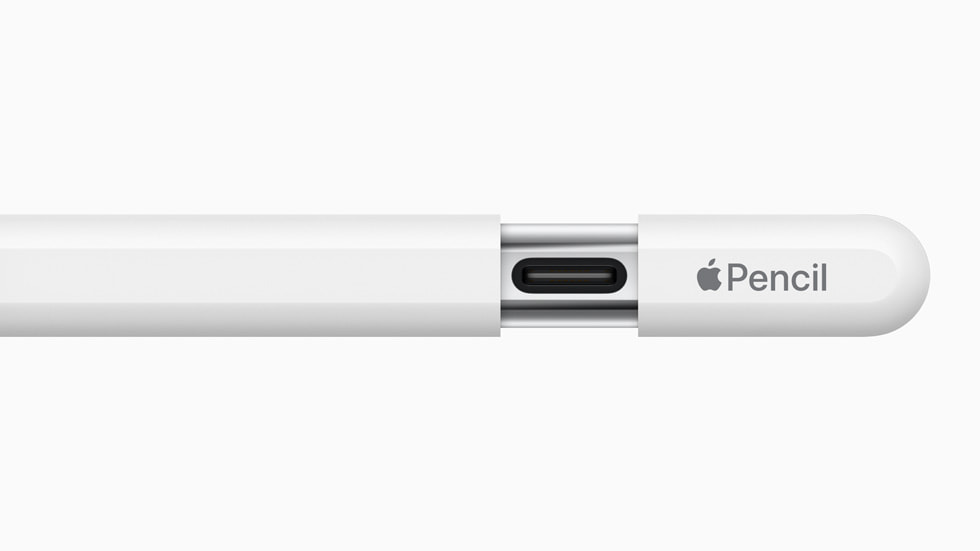
Yes, but only Apple Pencil with USB-C, and not on day one. Apple's product page says the phone will work with that model on both the inner and outer displays, and its specifications carry a footnote: coming later this year. Apple has not said which software update switches it on.
Apple Pencil Pro is not compatible, iClarified and MacTrast both report. MacTrast explains why: the Pro pairs and charges by clinging magnetically to the side of an iPad, and iPhone Duo has no such surface. The USB-C model charges through a port under a sliding cap instead. It is also the simpler Pencil, with no pressure sensitivity, squeeze, double-tap, barrel roll, haptics or Find My, MacTrast notes. Apple sells it for $79 in the US.
Does iPhone Duo have Face ID?
No. Apple's specifications list Touch ID, built into the side button, and no Face ID. The product page says the sensor works whether the phone is folded or open, which matters because the inner screen has its own under-display camera for FaceTime rather than a TrueDepth system.
iClarified adds that an Apple Watch can unlock the phone. Apple's own iPhone Duo pages do not mention that, so treat it as unconfirmed until the phone is in buyers' hands.
What apps run on iPhone Duo, and can it run iPad apps?
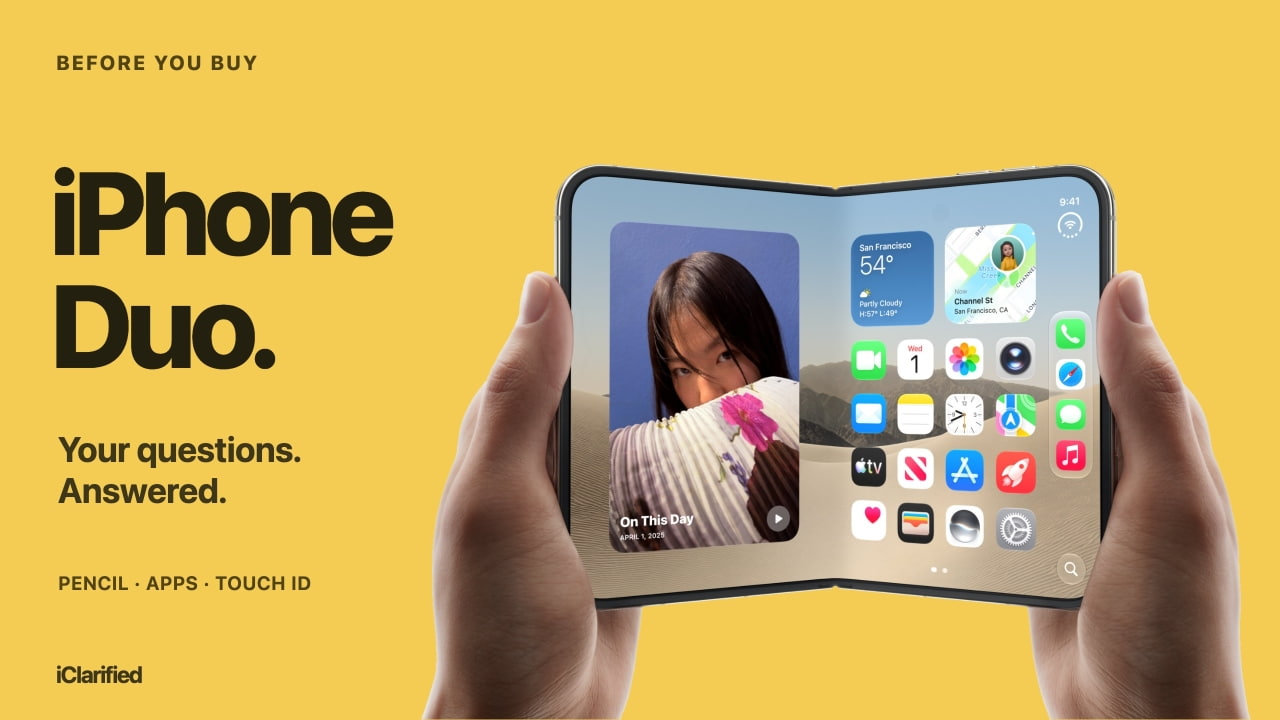
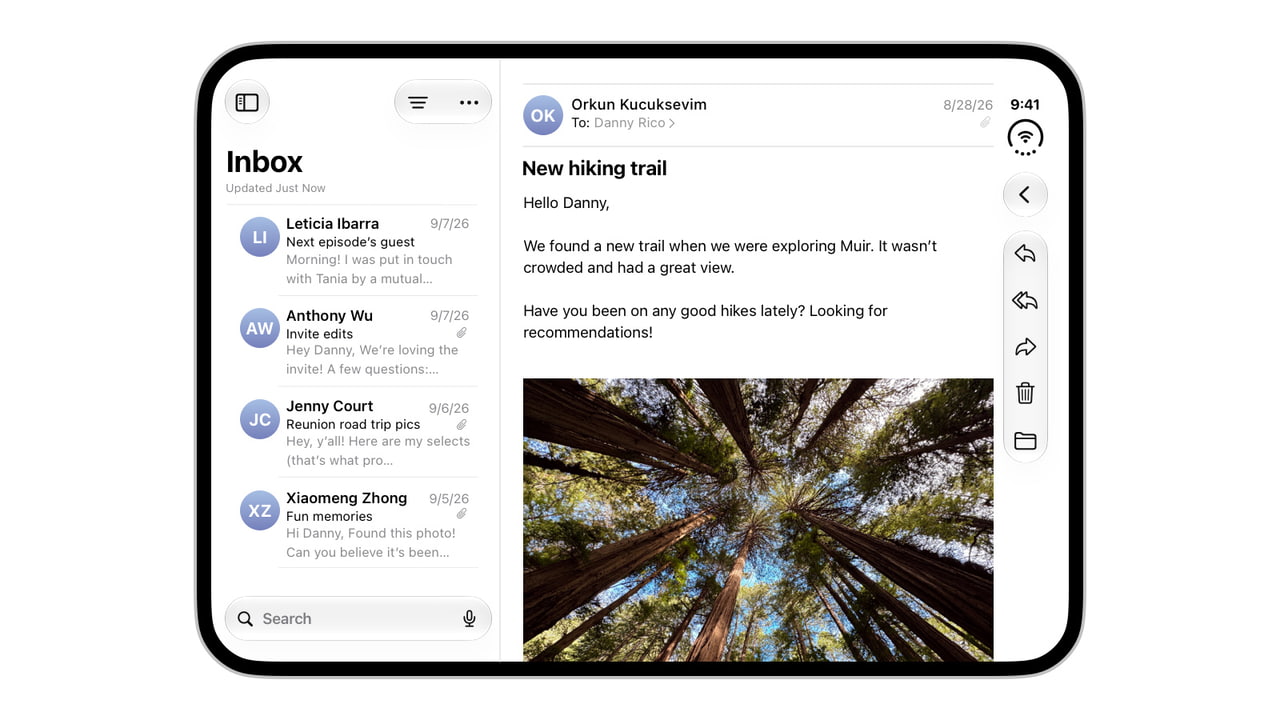
It runs iPhone apps. iClarified says it does not run iPad-only apps, and nothing on Apple's iPhone Duo pages says otherwise. Apps that have been updated resize to fill whichever screen is in use, and Apple's design guidance moves toolbars, tab bars and navigation controls to the side of the screen rather than the top and bottom, because the outer display is wider and shorter than other iPhones.
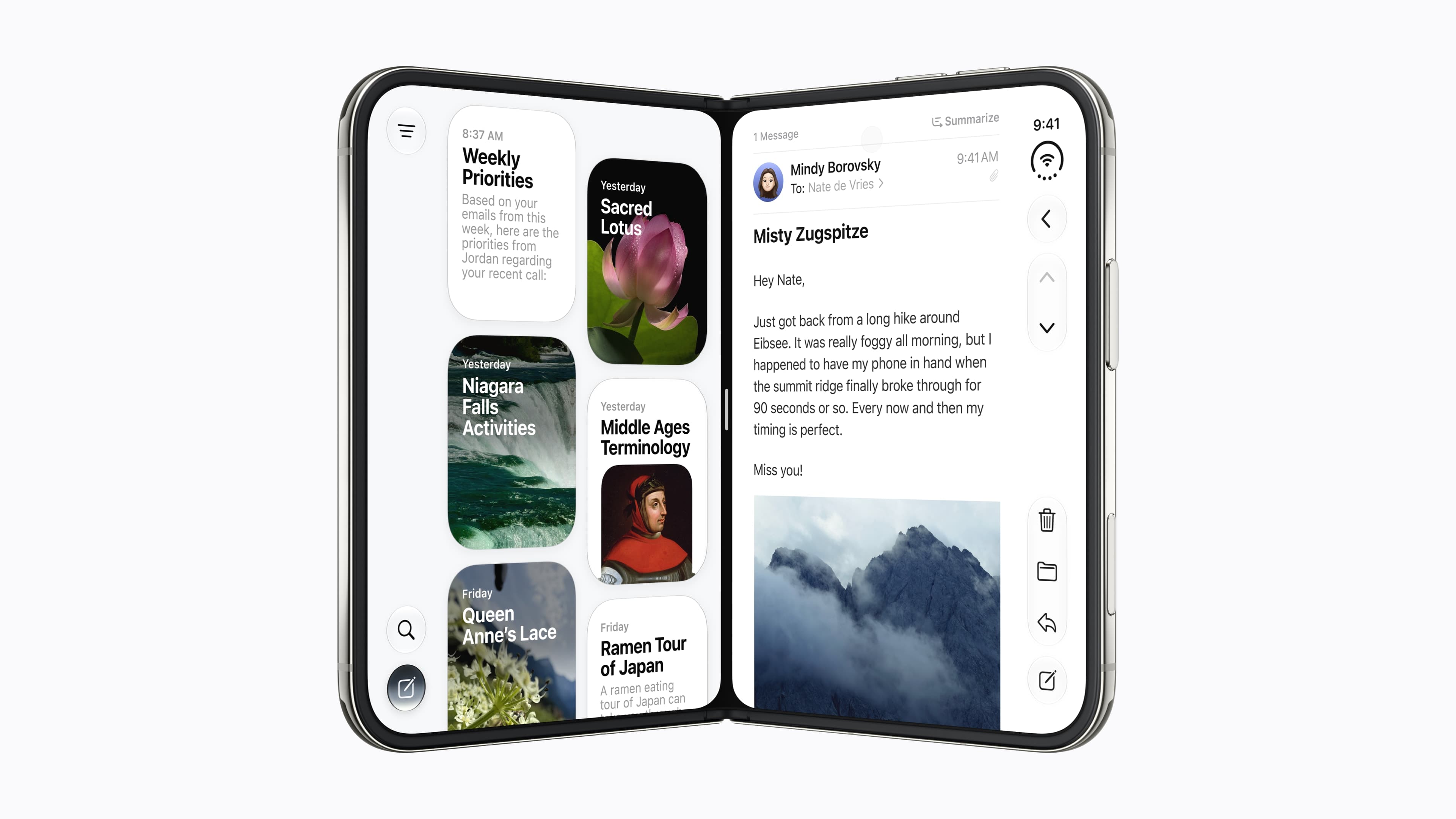
On the inner display, Split View puts two apps side by side, each with its controls along its outer edge, according to Apple's Human Interface Guidelines. iClarified's reading of the same guidance adds that a supported app can open two windows of itself, such as two Safari windows, and that pairs of apps can be saved and reopened. That only works unfolded: Apple's developer session, as we reported when we covered the hinge angle API and Apple's advice not to build layouts on it, says new windows cannot be created on the outer display. Apple's guidance uses Netflix, Zoom and Slack as examples of third-party apps adapted for the larger screen.
Does iPhone Duo have a SIM card slot?
No. Apple's product page says iPhone Duo is eSIM-only worldwide, and its specifications list two active eSIMs, with room to store eight or more. That needs a carrier that supports eSIM. The specifications list no regional exception, so anyone who still relies on a physical SIM, including travellers who buy local SIM cards, should check that their carriers offer eSIM before ordering.
Connectivity is otherwise current: 5G including mmWave through Apple's C2 modem, Wi-Fi 7 and Bluetooth 6 through its N1 chip, and USB-C at up to 10Gb/s with a USB 3 cable.
The other specifications buyers ask about
Question | Apple's answer |
|---|---|
Price in the US | $1,999 for 256GB, $2,199 for 512GB, $2,599 for 1TB, $3,199 for 2TB |
Colours | Star White and Night Sky |
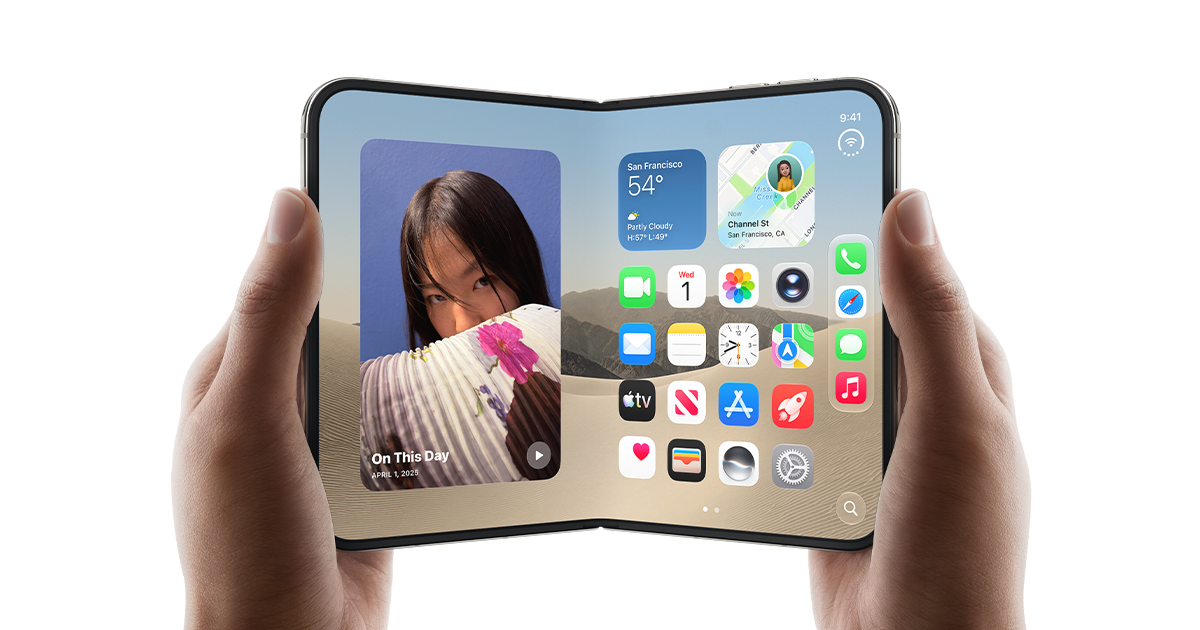
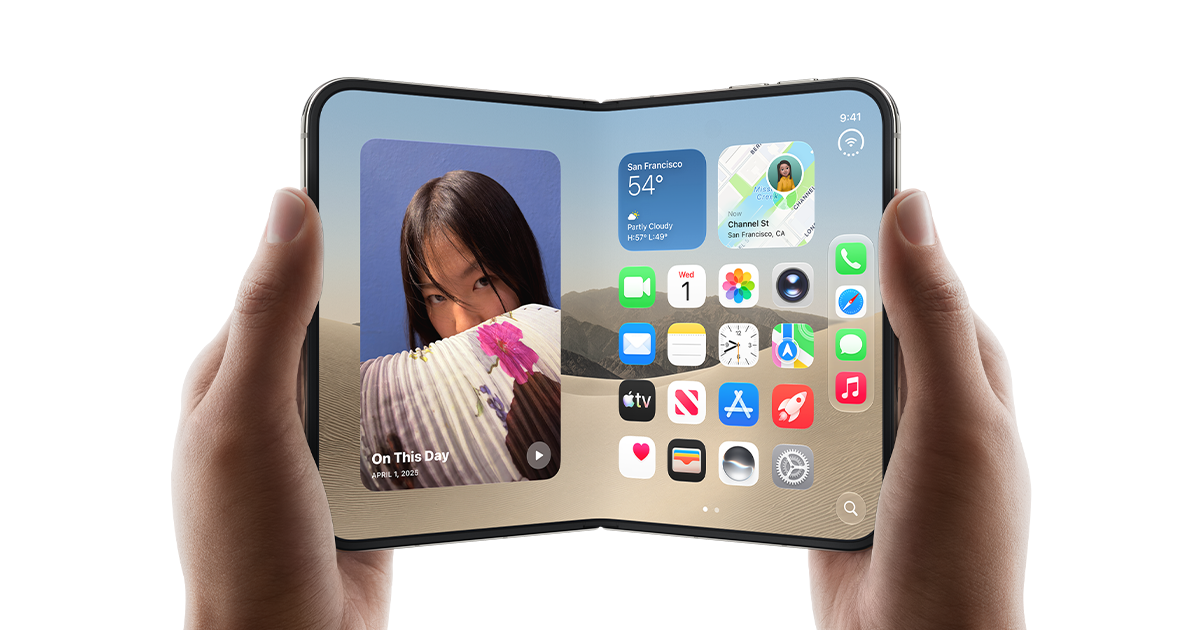
Screens | 7.6-inch inner and 5.4-inch outer, both OLED with ProMotion up to 120Hz |
Charger in the box | No. A USB-C cable only |
Charging | About 50 per cent in 20 minutes with a 60W adapter; MagSafe and Qi2 up to 25W |
Battery | Up to 24 hours of typical use, from two batteries |
Water resistance | IP68, to 6 metres for up to 30 minutes |
StandBy | On either display, even when not charging |
Apple cases | Folio with kickstand in navy blue or taupe; Case in sand or navy blue |
Siri AI, the new Siri that can see what is on screen beside another app, is a beta in English only. Apple's newsroom post says it is not initially available in the EU, not available in China and not available to users under 13, and its specifications add daily usage limits on some server-side features.
Our take
Most of these answers are reassuring, and the two that are not are the ones that should decide an order. The first is the Pencil. Anyone buying iPhone Duo as a small notebook is buying a promise with a date no firmer than the end of the year, and for the cheaper Pencil rather than the one many iPad owners already have. If drawing is the reason, APPDOOK thinks the wait for Apple to ship the update is the honest advice, not the pre-order.
The second is the app question, and here a designer's eye matters more than a spec sheet. Running iPhone apps rather than iPad apps is the right call for a phone, because an iPad layout squeezed onto a 7.6-inch fold would bring iPad-sized touch targets and iPad assumptions about the keyboard. But it means the inner screen is only as good as each developer's update. Apple's guidance asks for something genuinely new, controls on the side instead of the top and bottom, and an app that has not adopted it will look like a stretched phone app. We expect the first weeks to be uneven: Apple's own apps and a handful of big names ready, a long tail that is not.
Touch ID is the quiet win. A sensor in the side button works the same folded or open, in the dark, and with a face half buried in a scarf, and it avoids two Face ID systems on one phone. The thing to check is whether a case's button cover gets in its way, which no review has tested yet.
The eSIM answer is the one most likely to catch someone out abroad rather than at home. Two active lines and eight stored is generous, but a traveller used to buying a SIM at the airport should look up their destination's eSIM options first. On screen care, the nano-texture cover layer we reported on, and Apple's $19 cover layer replacement under AppleCare+, are the better answer to crease worries than any accessory.
Finally, timing. Apple's store showed the first wave of orders selling through quickly, and US delivery estimates had slipped to late January. For many buyers, Pencil support may well arrive before the phone does, which makes the first question less pressing than it sounds.
Sources
 iPhone Duo - Technical SpecificationsApple, 2026-09-09
 iPhone DuoApple, 2026-09-09
 Open up to new possibilities with iPhone DuoApple Newsroom, 2026-10-15
 Designing for iPhone DuoApple Developer, 2026-09-09
 iPhone Duo FAQ: Apple Pencil, Touch ID, Apps, SIM Support, and MoreiClarified, Shalom Levytam, 2026-10-14
 Apple Details How Apps Should Work on iPhone DuoiClarified, Shalom Levytam, 2026-09-10
 Yes, the iPhone Duo Is Compatible With the Apple Pencil, But There's a CatchMacTrast, Chris Hauk, 2026-09-11
Reporting and images linked above belong to their respective publishers and are shown from their own servers. The analysis here is our own.
How we report: editorial policy. Spotted an error? Report a correction.
Newsletter
Apple news, in your inbox
Get APPDOOK's Apple news by email, checked against the source like everything here.
Follow APPDOOK
New Apple stories every day, checked against Apple’s own sources.