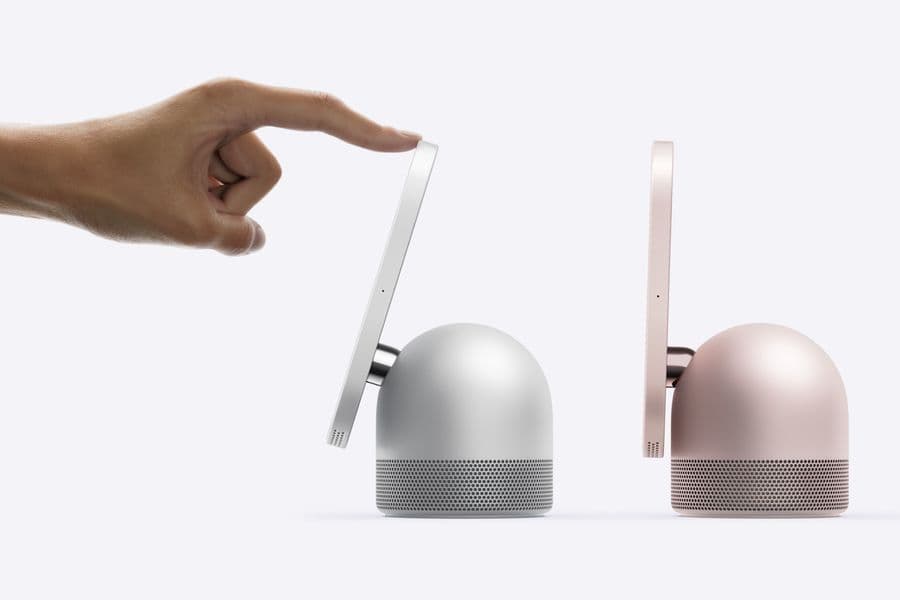
How to use HomeView in the kitchen and with guests: Start Cooking, timers, Handoff and its humidity sensor
Start Cooking turns a Safari recipe into steps with hands-free timers, guests get a limited mode, and a built-in sensor reads the room's temperature and humidity.
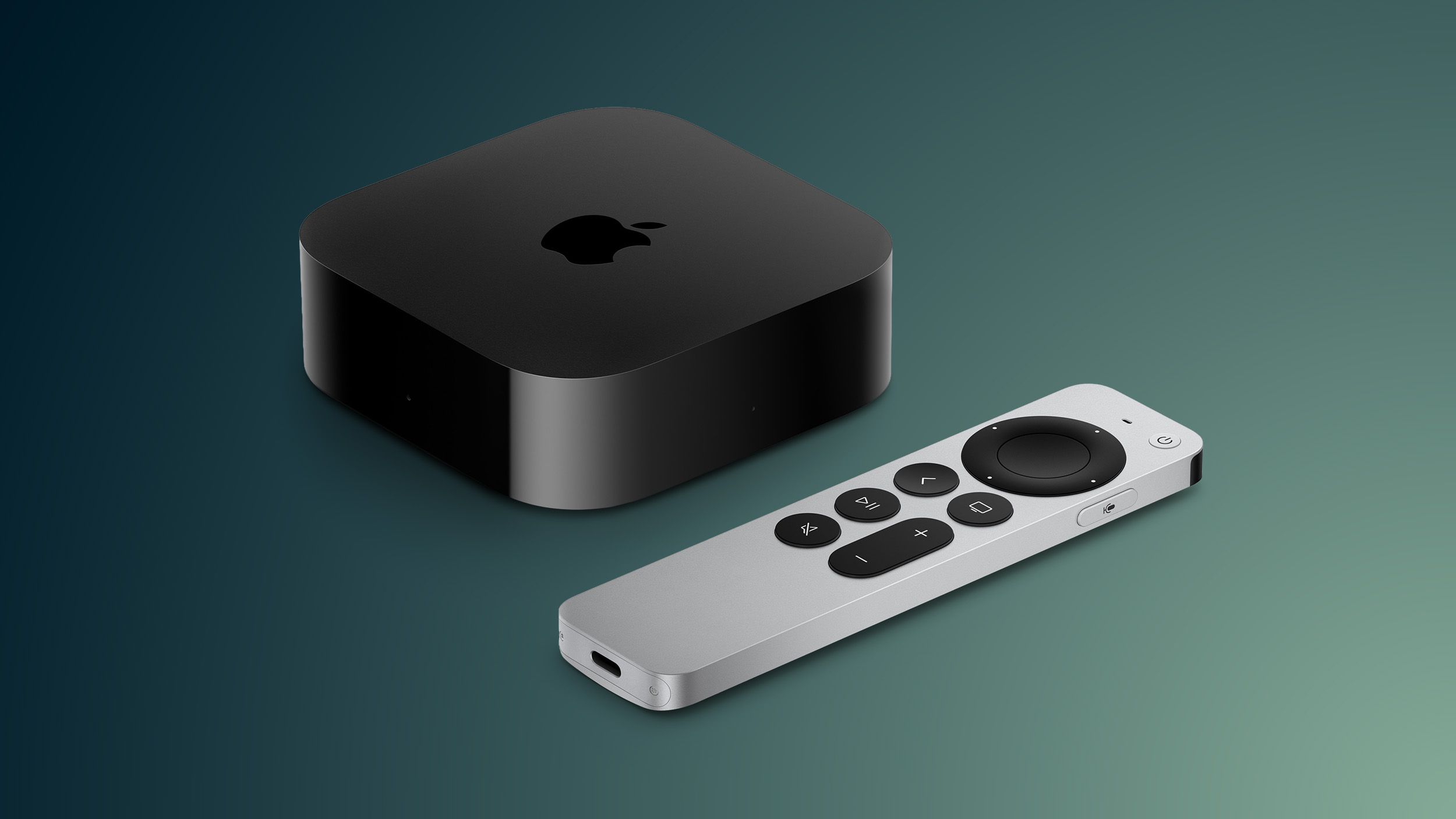
Apple's HomeView smart display, which ships on 13 November for $299 in the US, has a recipe mode called Start Cooking, multiple hands-free timers and a guest mode, according to Apple's product pages.
Beyond the faces and Siri AI that led Apple's announcement on 13 October, its technical specifications also list a temperature and humidity sensor. The display can send audio from a visitor's phone without joining the home Wi-Fi, and it listens for smoke and carbon monoxide alarms. Here is how each works, and what Apple has not said about them.
How do you cook a recipe with Start Cooking?
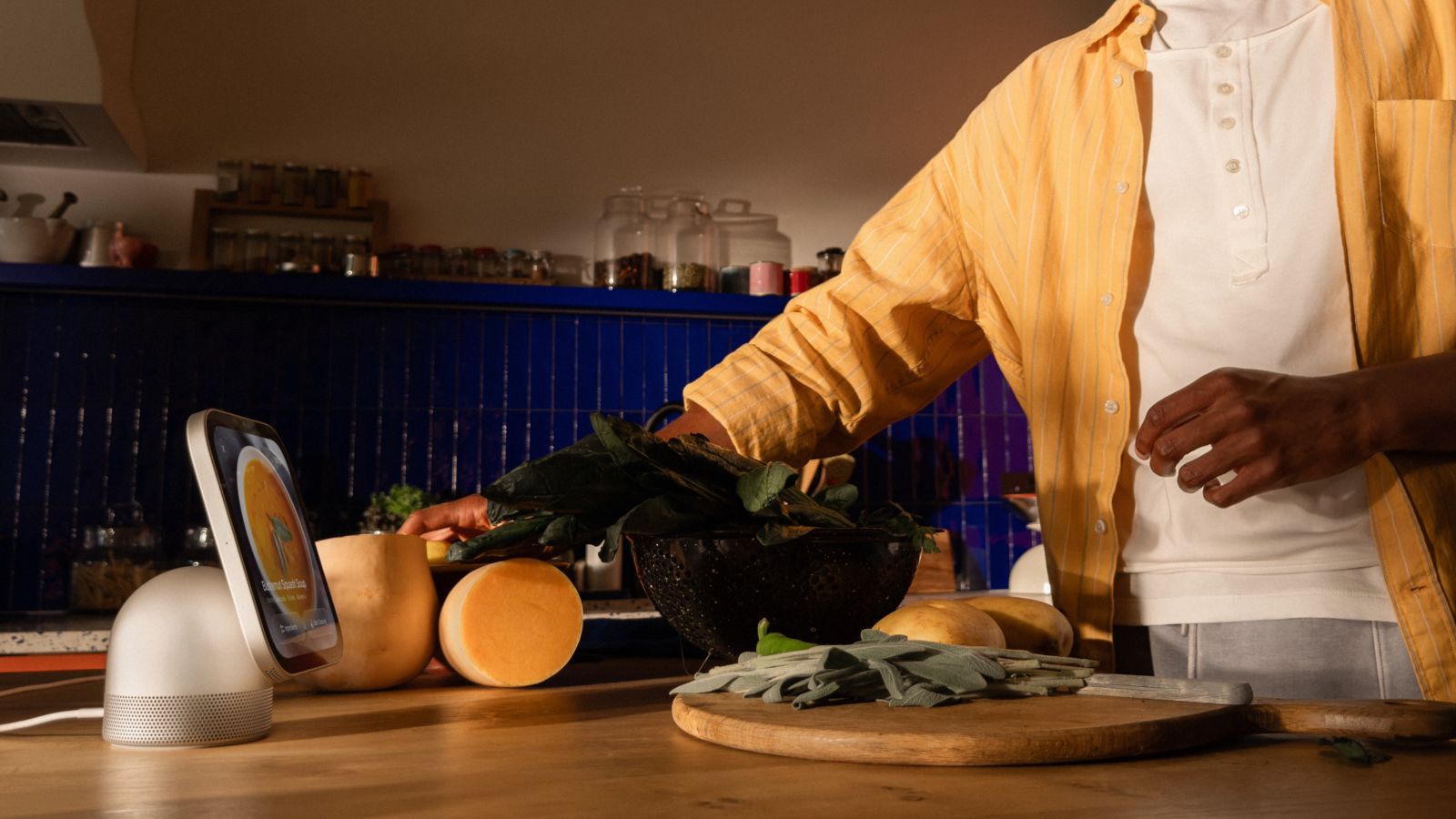
Find a recipe in Safari and tap Start Cooking, Apple's product page says, and the page switches to a streamlined layout of ingredients and numbered steps. Apple's Newsroom post adds hands-free timer control and help keeping track of ingredients. A recipe found on iPhone can be moved across with Handoff, which Apple says also carries songs, podcasts, calls and videos. Its post describes holding the iPhone in front of the display to continue what is playing.
Apple has not said which recipe sites Start Cooking recognises, whether it works in browsers other than Safari, or how ingredient tracking works. MacRumors, which covered the kitchen features on 13 October, notes the same gaps.
Timers and Live Activities
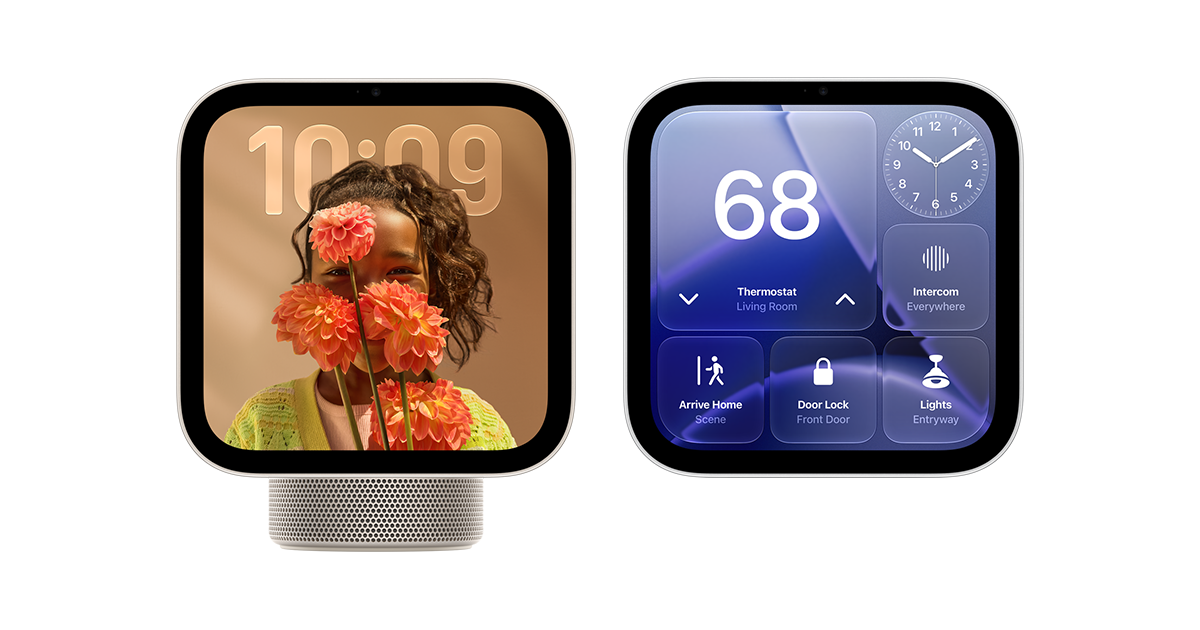
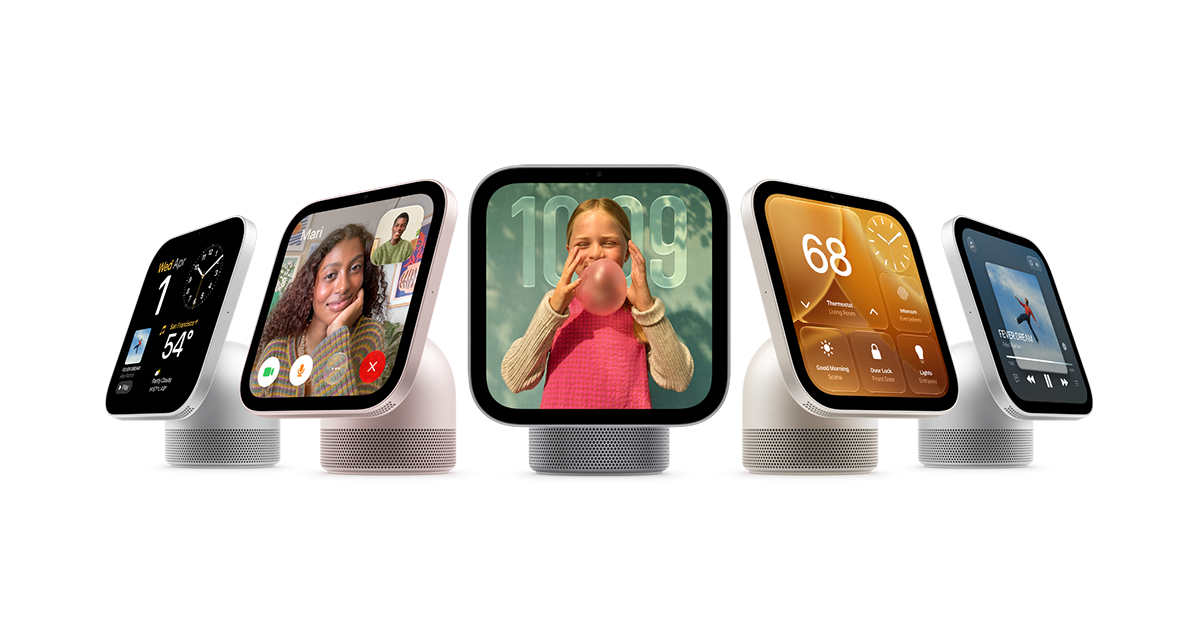
HomeView runs several timers at once, started and stopped by voice. A running timer stays on screen as a Live Activity while another app is open, Apple says, as do the song playing and an incoming Intercom message from another room. Intercom sends a short spoken message to one room or the whole house. It reaches HomeView and HomePod speakers, plus iPhone, iPad and Apple Watch.
What can guests do on HomeView?
Anyone HomeView does not recognise can control the home's accessories, check the weather, set timers and play music, Apple's product page says, without seeing anyone's personal information. A visitor can also AirPlay audio to it directly. The specifications list peer-to-peer discovery for guest access, which needs a Mac, iPhone or iPad on the latest software. The full personal experience needs an Apple Account, a compatible iPhone or iPad and membership of the shared home in the Home app.
Sensors, alarms and the wake word
Feature | What Apple says | The limit |
|---|---|---|
Temperature and humidity sensor | Reads the room HomeView is in | Tuned for about 15 to 30°C and 30 to 70% humidity; less accurate during long, loud playback; calibrates after start-up |
Sound Recognition | Hears smoke and carbon monoxide alarms and alerts iPhone, iPad or Apple Watch | Apple says not to rely on it in emergencies |
"Siri" or "Hey Siri" | Hands-free Siri, or swipe down from the top of the screen | English in Australia, Canada, the UK and the US only |
Home hub | Runs HomeKit and Matter accessories, including Thread ones | Thread support covers HomeKit and Matter accessories only |
MacRumors says the sensor readings can trigger Home app scenes and automations. Apple's specifications list the sensor but do not mention automations, so that detail rests on MacRumors for now. HomeView needs an iPhone on iOS 27.2 or an iPad on iPadOS 27.2 or later.
Our take
Start Cooking is the feature most likely to decide whether HomeView earns its place on a worktop. A recipe page on a phone fights you: pop-ups, life stories, a screen that locks when your hands are covered in flour. Apple has turned that into steps, timers and voice. It is a small idea that makes HomeView more than a speaker with a screen. What we cannot yet judge is its reach. If it relies on the structured recipe data most large food sites publish, it will work widely. If it needs anything more, smaller blogs will drop back to the plain page.
For anyone who builds websites or apps, that is the part to watch. Apple has documented no API for Start Cooking, so we would not plan around one. Clean, standard recipe markup is the sensible bet, and recipe apps will want to know whether Handoff from their own app works or only from Safari.
The guest rules are sensible, and they depend on the recognition system we covered in how HomeView tells household members from visitors. Peer-to-peer AirPlay fixes a common annoyance: a friend no longer needs the Wi-Fi password to play a song.
The sensor is the quiet addition. It gives Apple Home another room reading of the kind Aqara's W200 hub uses for Adaptive Temperature. Apple's own caveat matters, though: a speaker warms up, and the readings drift when music plays loud for a long time. In the kitchen, with an oven on, we would treat it as a guide, not a thermostat. Alarm alerts arrive in a Home app that iOS 27 already reworked to group related alerts, and Apple is right to warn it is no substitute for a monitored alarm.
One detail worth flagging for buyers outside four countries: the plain "Siri" wake word is English only in Australia, Canada, the UK and the US. Buyers in India, New Zealand, Singapore and South Africa get Siri AI, but the specifications do not list the shorter wake word for them. At APPDOOK we expect that list to grow, but Apple has not said when.
Sources
 Meet Apple HomeView, a new way to enjoy entertainment, stay connected, and manage the homeApple Newsroom, 2026-10-13
 Apple HomeView and Apple HomeView (Wall Mounted) Technical SpecificationsApple, 2026-10-13
 Apple HomeViewApple, 2026-10-13
 HomeView Brings Guided Recipes and Hands-Free Timers to the KitchenMacRumors, 2026-10-13
 10 HomeView Features You Might Have MissedMacRumors, Juli Clover, 2026-10-14
 All about the new Apple HomeView smart home deviceiDownloadBlog, Ankur Thakur, 2026-10-13
Reporting and images linked above belong to their respective publishers and are shown from their own servers. The analysis here is our own.
How we report: editorial policy. Spotted an error? Report a correction.
Newsletter
Apple news, in your inbox
Get APPDOOK's Apple news by email, checked against the source like everything here.
Follow APPDOOK
New Apple stories every day, checked against Apple’s own sources.